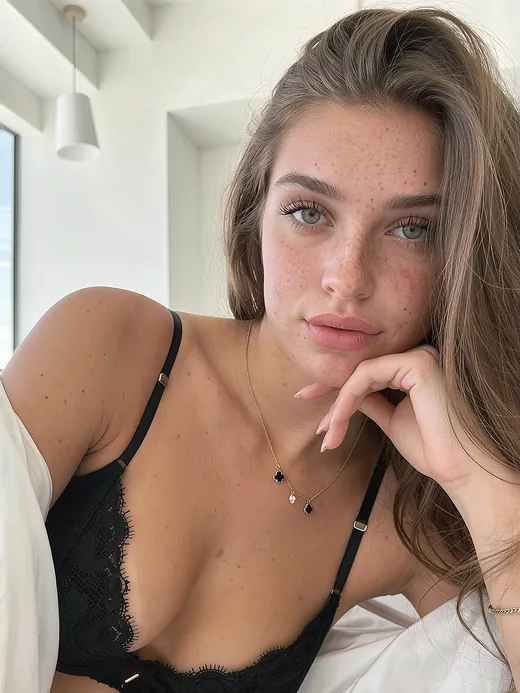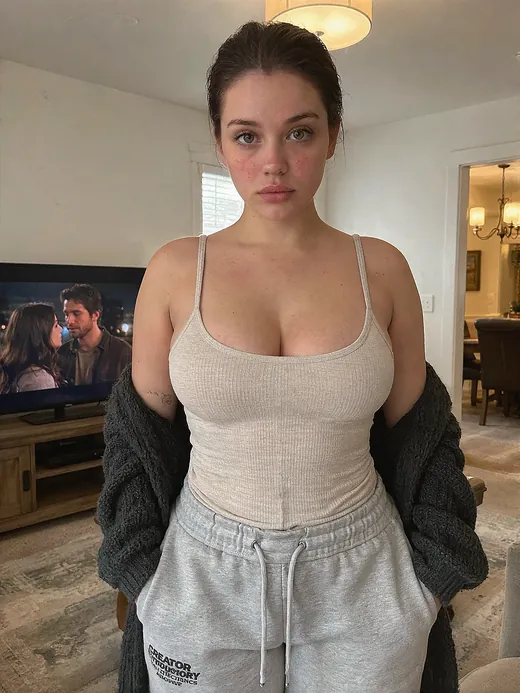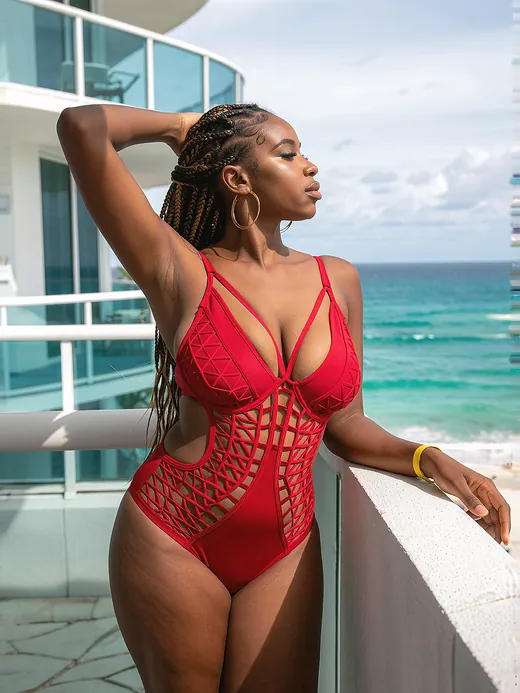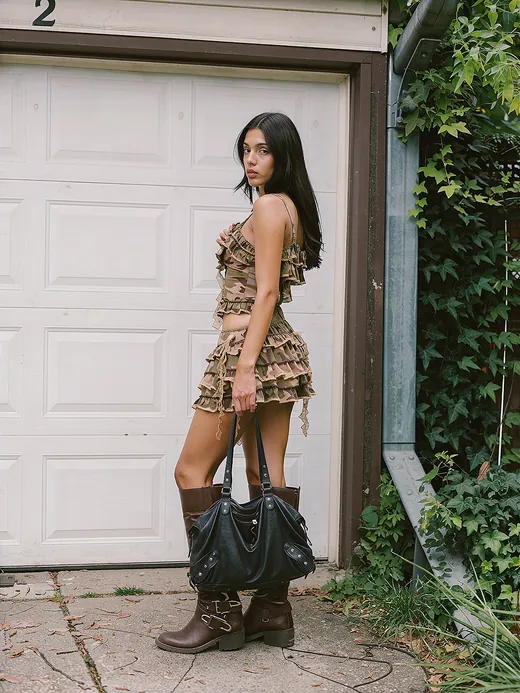
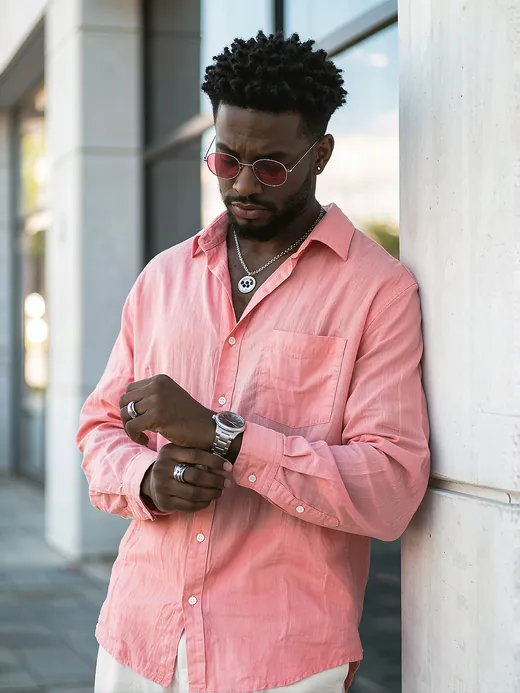
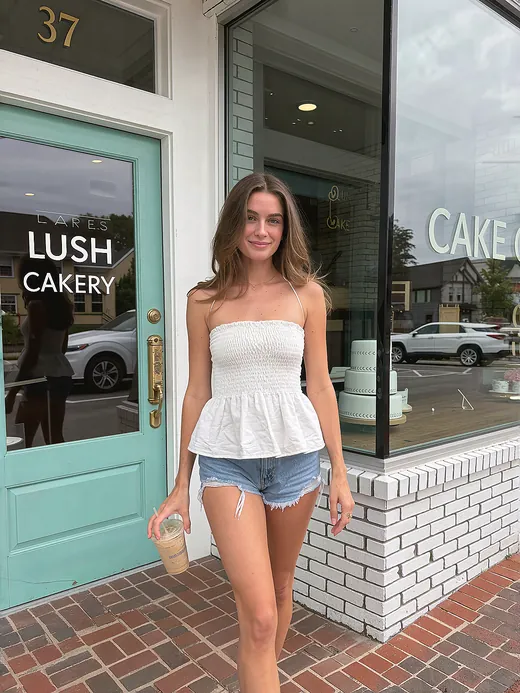
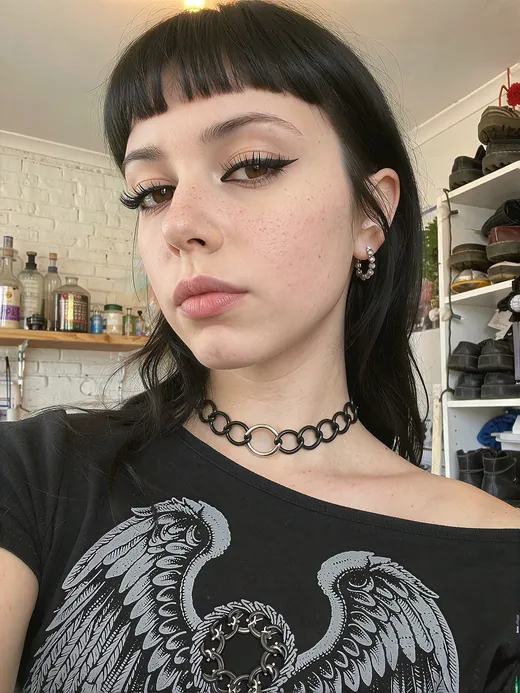
Character set
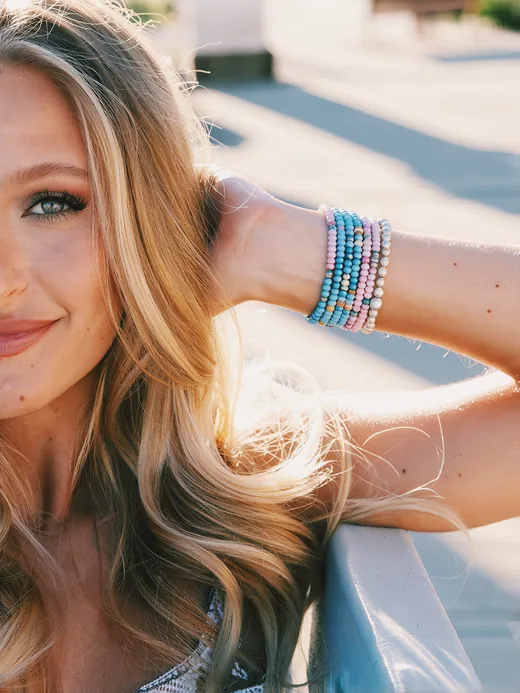
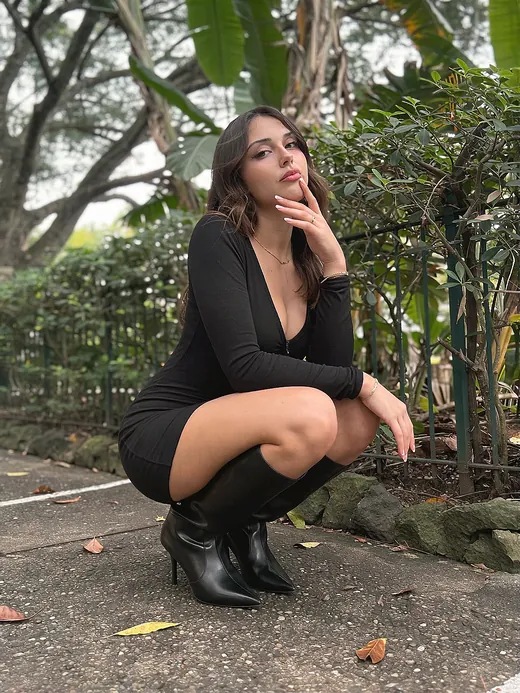
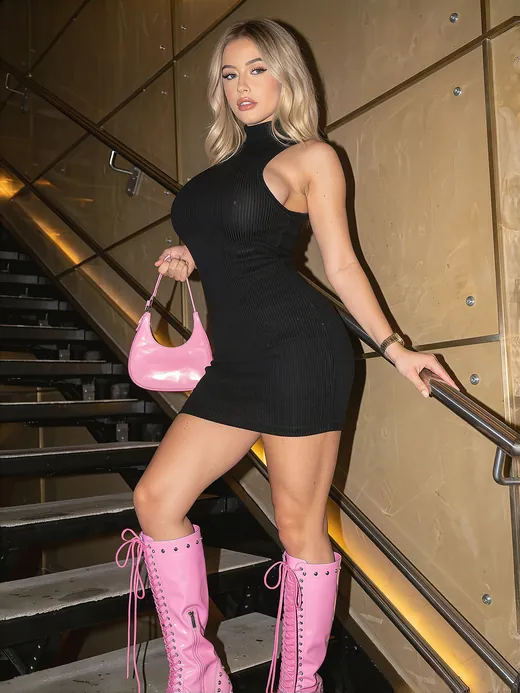
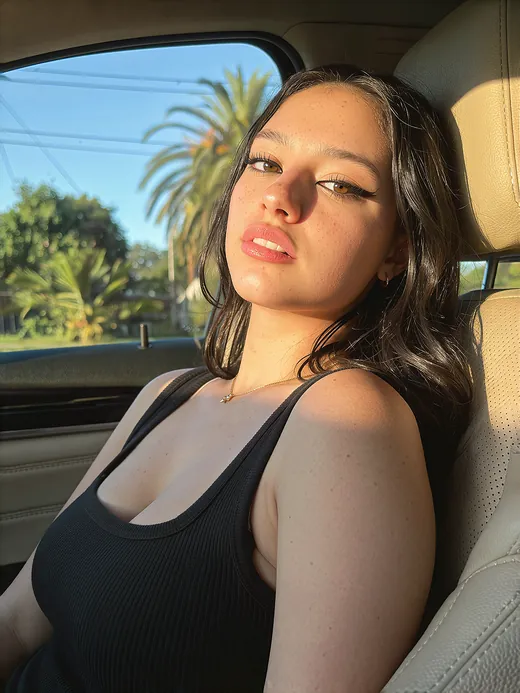
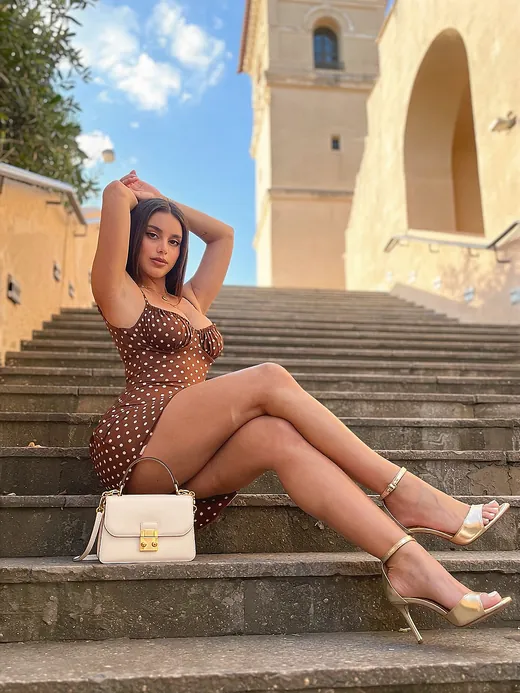
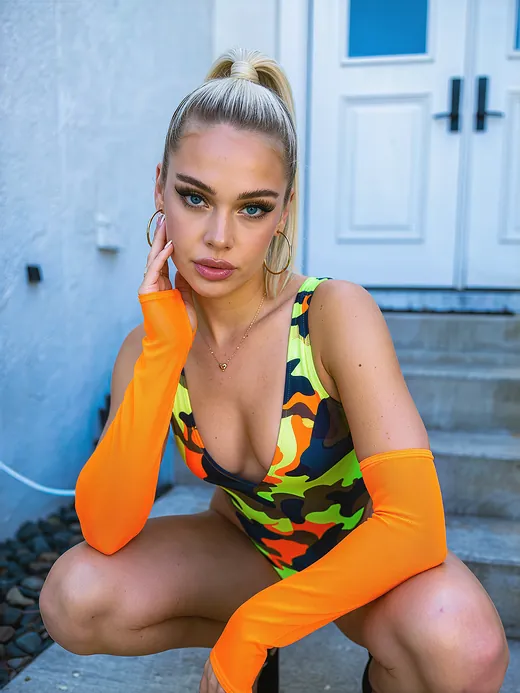
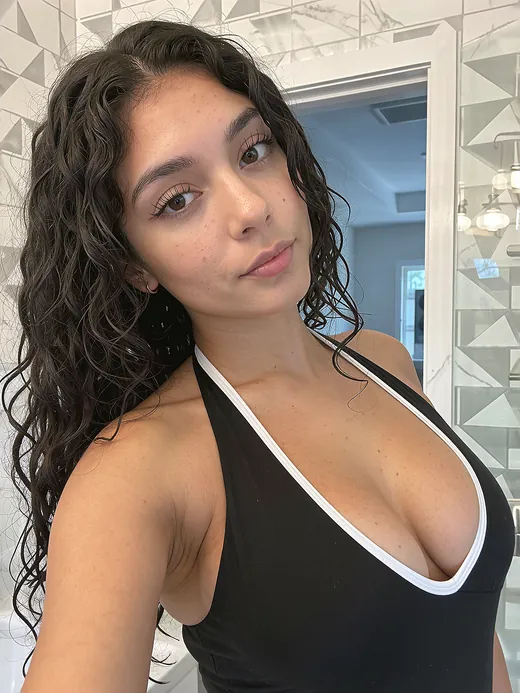
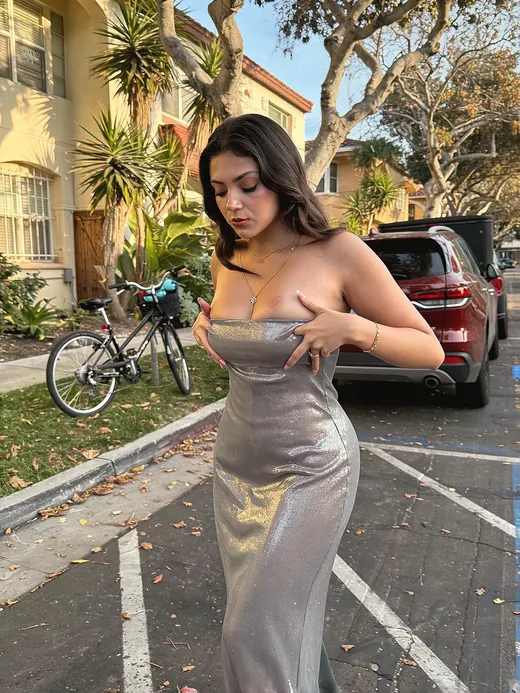
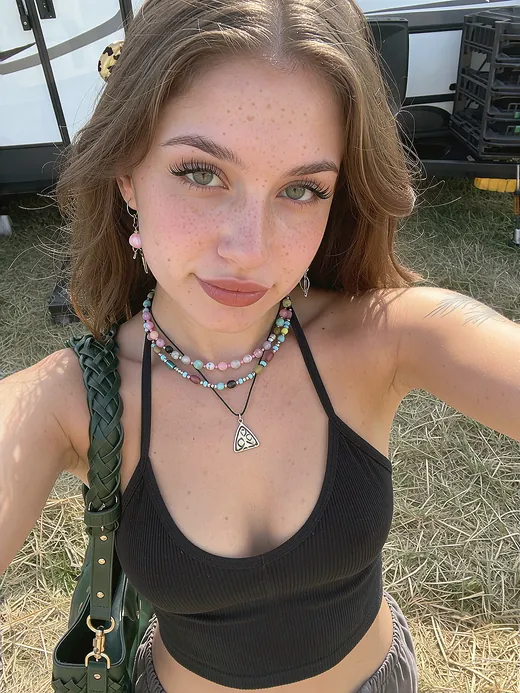
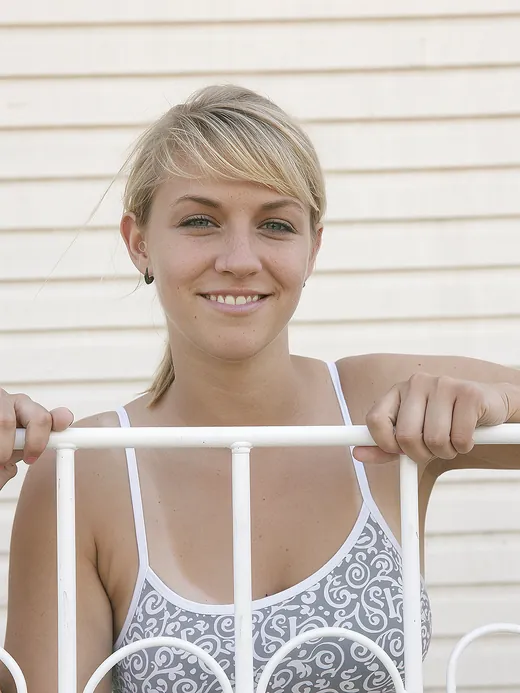
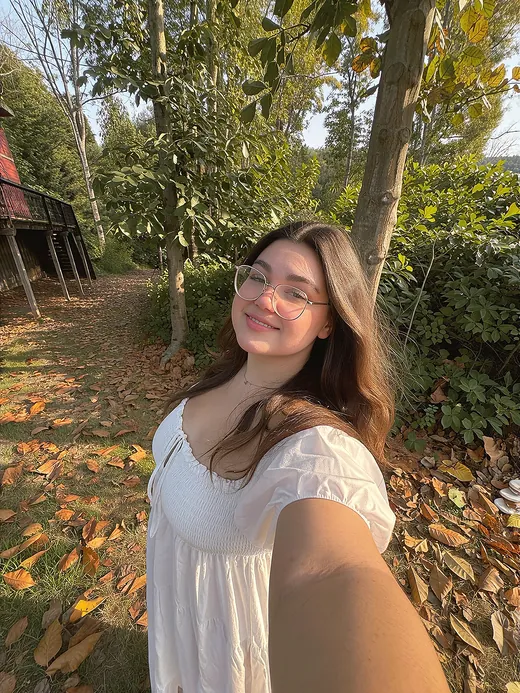
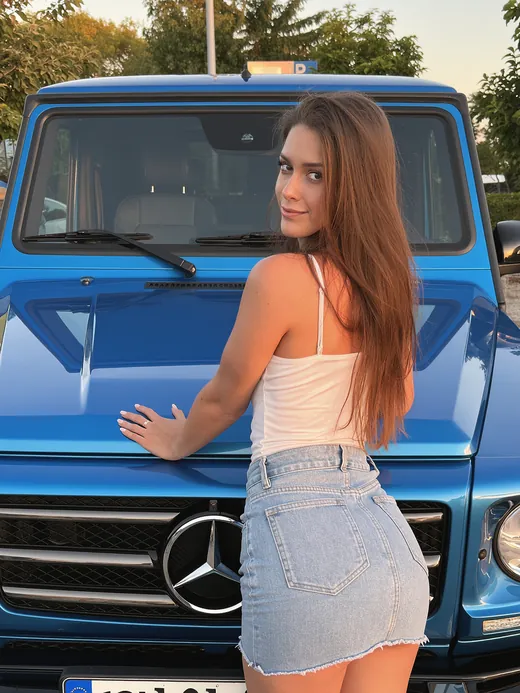
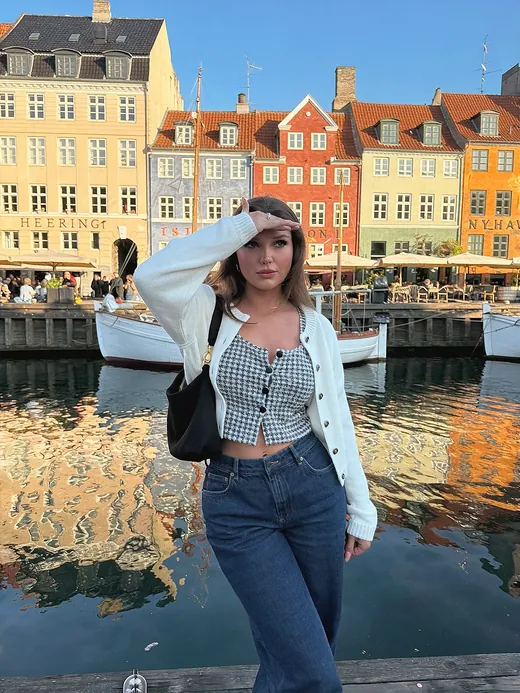
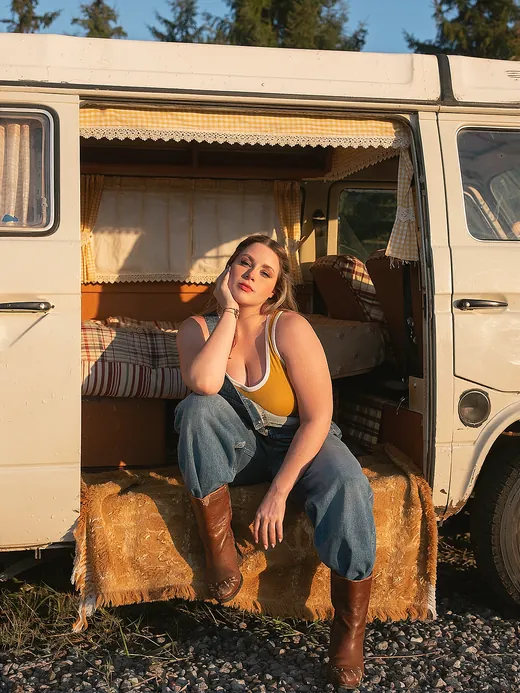
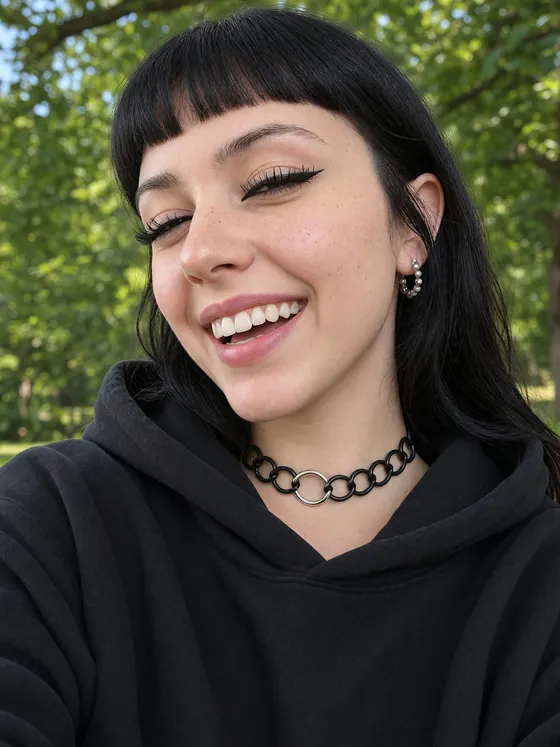
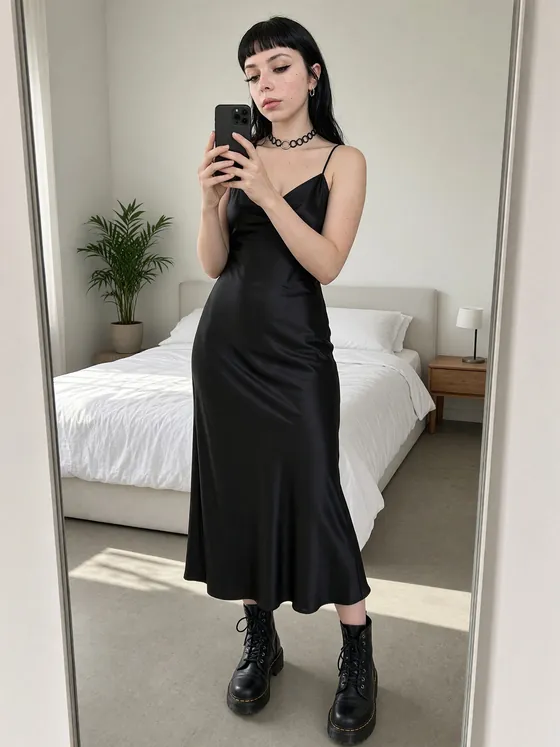
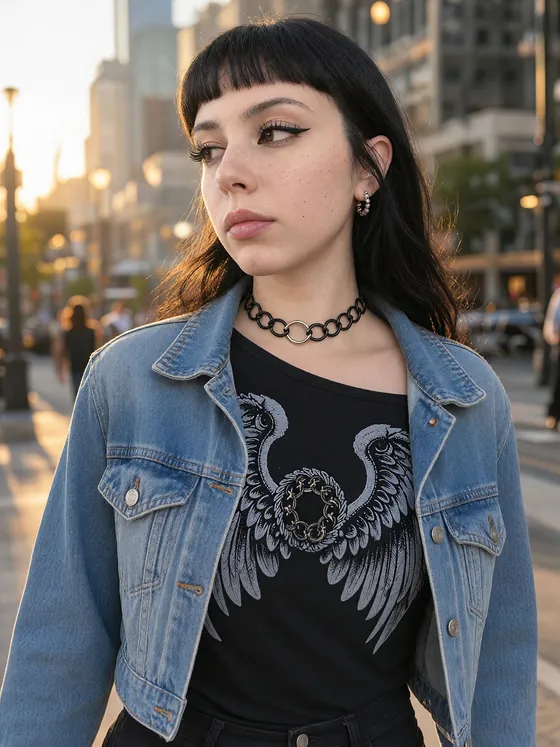
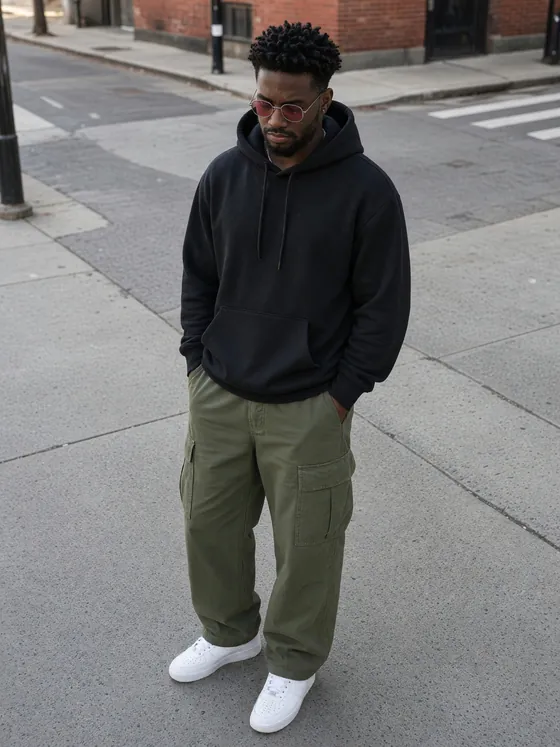
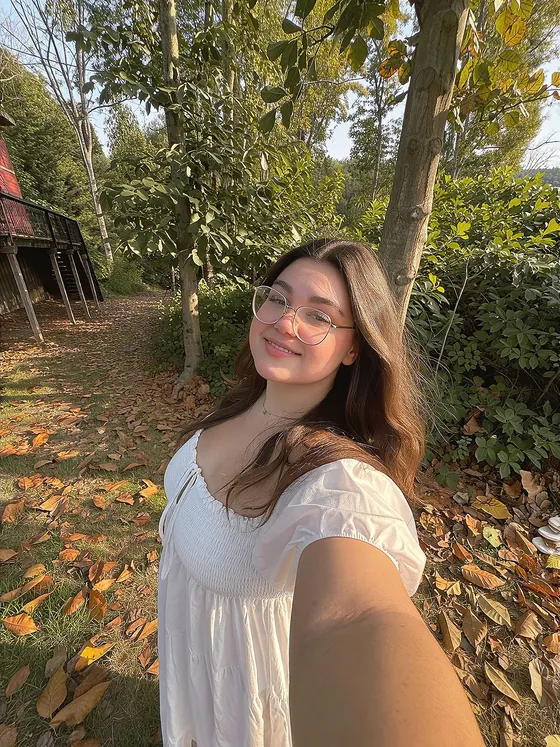
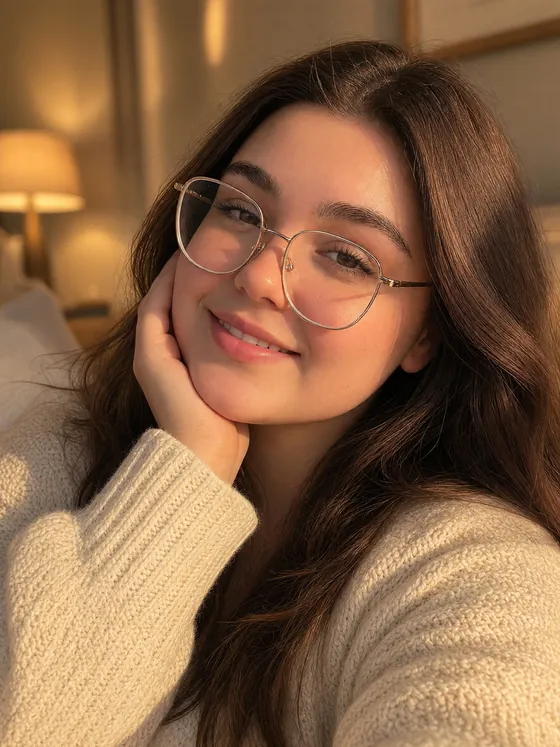
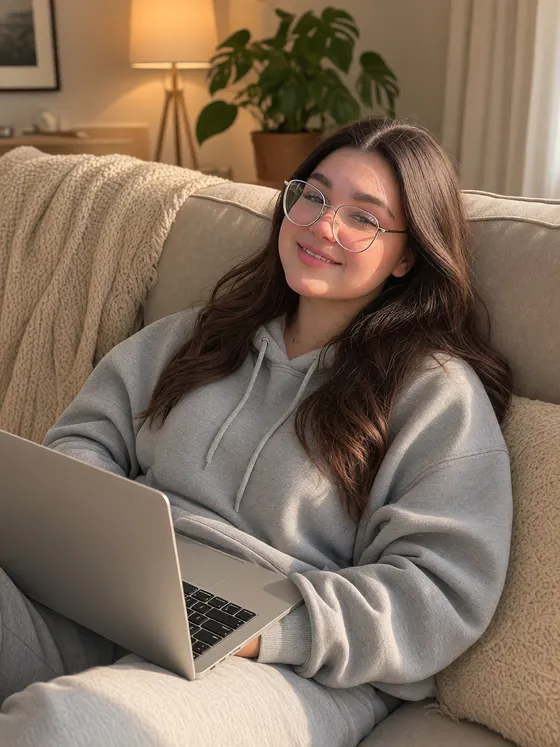
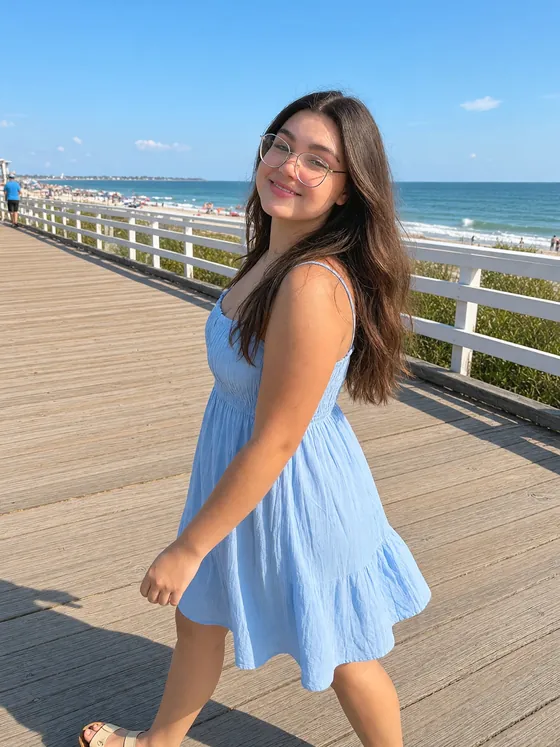
Close-ups, full-body shots, new outfits, and new places. One face throughout.
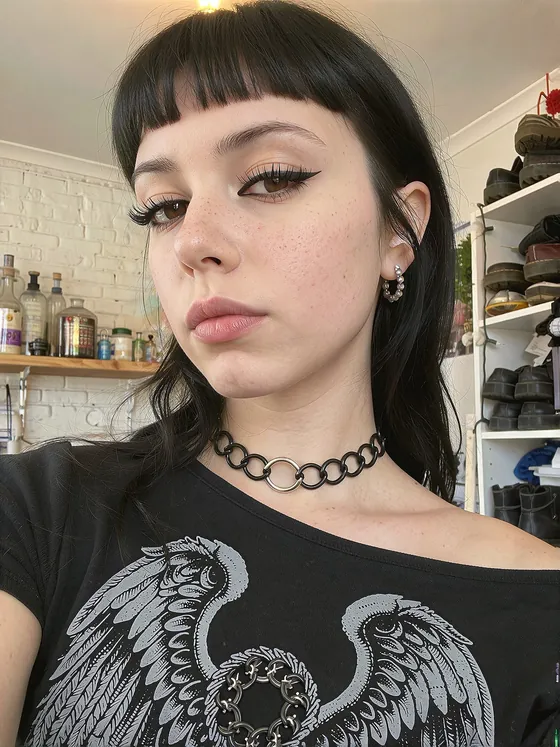


Upload your photos, we train the LoRA, you download it. Characters or styles.
Pay only when training starts · Private 7-day workspace
Create a workspace and add up to 100 character photos or 500 style images to your private link.
Pay when you’re ready, then follow live status, checkpoints, and sample images as it trains.
Grab your LoRA and use it in compatible Z-Image, Krea 2, Qwen-Image 2.1, or MOSS-Image workflows.
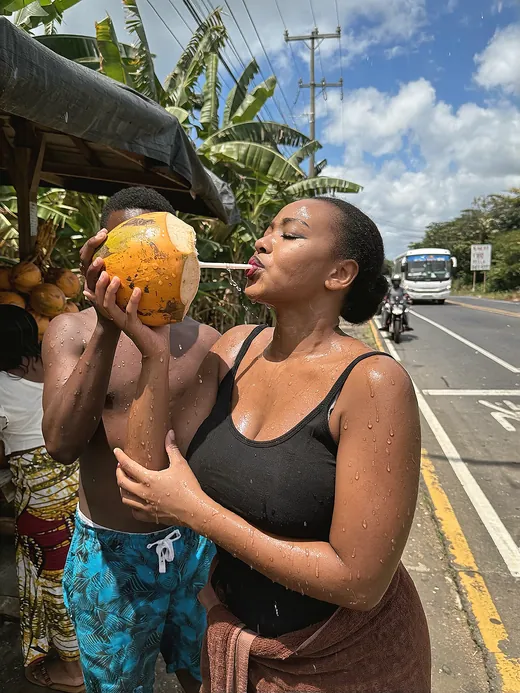
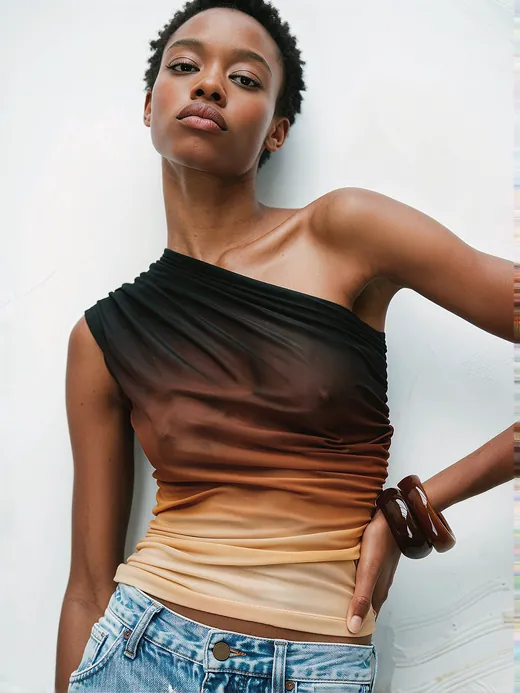
Variety teaches the model what stays the same. This is what a strong set looks like.
Close-ups, full-body shots, new outfits, and new places. One face throughout.
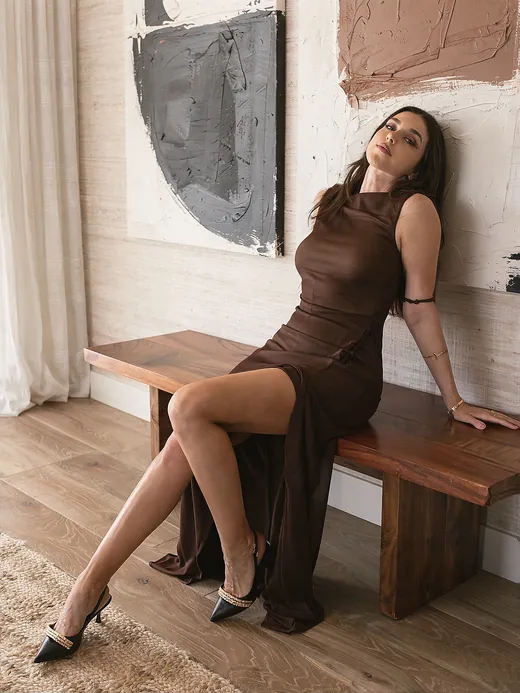
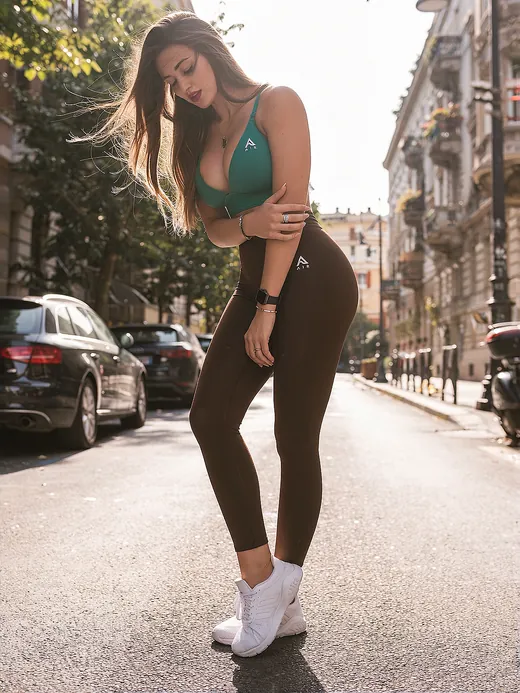
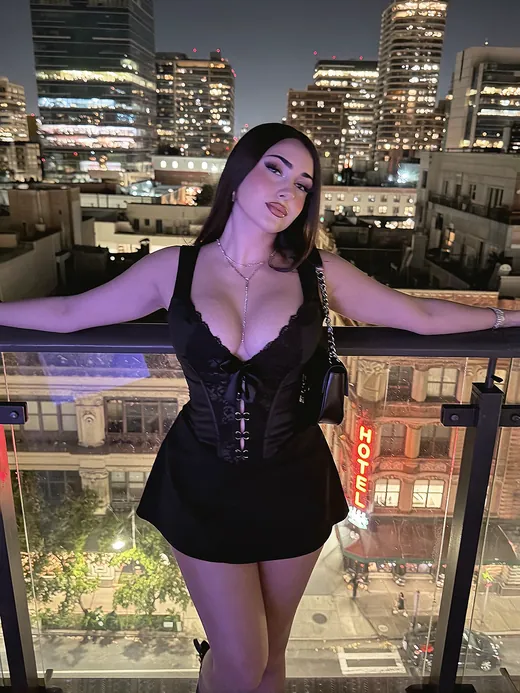
Up to 500 varied images that share one look. Style-focused captions are written for you.
Price follows your photo count. You see the exact total after upload, before you pay.
With the recommended training steps. For character LoRAs the quality difference is usually small.
Train with these settingsA small add-on model that teaches an image model one specific character or visual style. Load it in a compatible workflow, use your trigger word, and generate new images of that character or style.
By the number of photos you upload and the training steps. You upload first and see your exact total before paying. Removing duplicate or near-duplicate photos lowers the price, usually without reducing quality.
Character training accepts up to 100 images. Mix close-ups, waist-up, full-body, and farther-away photos with different poses, lighting, clothing, expressions, angles, and backgrounds. Choose clear photos where the subject is easy to identify.
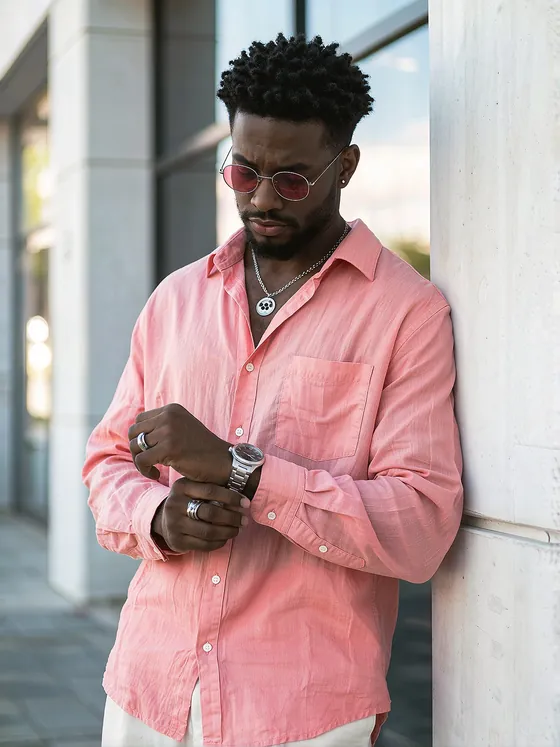
Avoid duplicates, blurry images, heavy filters, face-obscuring sunglasses, and unclear group shots. Style training accepts up to 500 varied images that share the look you want.
Standard trains a very high quality LoRA (rank 64, or rank 128 on Krea 2) and costs 20% less. Max trains at the highest settings with full-rank LoKr. For character LoRAs, the quality difference is usually small.
Z-Image, Krea 2, Qwen-Image 2.1, and MOSS-Image (SFT or Base).
No. AI captions are written for you, starting with your trigger word and class. Choose manual captions if you'd rather supply your own.
Seven days. Training uploads, checkpoints, samples, and download files are deleted automatically after that, so download anything you want to keep.
Yes. Start from the /train-lora command in Discord to pay with points or by card. The exact point cost appears after upload.
Something else?
We'll reply to the email address you provide.