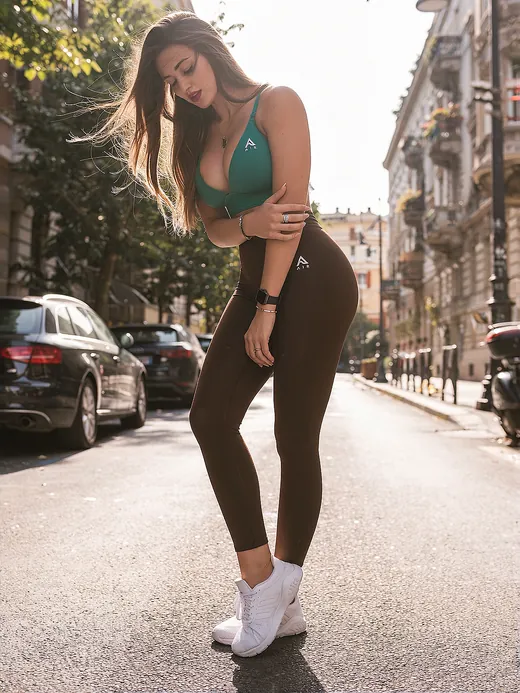
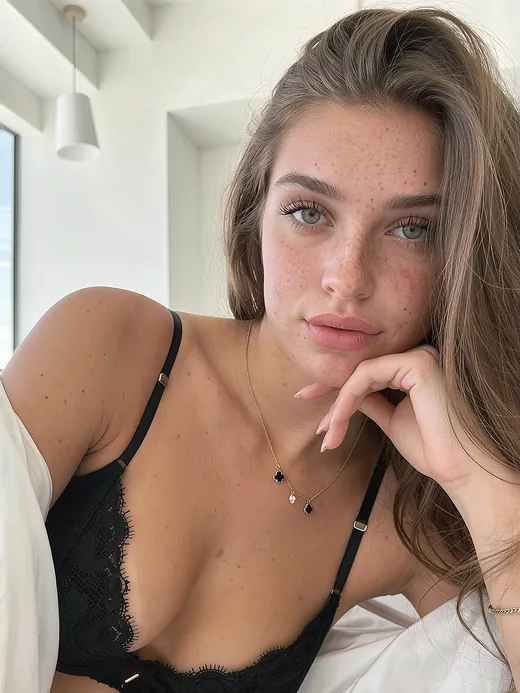
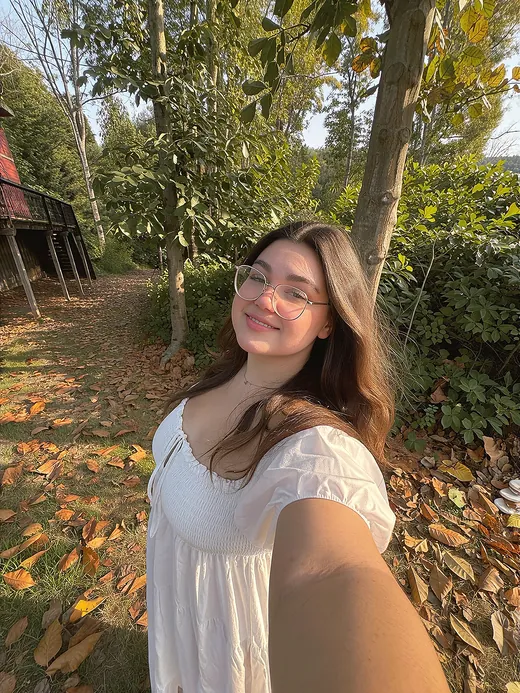
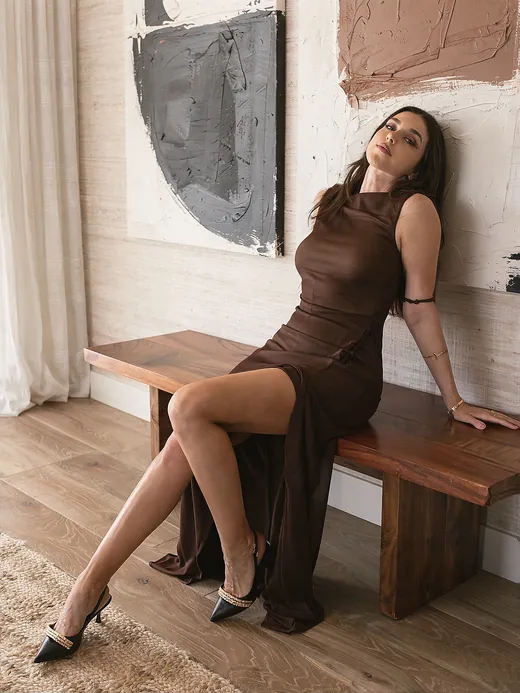
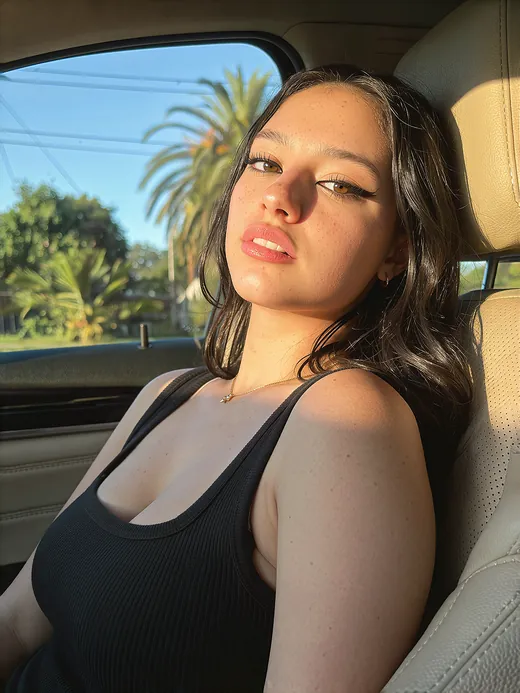
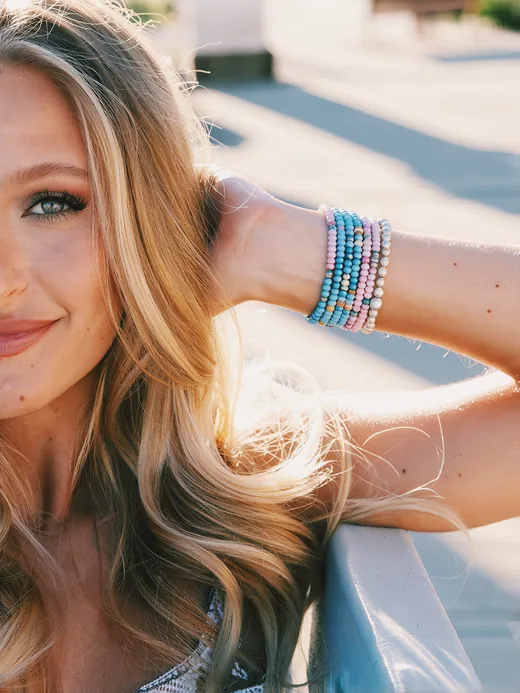
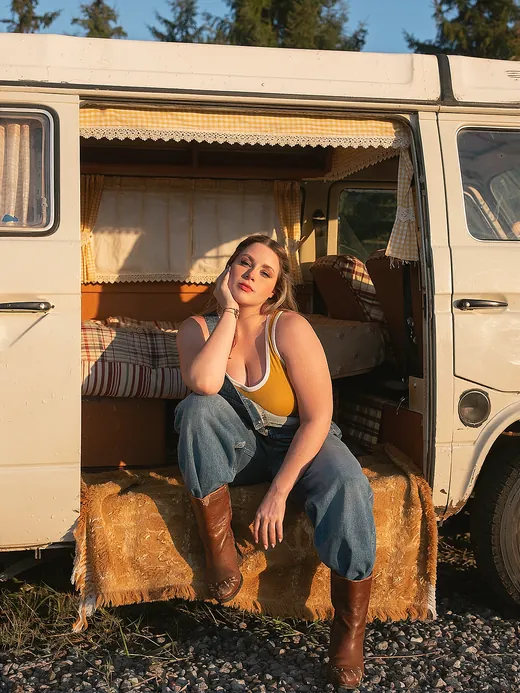
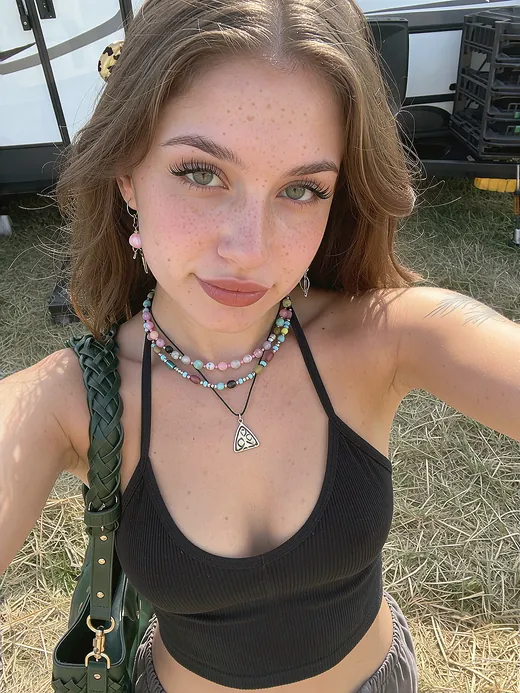
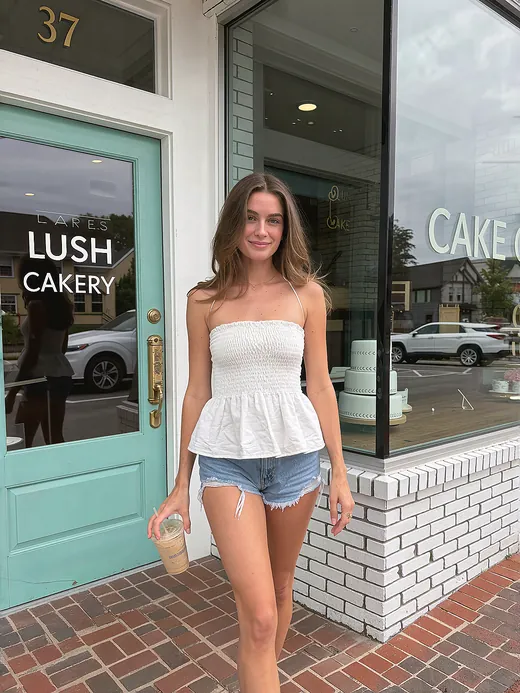
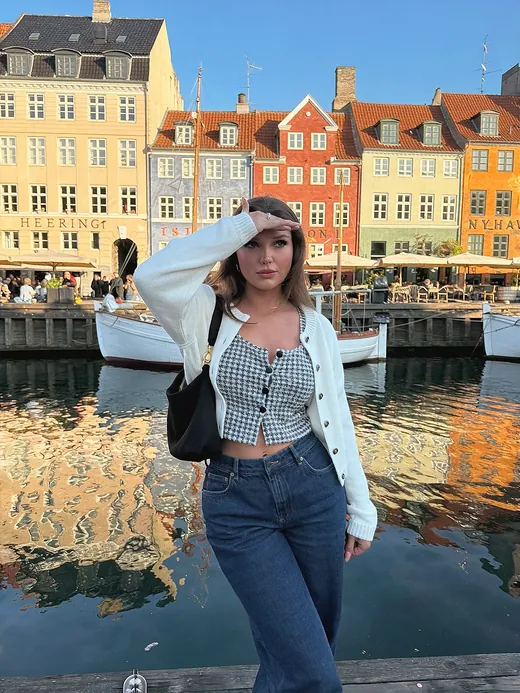
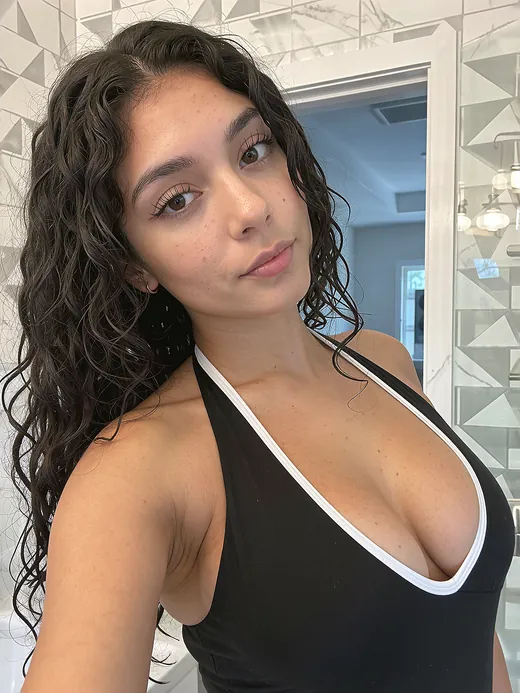
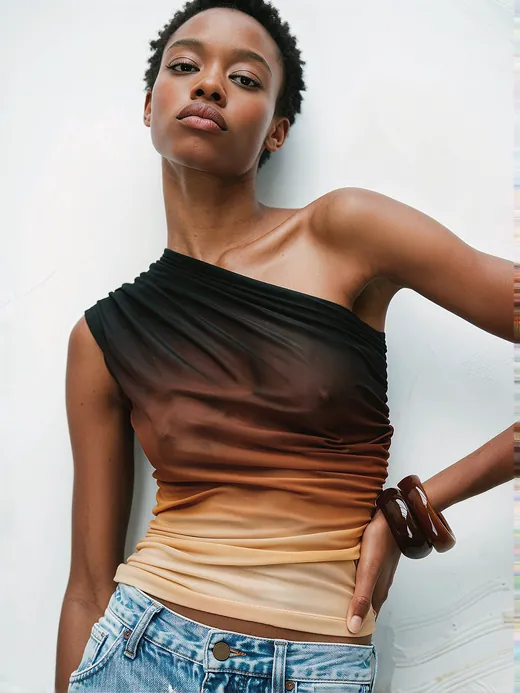
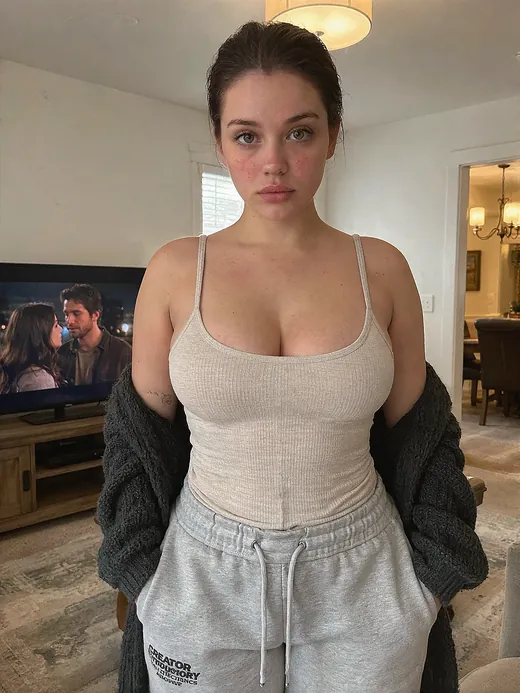
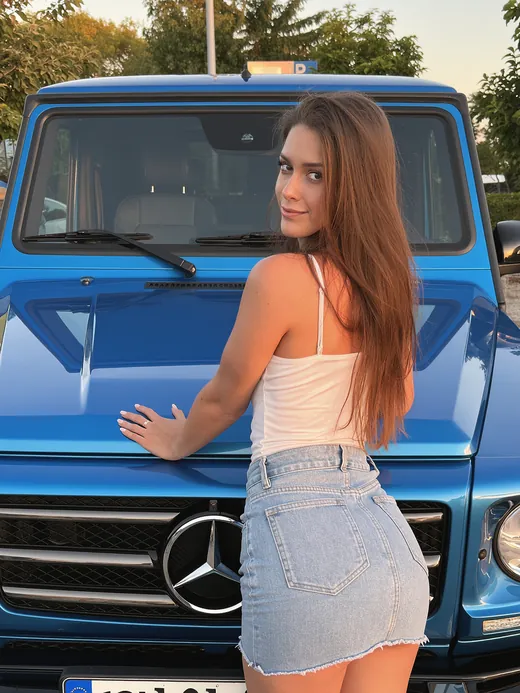
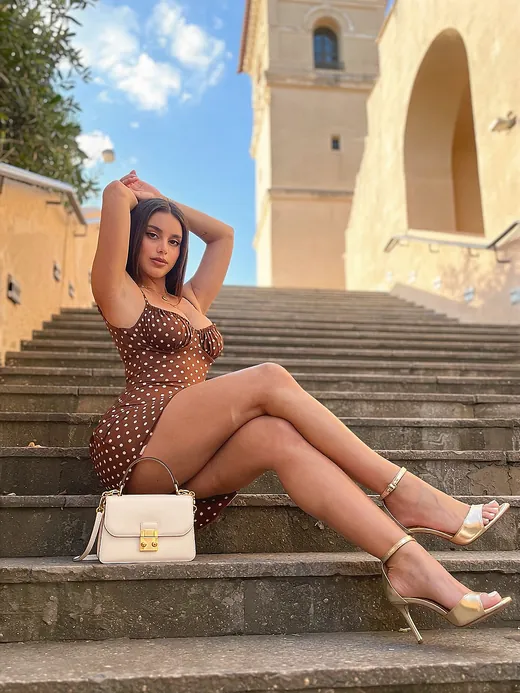
One face.Every scene.
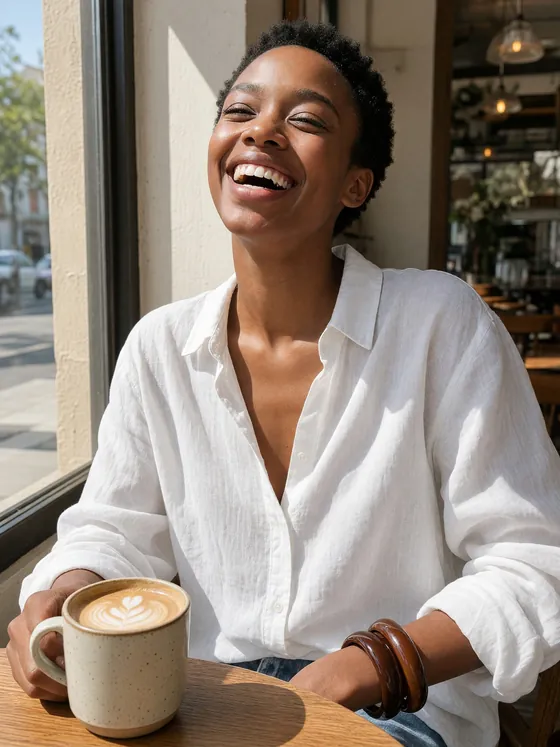
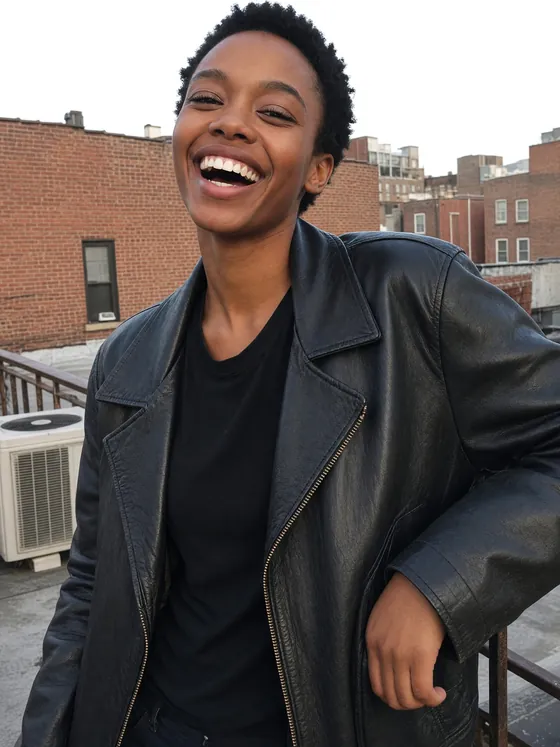
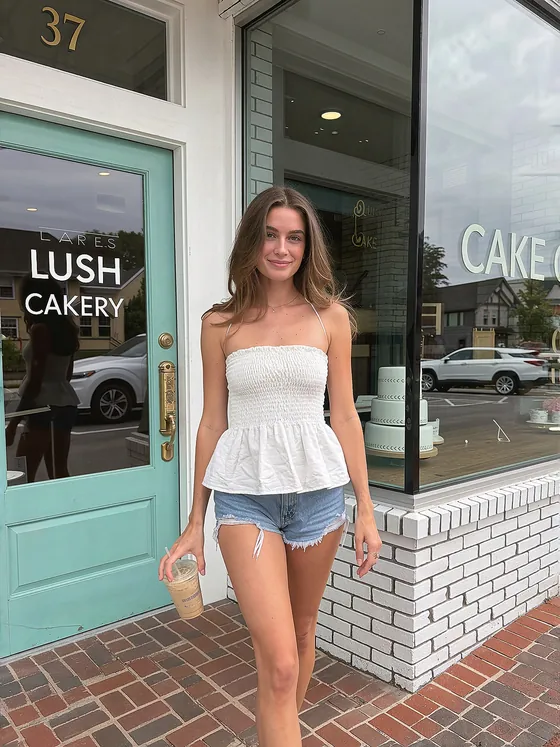
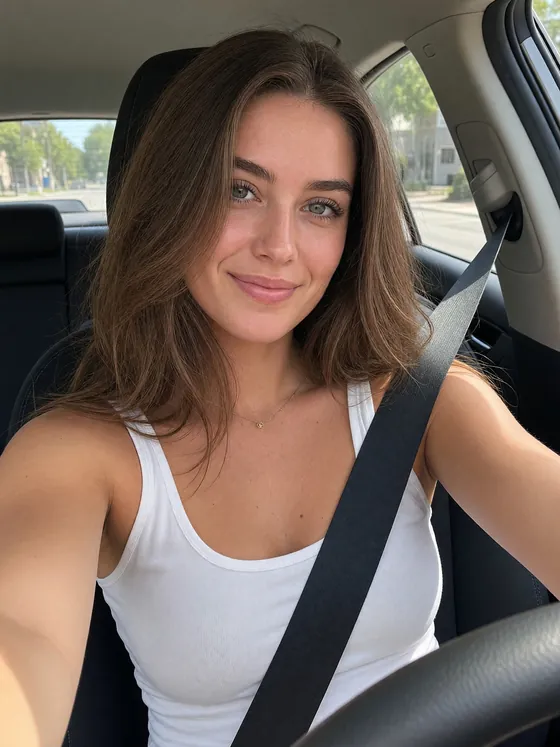
Turn a few references into a consistent, captioned training set: new poses, outfits, angles, and places.
1,000 image credits · No subscription · Then train your LoRA
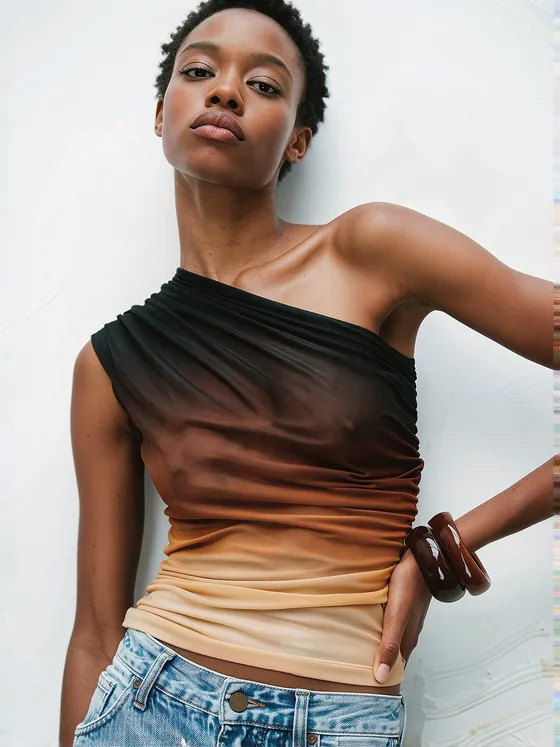
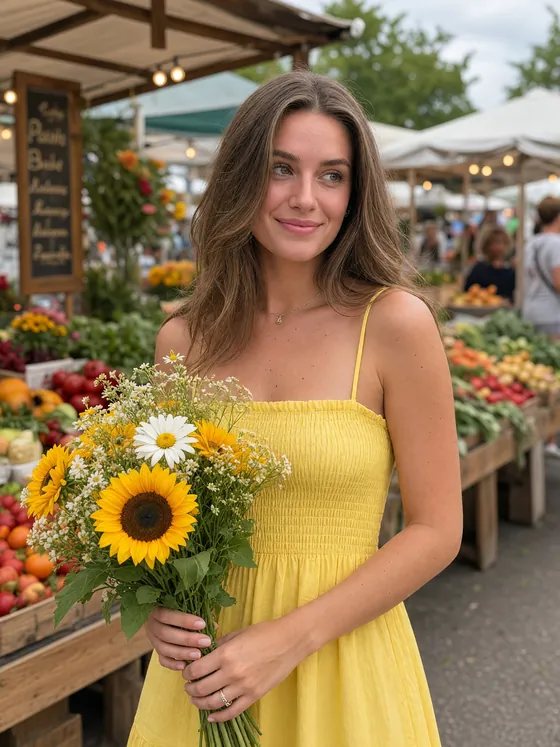
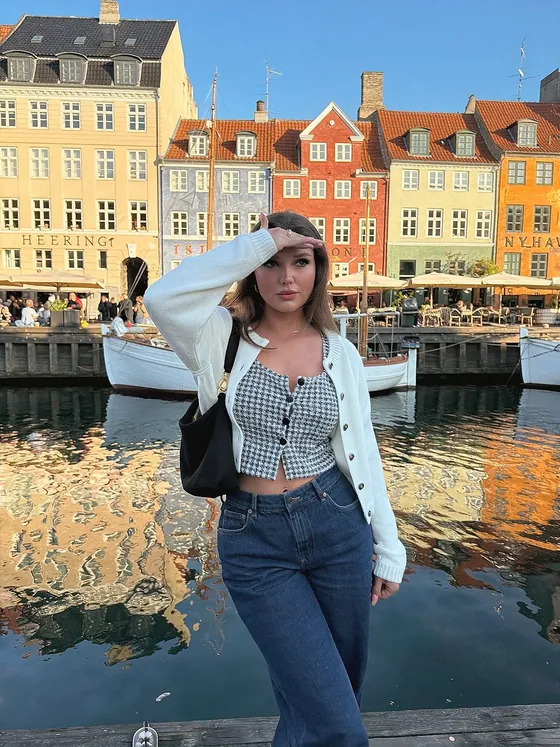
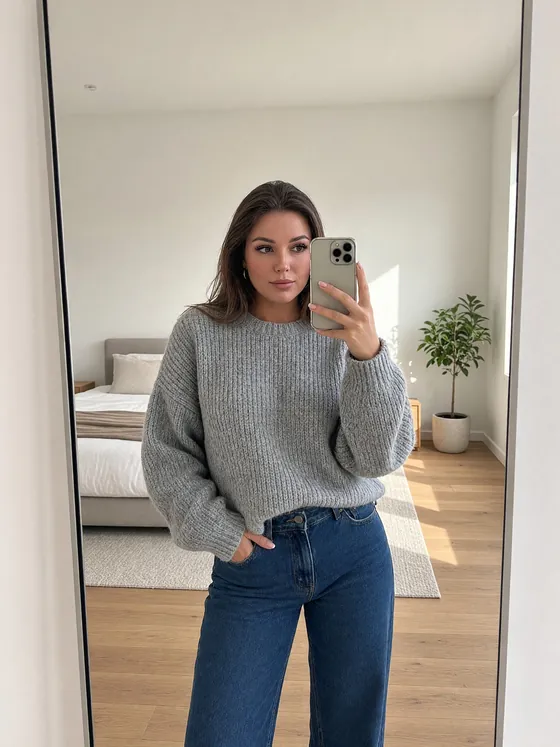

Two ways in.
One clean dataset out.
Review every image, keep the winners, and export with AI captions as a ZIP or straight to the LoRA Trainer.
-
01
Use photos you already like
Refine an existing character
Choose this when: you already have a character face and 10–20 photos whose pose, clothing, body position, lighting, or background you want to use.
- Upload up to 5 clear face references of your character.
- Upload 10–20 reference photos for the composition and realism.
- Dataset Creator blends your character into each photo. Review the results and keep only the strongest images.
-
02
Generate new photos
Create Dataset
Choose this when: you have a few character references and want the tool to create a larger, more varied collection for you.
- Add Face and Body references of your character. Full Body references are optional and can improve head-to-toe consistency.
- Choose an image model, the number of photos, and the scenes you want.
- Generate new shots, review the results, and export your dataset.
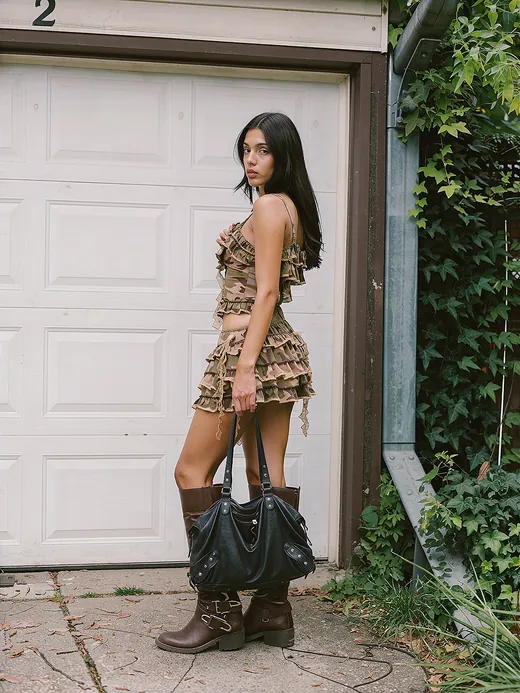
1,000 credits.
Spend them your way.
Each model costs a set number of credits per image. Pick one to see how far a workspace goes.
Choose a model from the list.
Prices shown at 2K. Your exact model, resolution, reference count, and run cost appear in the workspace.
Start a datasetGood to know.
What is a LoRA?
A LoRA is a small custom AI model that learns what your character looks like. Dataset Creator helps you make the image collection used to teach it—with one consistent identity across different poses, outfits, camera angles, and everyday scenes.
Does this train the LoRA too?
This creates the dataset, not the LoRA itself. When the collection is ready, download the ZIP or send it directly to the UltraMuse LoRA Trainer. Model training is priced separately.
Which of the two ways should I use?
Refine an existing character: blend up to 5 face references into your photos.
Create Dataset: generate new shots using your character references and chosen creative direction.
What do I get?
Your chosen images with AI captions, downloadable as a ZIP or transferable to the LoRA Trainer. Training is a separate purchase. Keep your private workspace link to yourself.
What happens to my files and credits?
Uploads and generated images are kept for 7 days, then deleted. Download before expiry. Credits belong to one workspace; a generation that fails is refunded automatically.
Is there a subscription?
No. A workspace is a one-time payment of $9.99 for 1,000 image credits.