Every tool put to the test
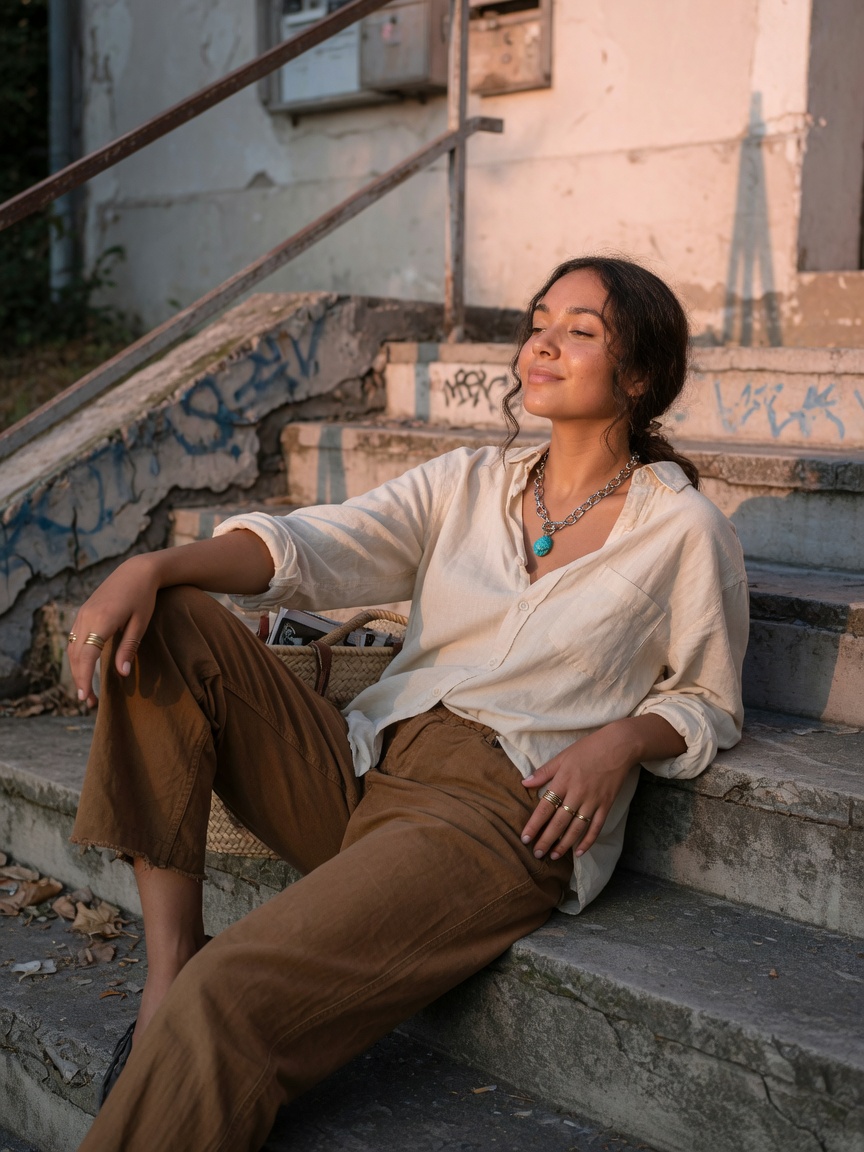
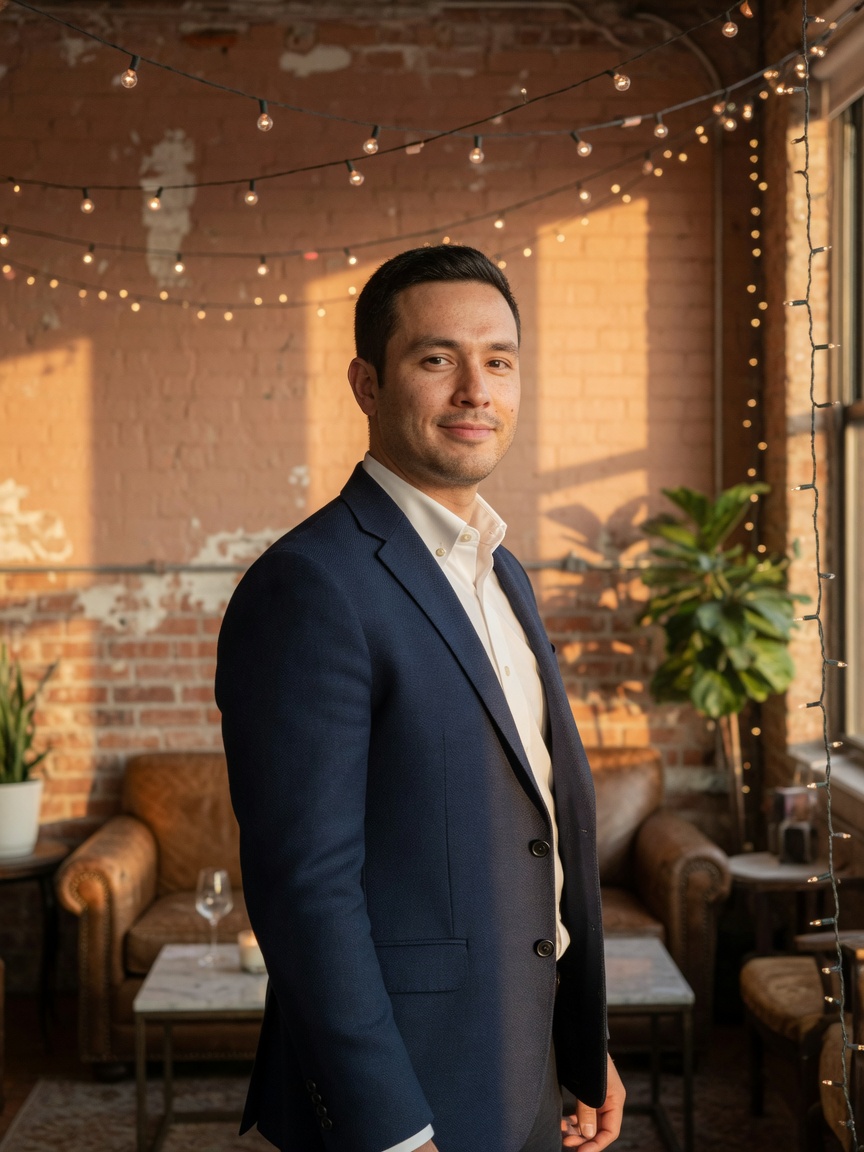
We only cared about one thing: does it look real? Consistent identity, natural skin, believable movement, and outfits that actually make sense.
 creatorstudioYOUR CREATIVE OPERATING SYSTEM
FOR YOUR NEXT CREATIVE ERA
Create believable AI influencer photos, videos, and campaigns. Shape their identity, direct the next shoot, and take every idea from inspiration to finished content—all in one connected studio.
No card to start · Bring your vision. Build everything around it.
Every tool an AI influencer operation needs — photorealism, believable faces, and full content production — in one operating system.
The real advantage
Most AI tools throw dozens of options at you and call it powerful. Creator Studio AI works differently: we kept only the tools that actually deliver, then built one simple studio around turning an existing influencer or reference set into tons of high-quality photos, reels, and polished posts, faster.
We only cared about one thing: does it look real? Consistent identity, natural skin, believable movement, and outfits that actually make sense.
If it wouldn't make it onto your feed, we don't keep it around. What's left is clean, believable, and fast to work with.
Your photos, ideas, history, and finished content, all organized around the influencer you already have.
Realism Showcase
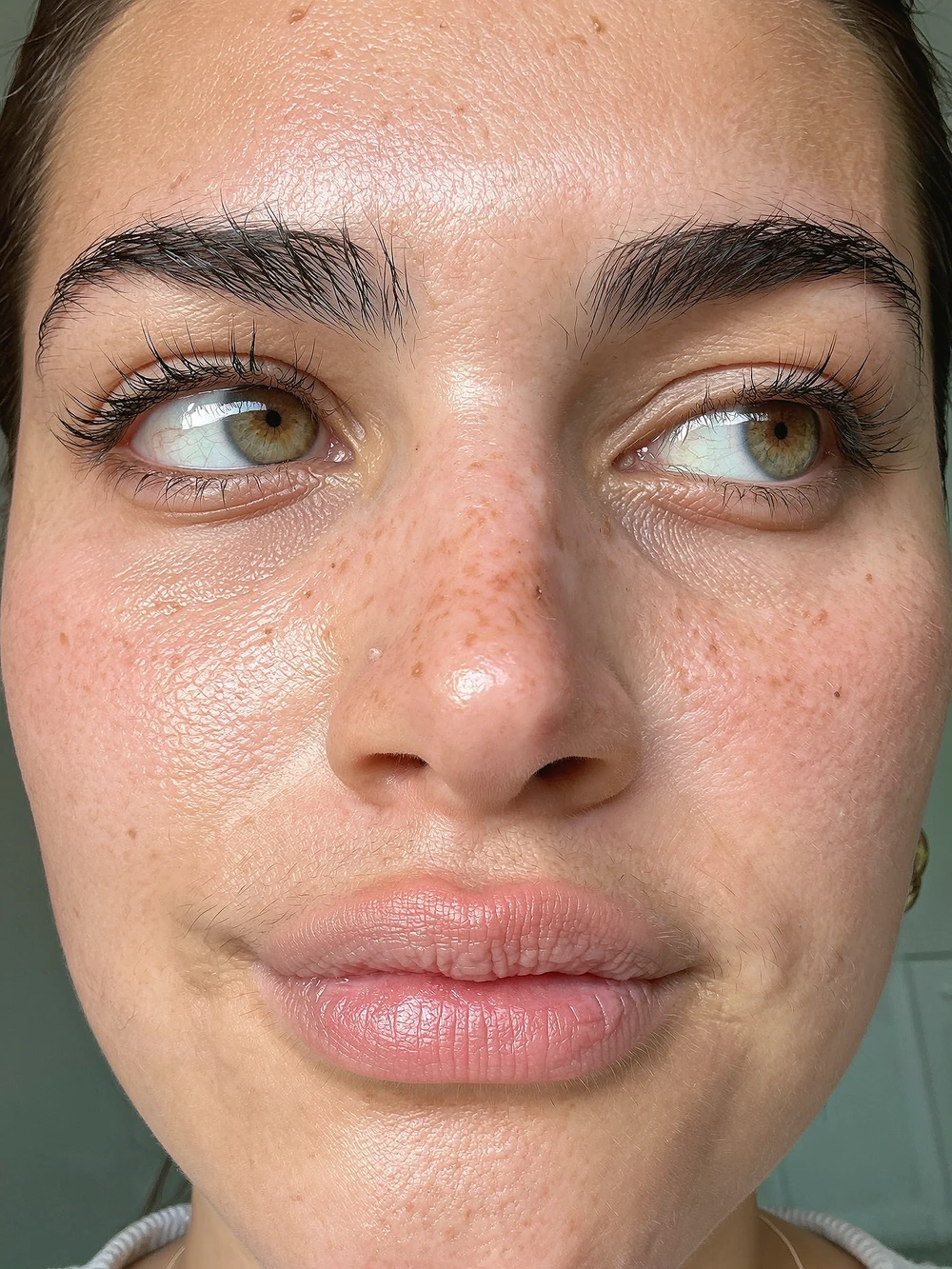
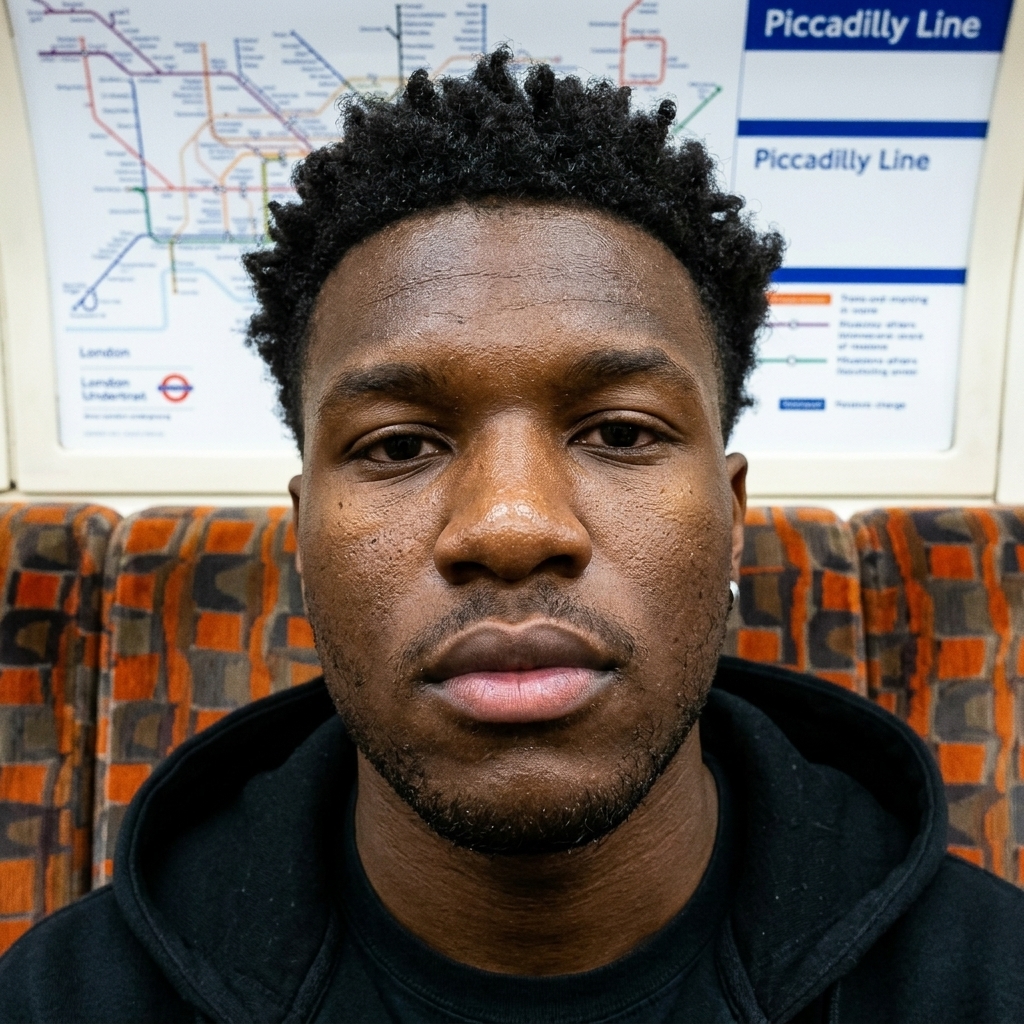
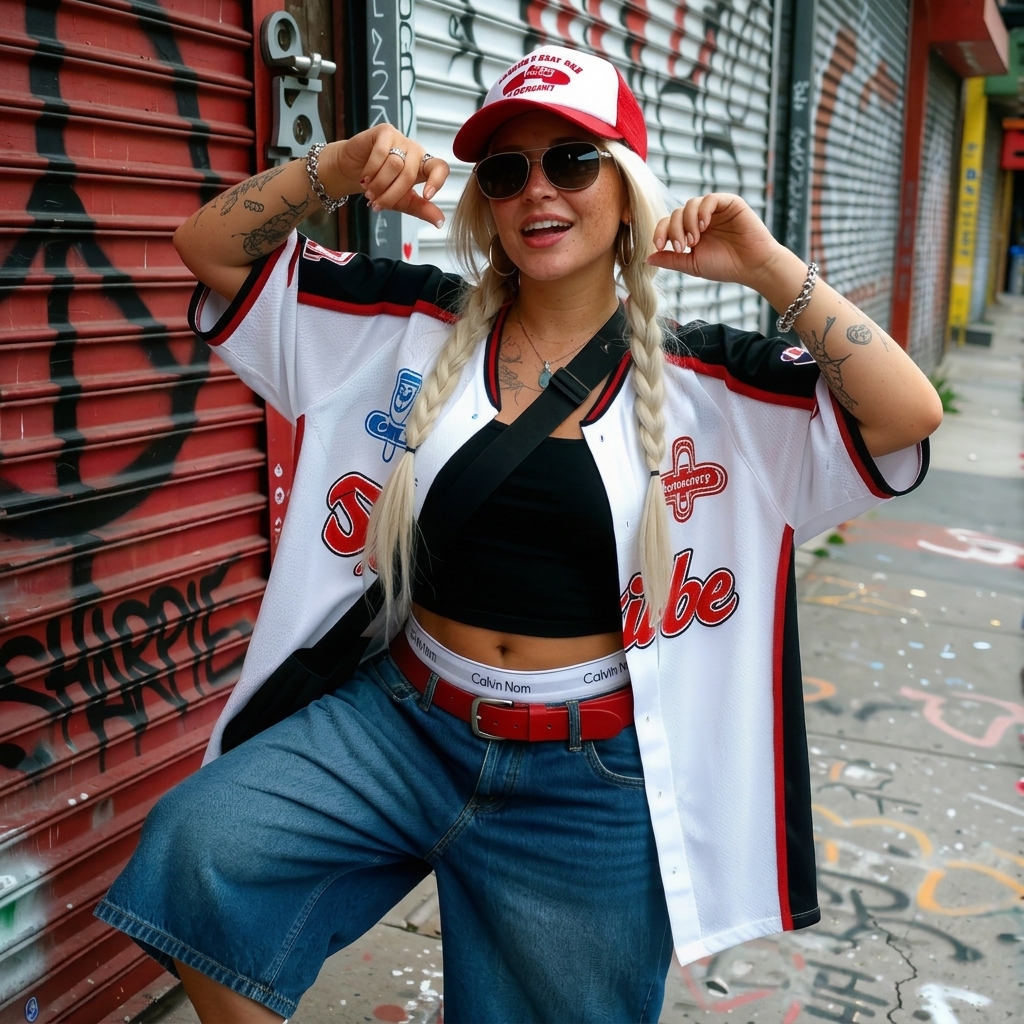
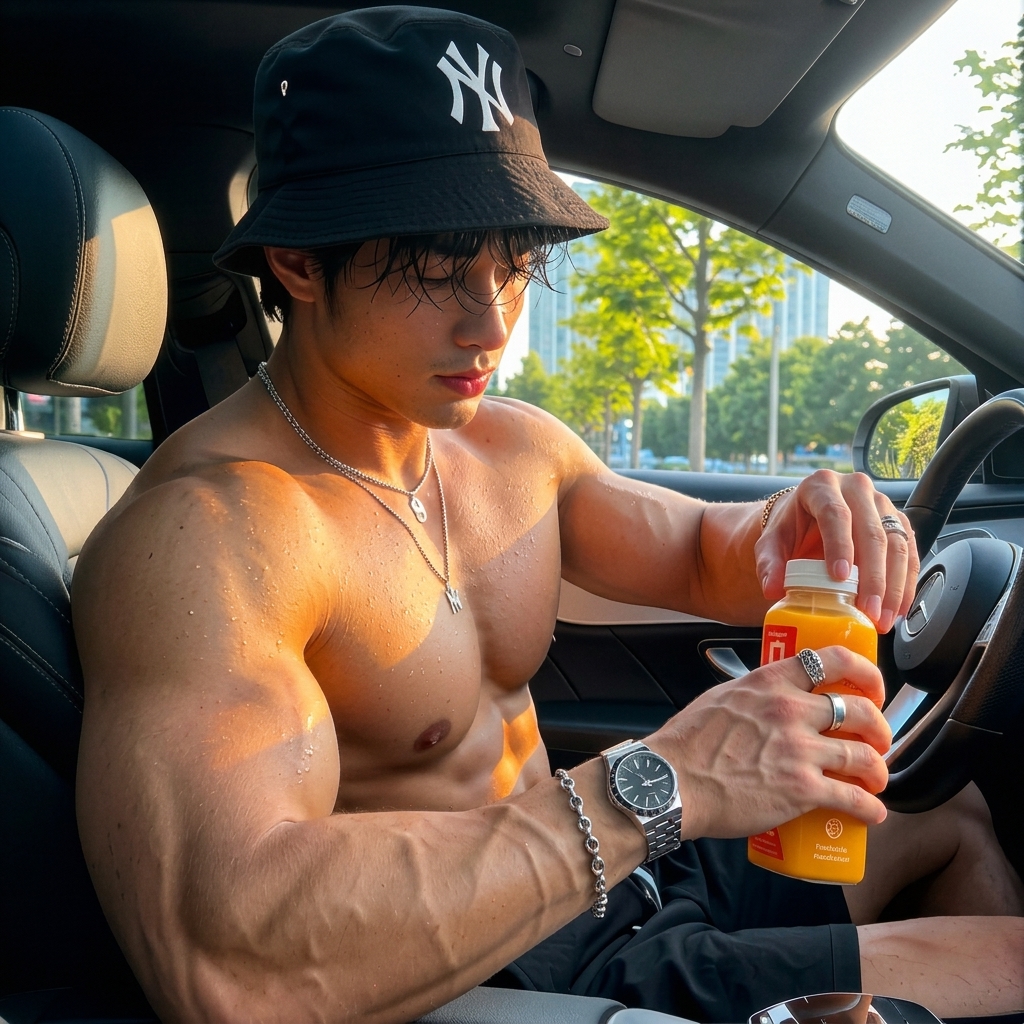
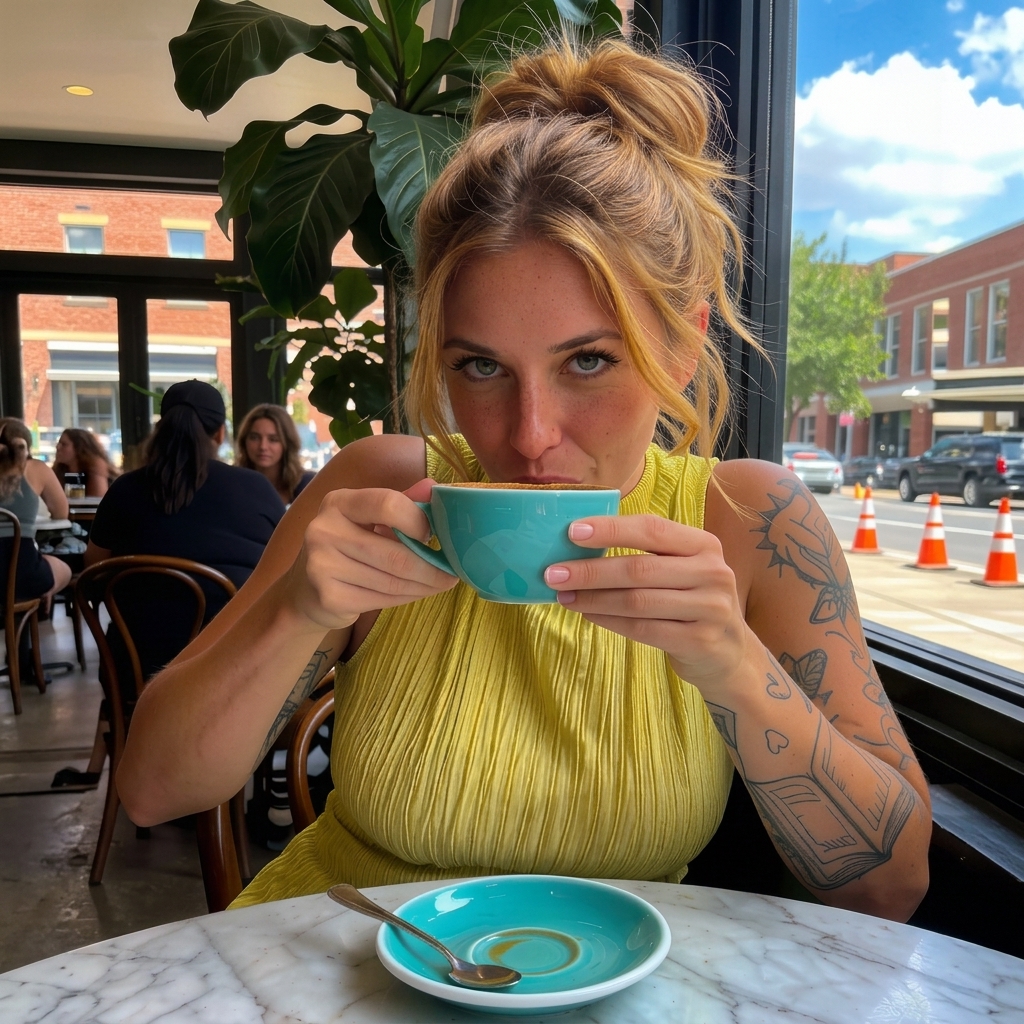
See the difference with Famegrid Pro's raw rendering engine. Pores, micro-blemishes, and natural light reflections stay completely intact instead of being smoothed out by generic AI filters.
Campaign automation
Design visual campaigns without filming. Define a custom creator profile, paste a product page URL to extract selling points, approve an AI-structured script, and generate the timed UGC video frame-by-frame.
Creator, product, script, first frame, final video.
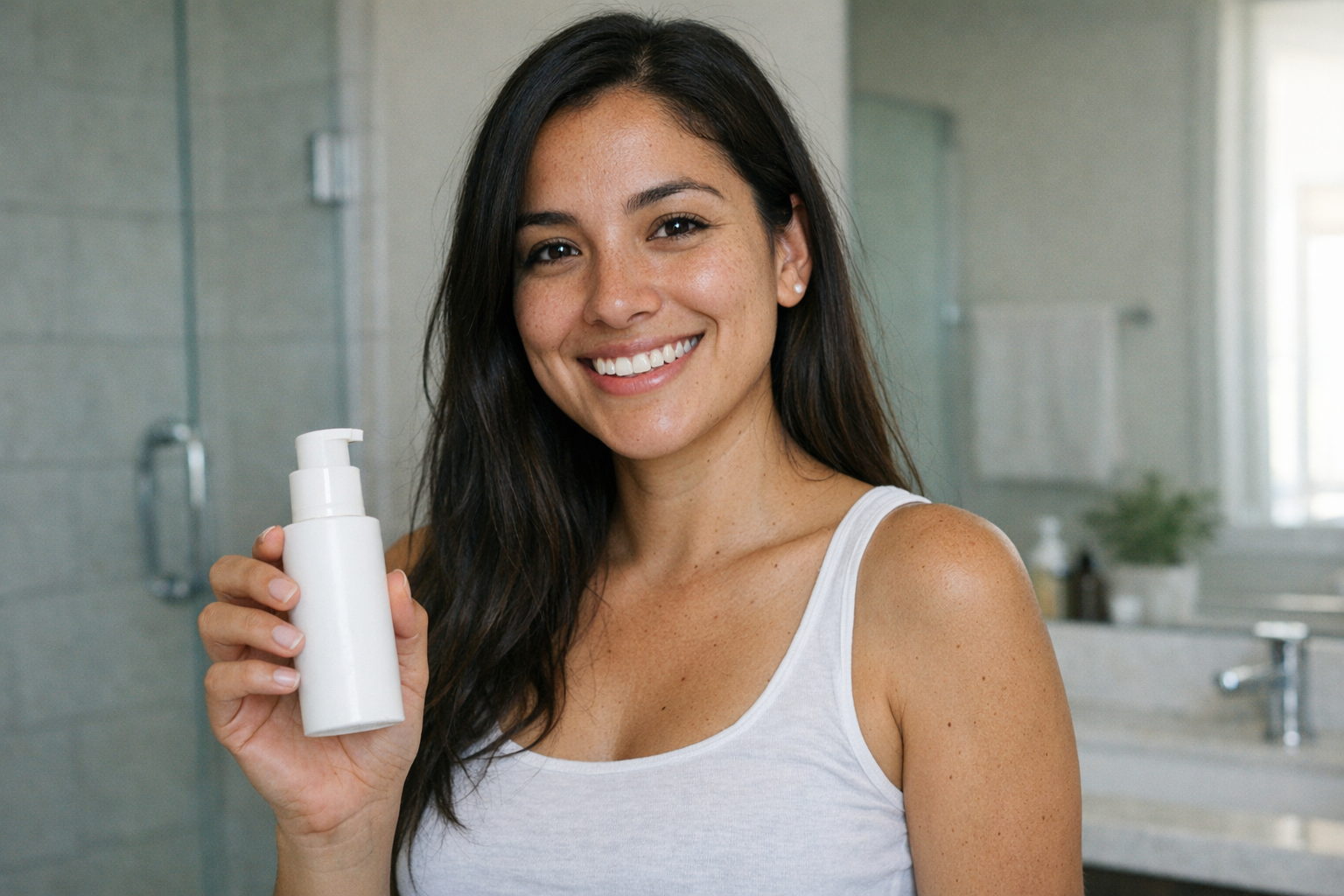
Upload source creator references
Optional. Add your own creator/model photos first, or pick a placeholder model below.
×
Define gender, age, hair, styling, and vibe, or select from your local model library presets.
The campaign planner writes an engaging script with timed dialogue, custom Hook, Action, and CTA.
Review and approve the starting frame, then animate it into a fully-realized video with realistic lip movements.
Built for output
Digital Double
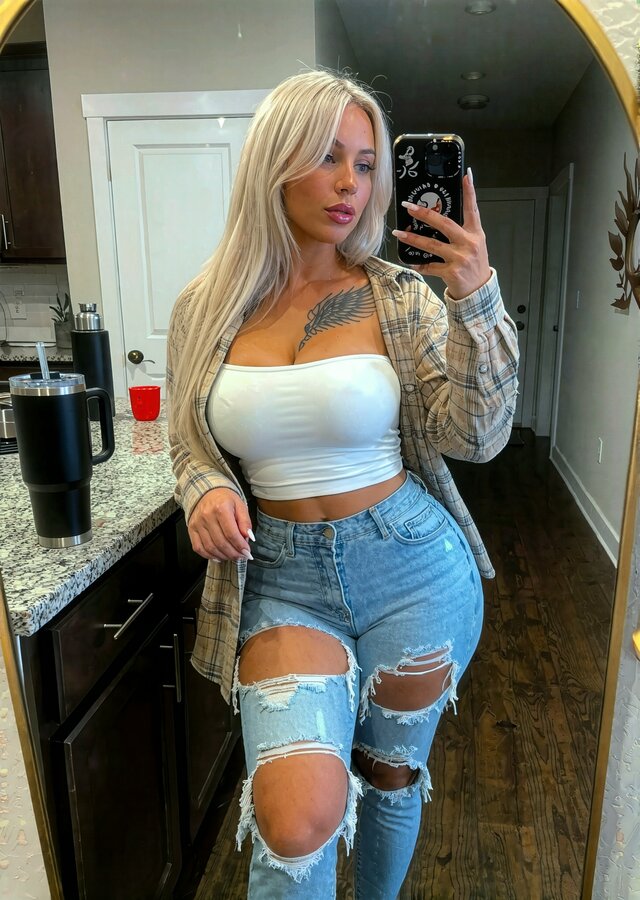
Upload a reference photo once, and get a consistent digital double you can pose, angle, and style however you need — the same face and identity across every photo, every scene, every post.
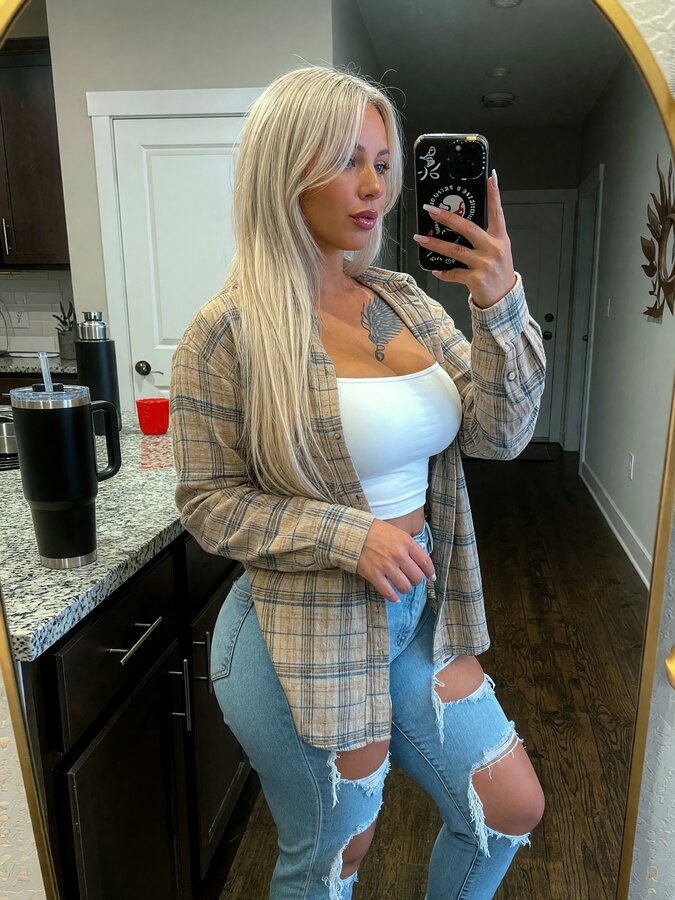 Base identity
Base
3/4 Angle
Base identity
Base
3/4 Angle
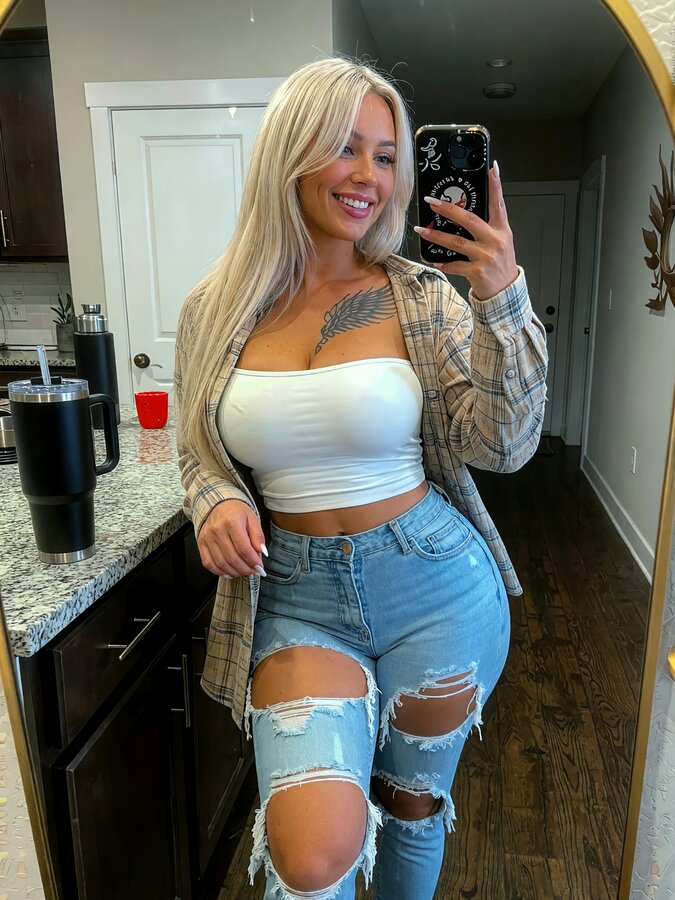 Smile
Smile
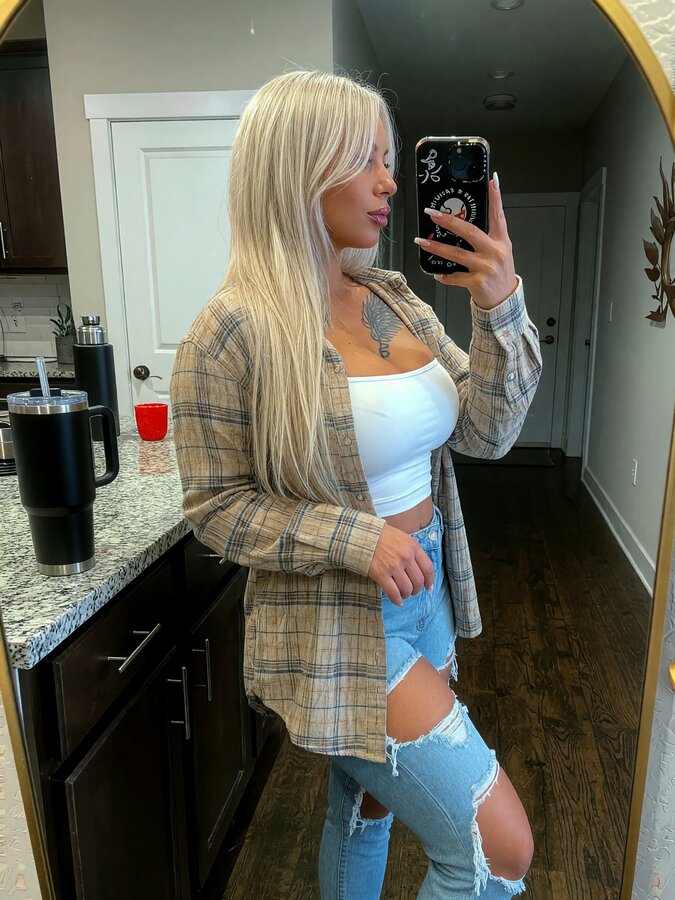 Profile
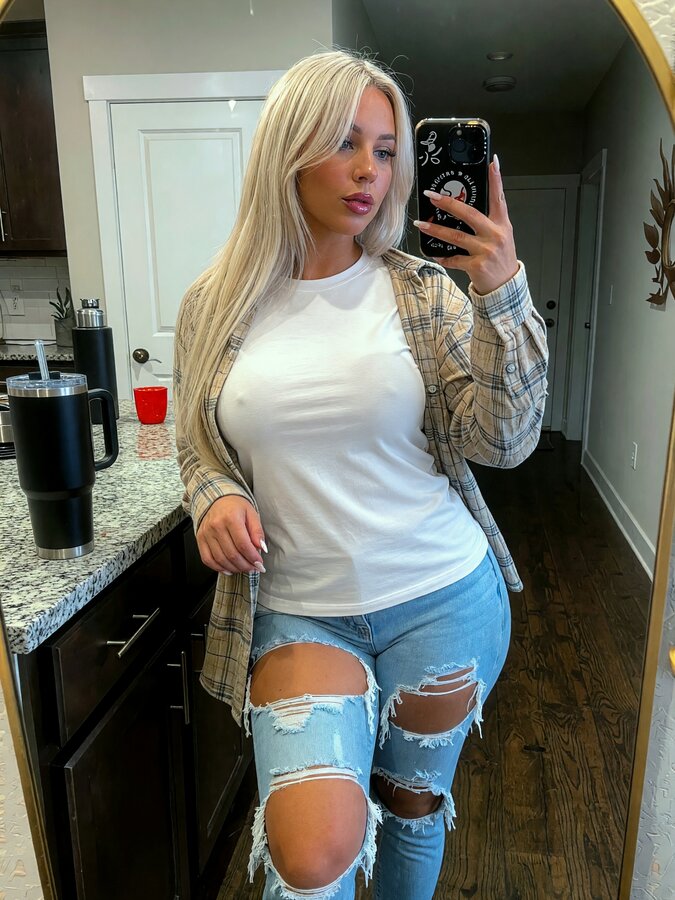 Outfit swap
Identity Consistency
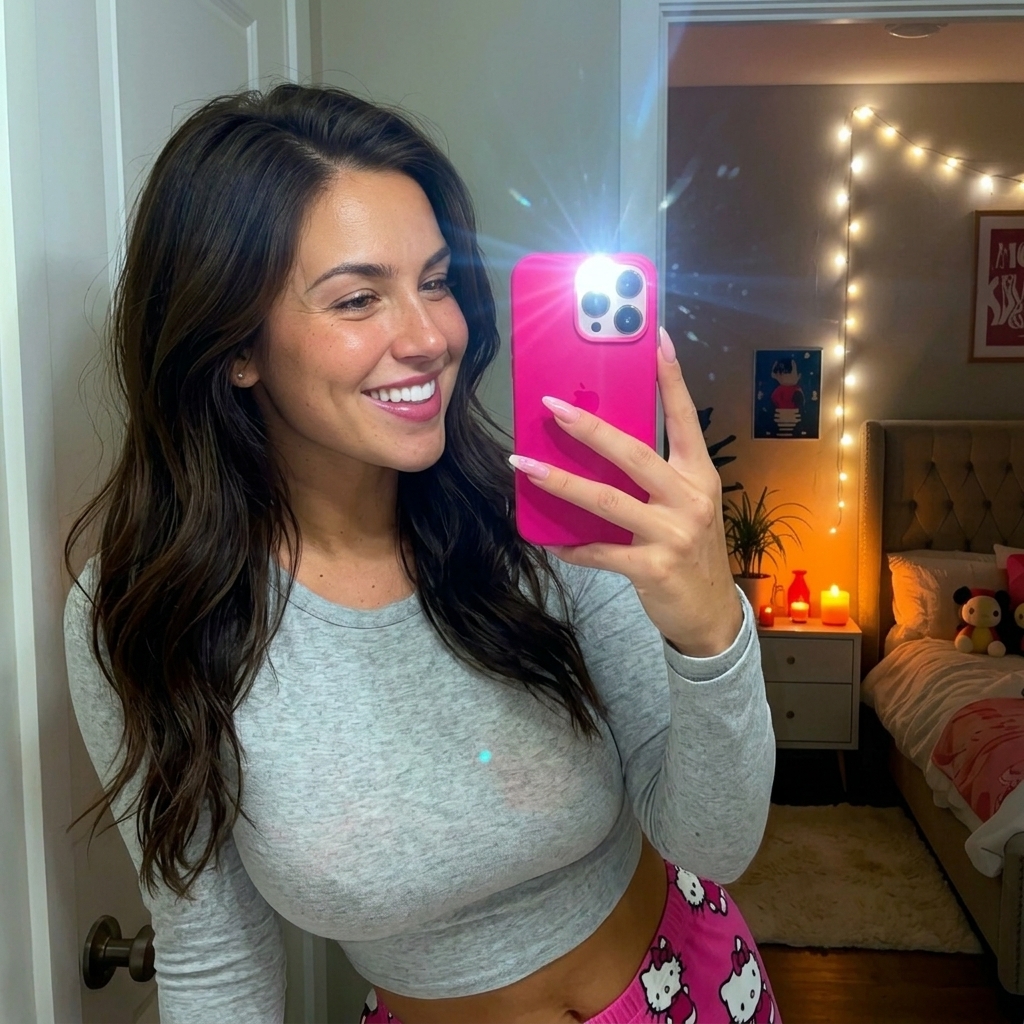
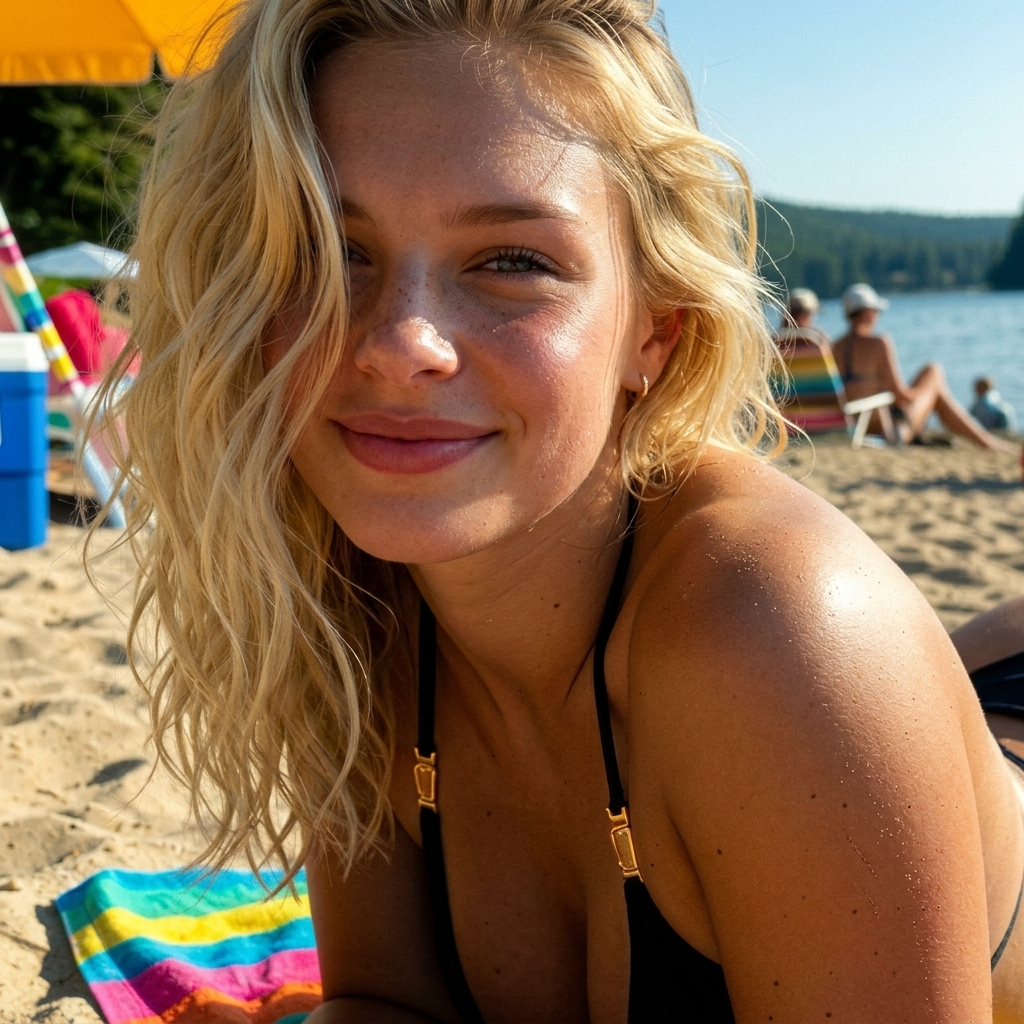
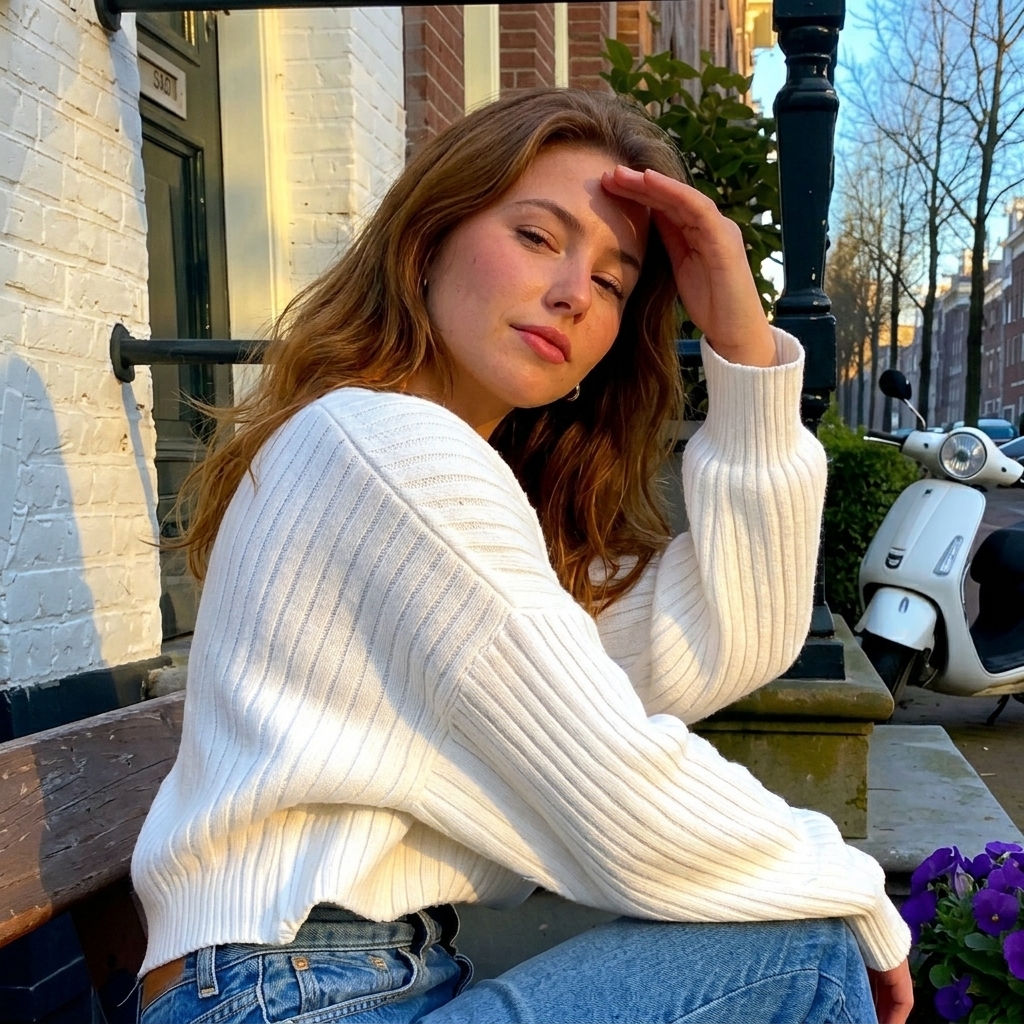
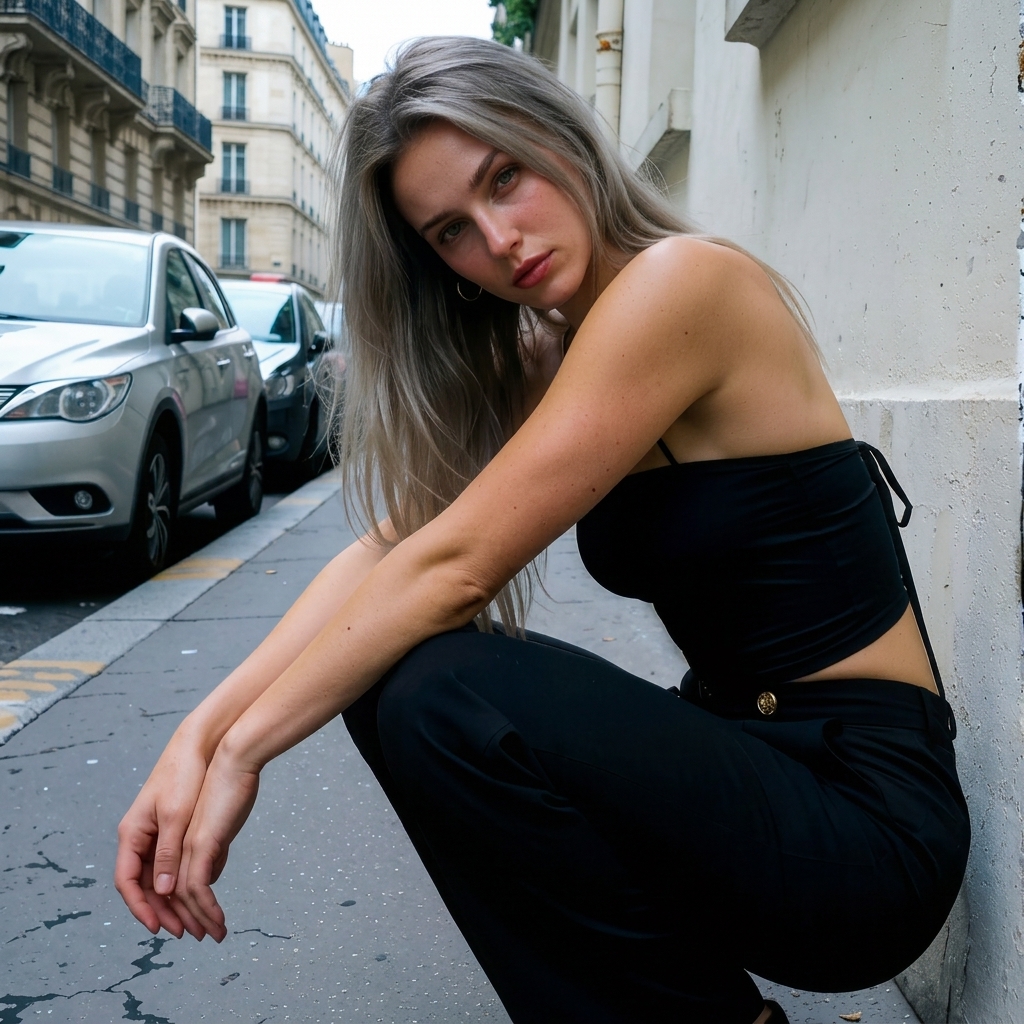
Whether it's casual lifestyle selfies, spontaneous travel snapshots, or editorial close-ups, Famegrid Pro maintains skin grain, hair detail, and light response across every output.
Every tool, one studio
01Flows — multi-step automations
Browse inspiration from Instagram, TikTok, Pinterest, or Brave, select the posts or Reels you want, and rebuild them with your own character without leaving Creator Studio.
Swap the performer in a reel's first frame, then animate it with the original motion — face, body, and wardrobe replaced while the performance underneath stays intact. Reference Video mode blends a new cast into an existing video's timing and shot list instead.
Start with the song. Develop a treatment, establish your artist and locations, then build the video in chronological clip batches—all around one creative direction.
Included with Full and Lifetime. AI provider generation costs are separate.
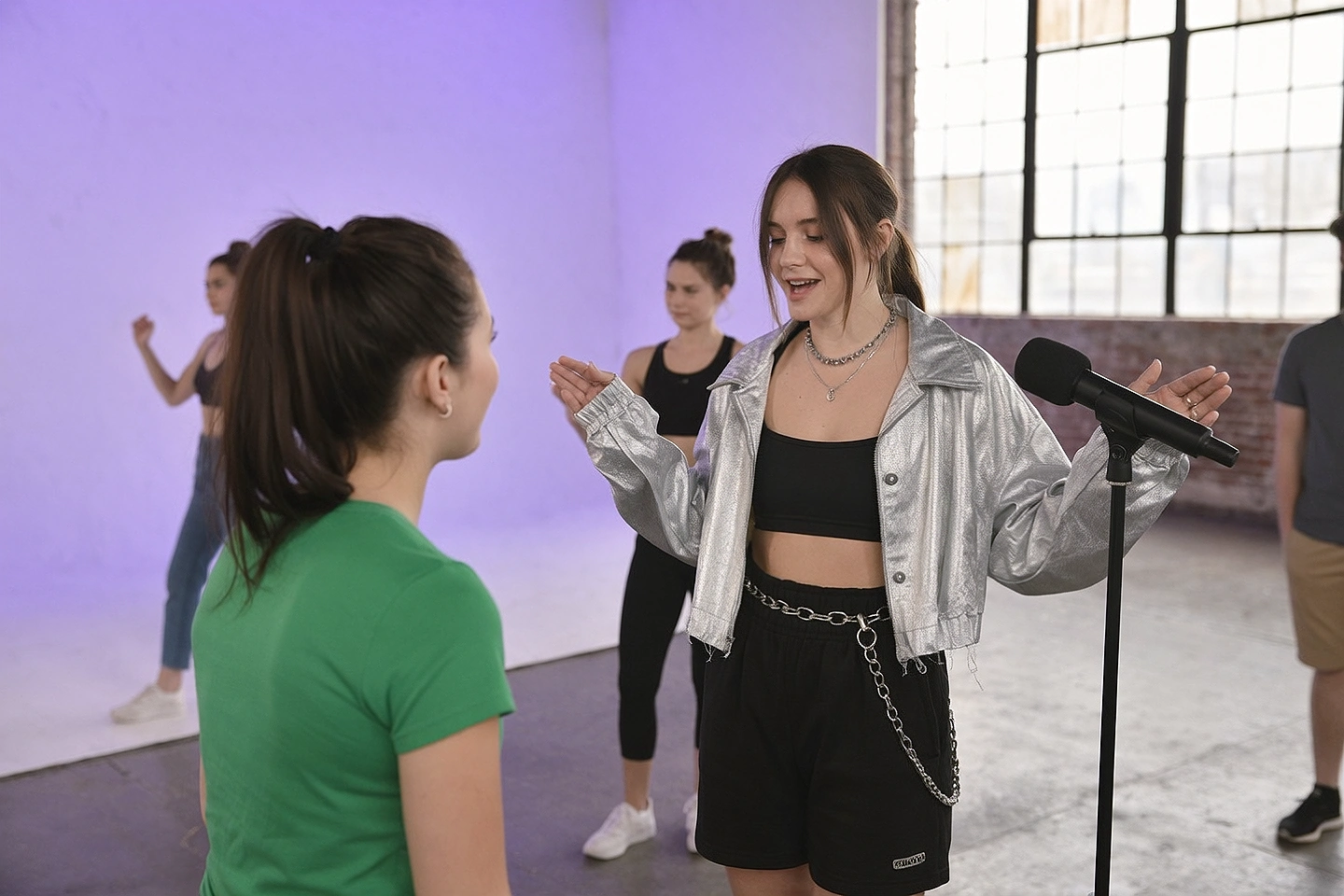 ILLUSTRATIVE VISUAL CONCEPT01 / TREATMENT
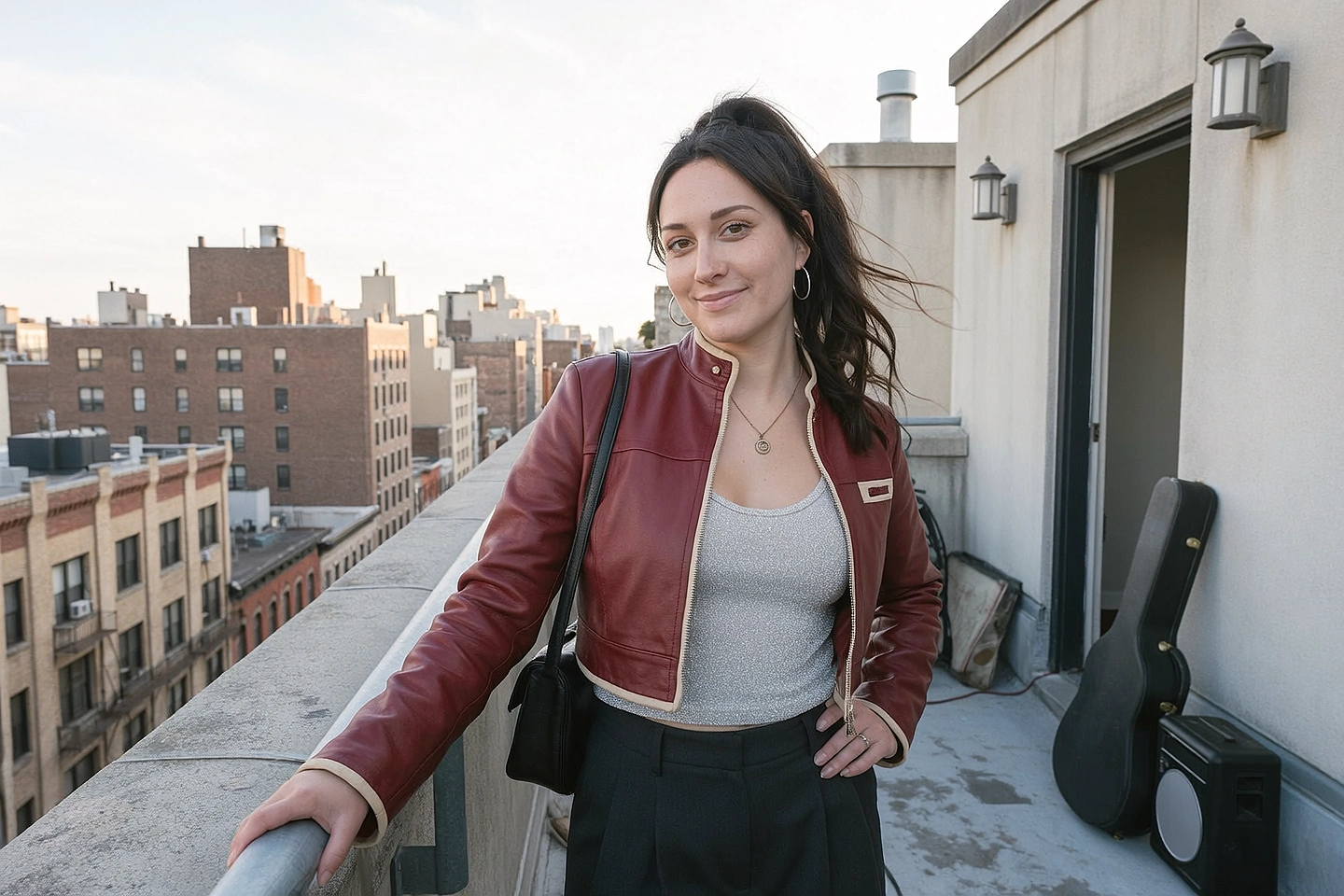 02 / THE WORLD
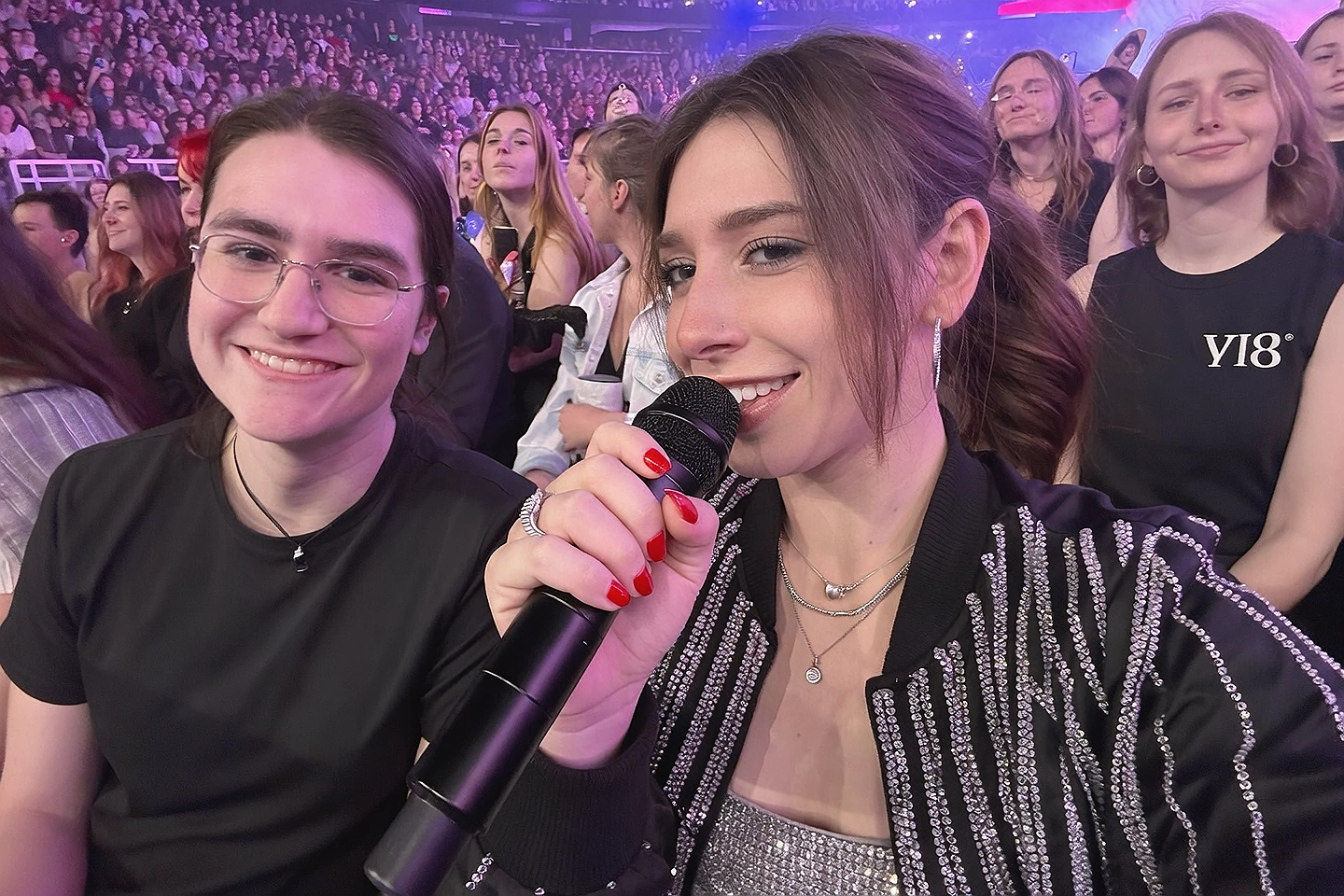 03 / PERFORMANCE
Drop up to 100 inspiration photos or videos and a character. Each reference is analyzed for pose, scene, lens, color grading, and lighting, then rendered as a brand-new image starring your character while the render queue keeps provider submissions controlled.
Pick a creator or generate one, add an optional product, and Creator Studio writes the script, shot plan, and first-frame prompt for you. Approve the starting frame and it becomes a creator-led product video — dialogue included.
02Core studio tools
Generate high-fidelity images from a single prompt across our full curated lineup of AI models — with AI-assisted prompt building, photo-reference analysis, and an instant cost estimate before you spend anything.
100% AI. Real Output.
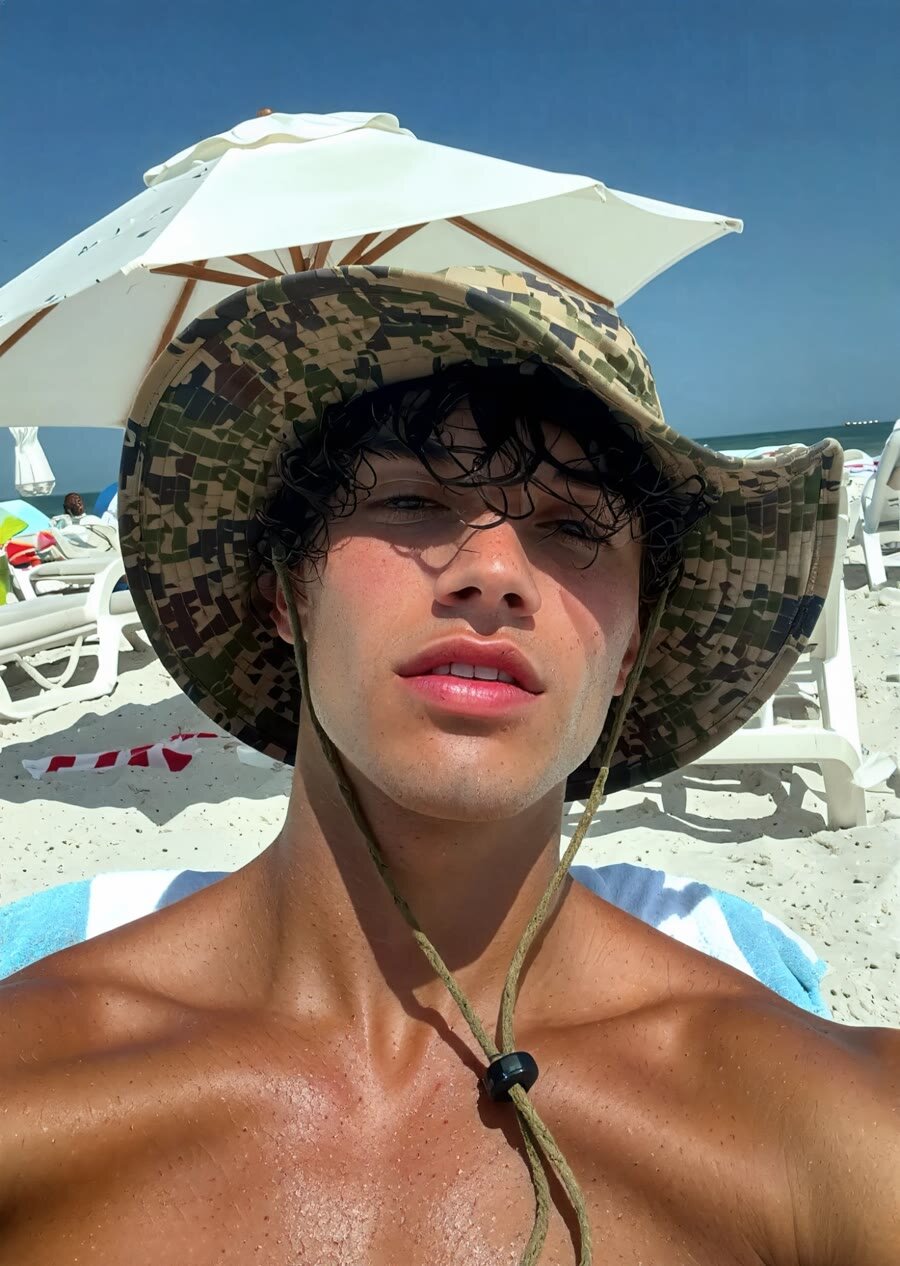
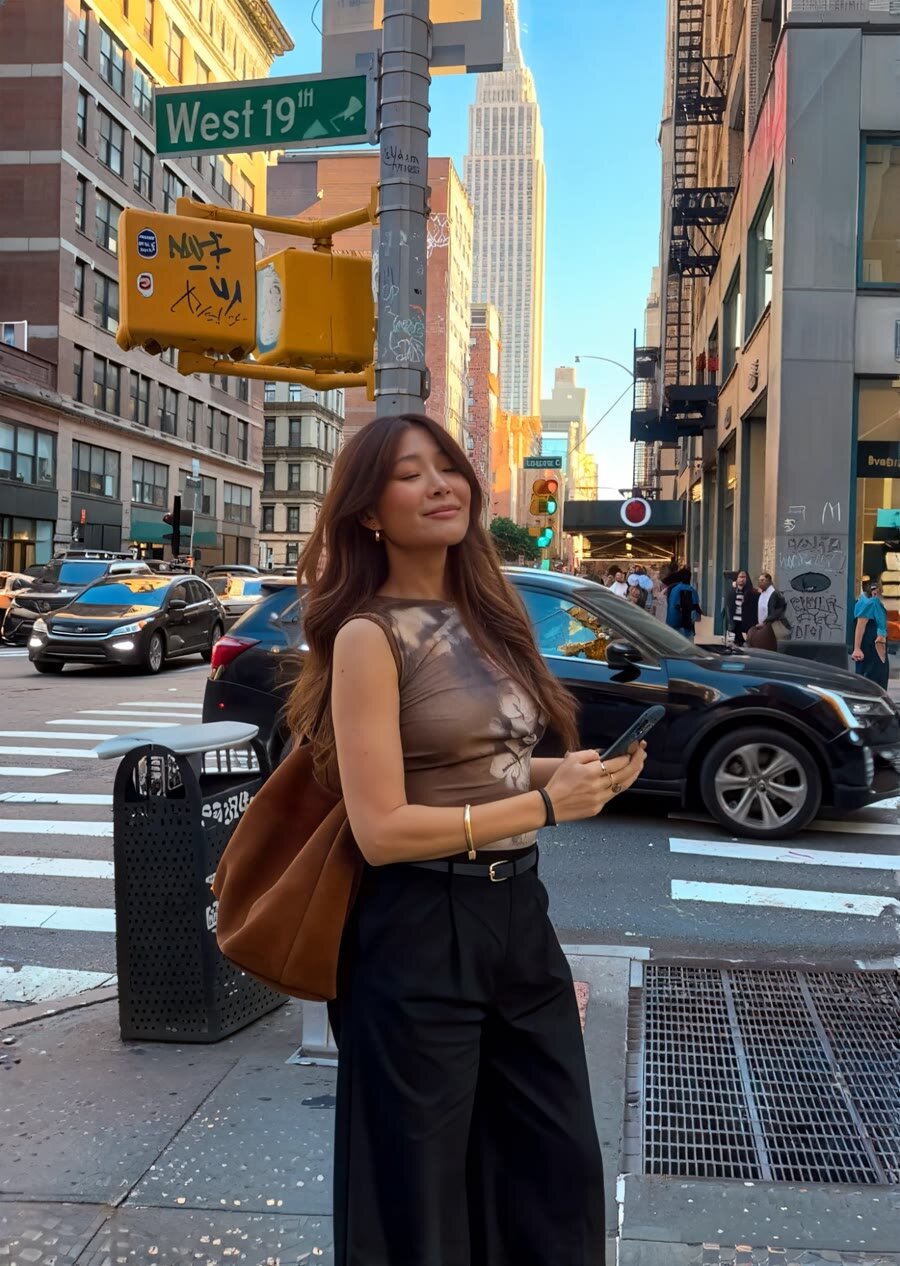
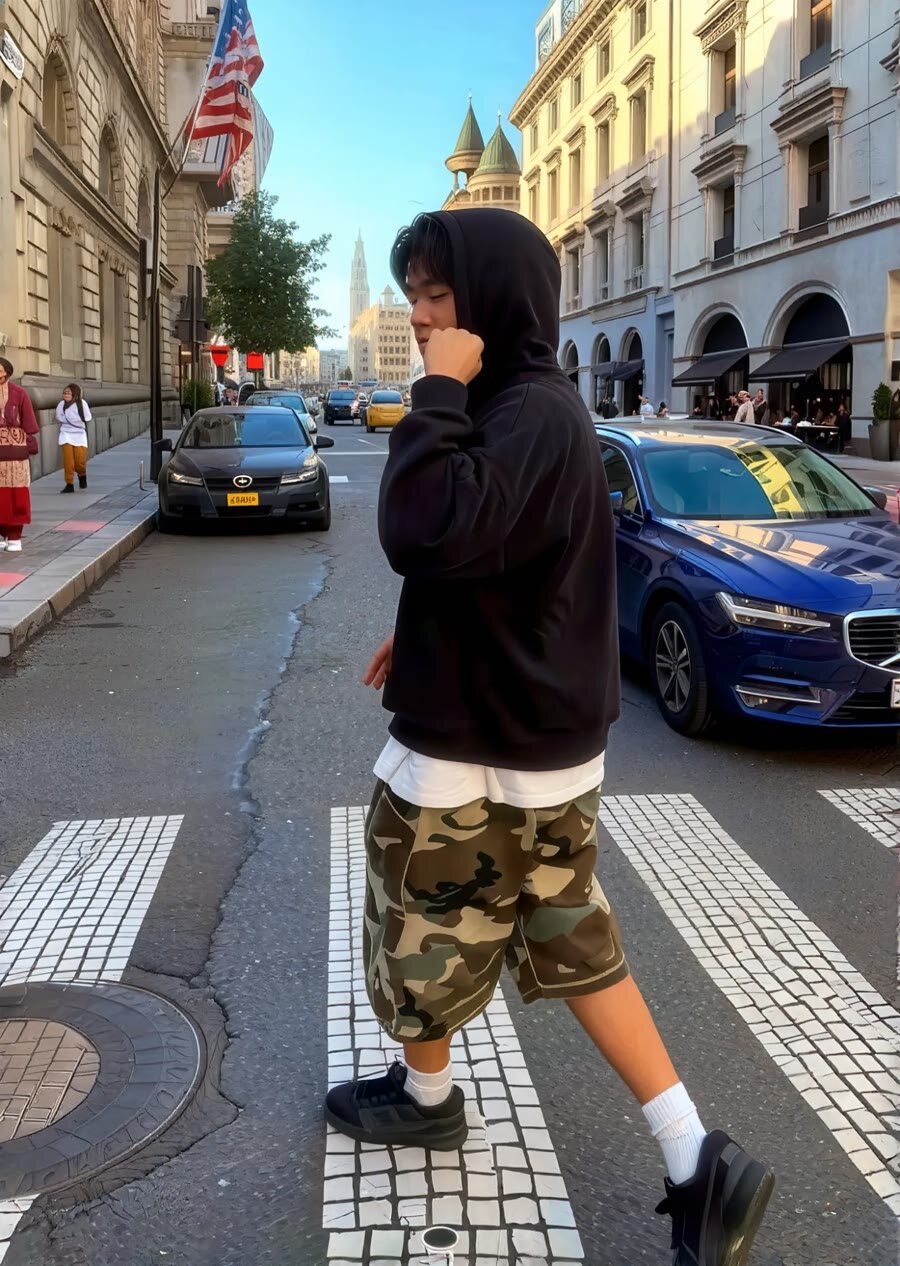
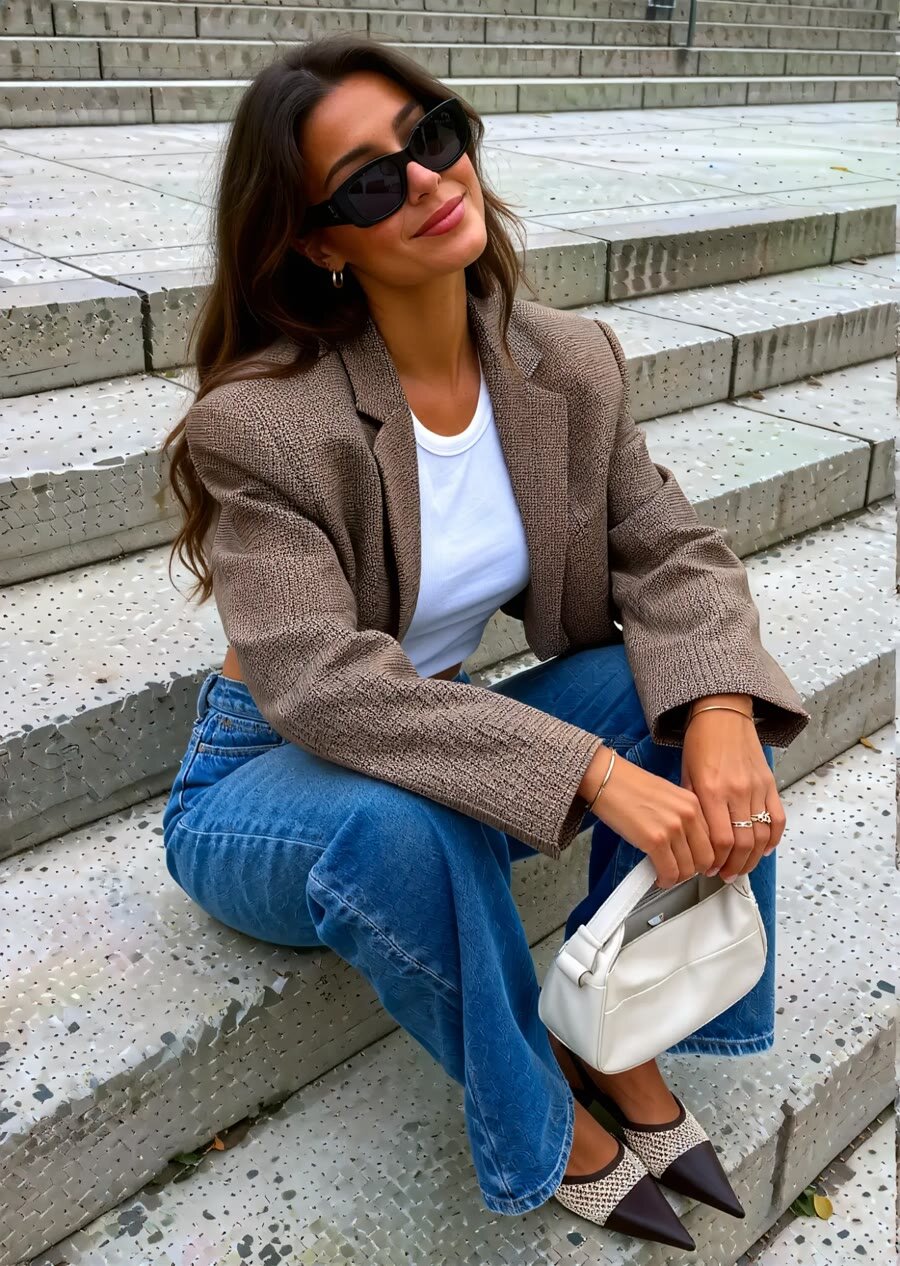
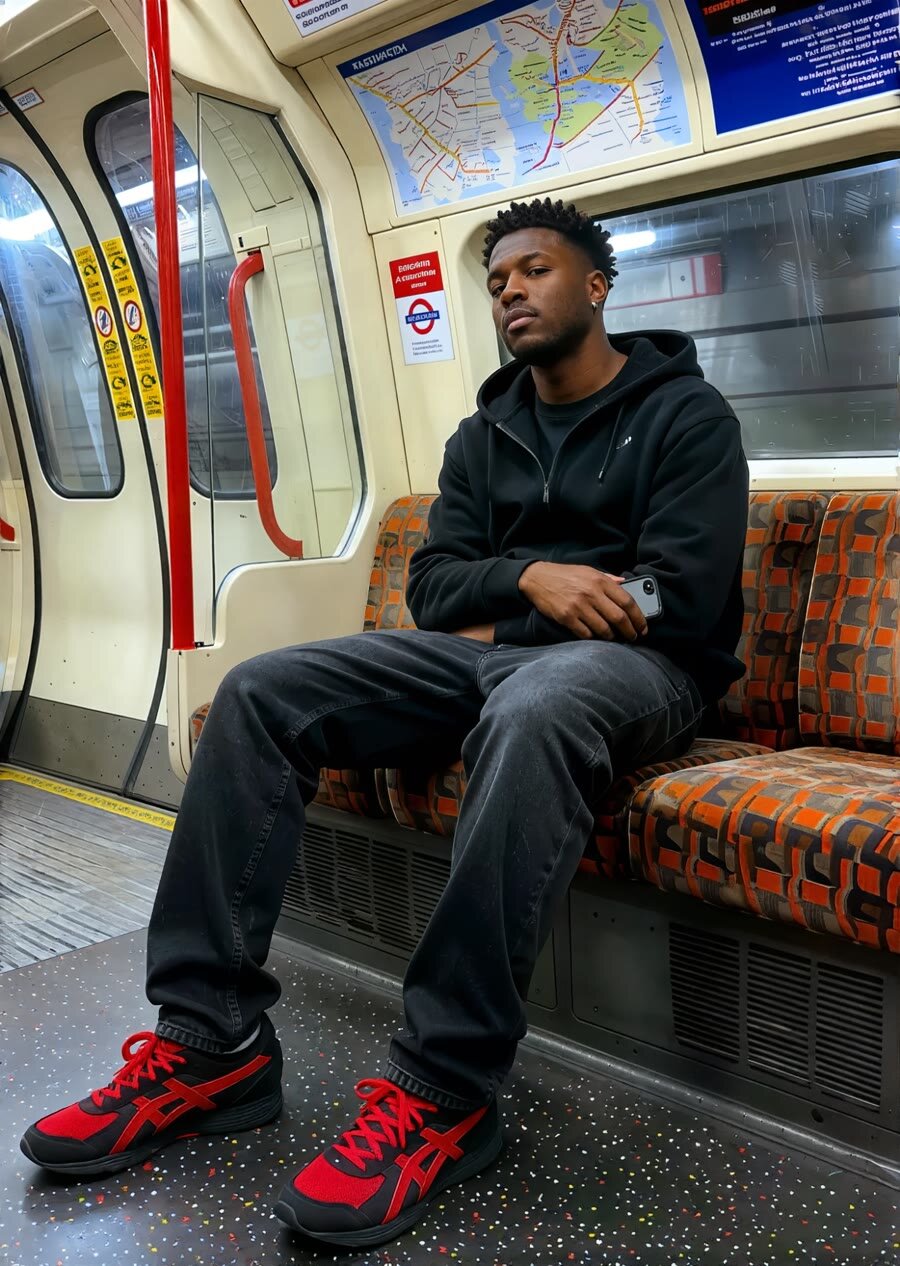
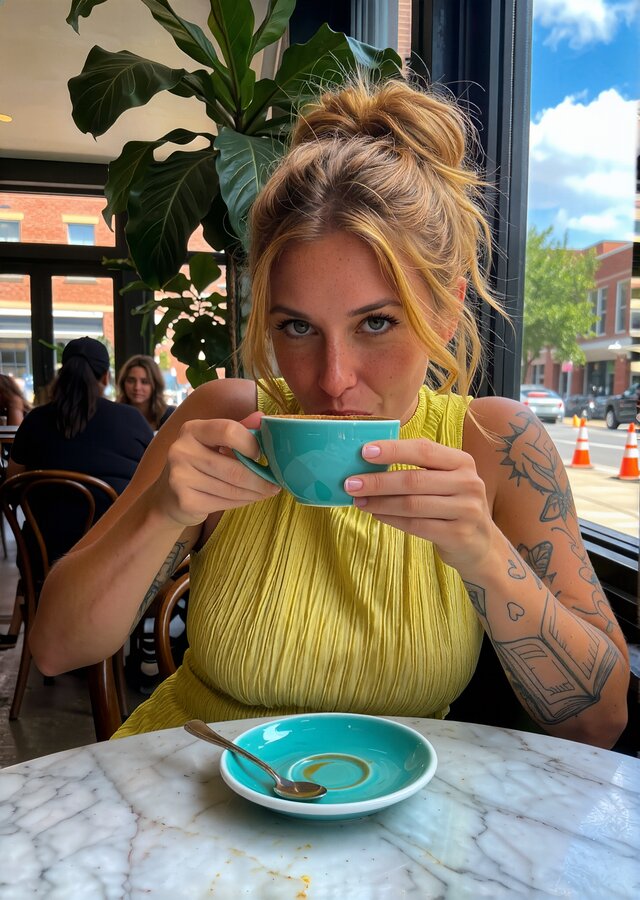
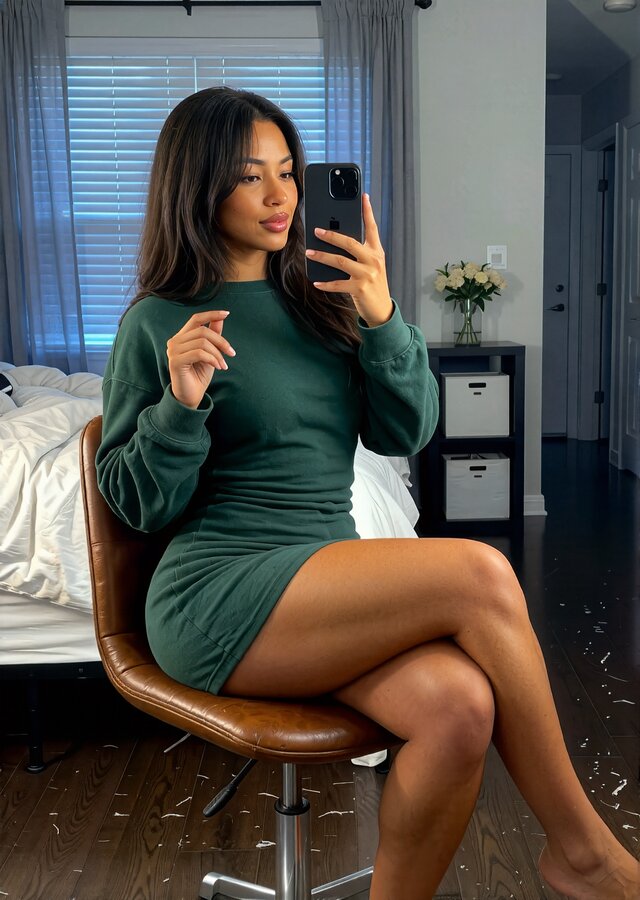
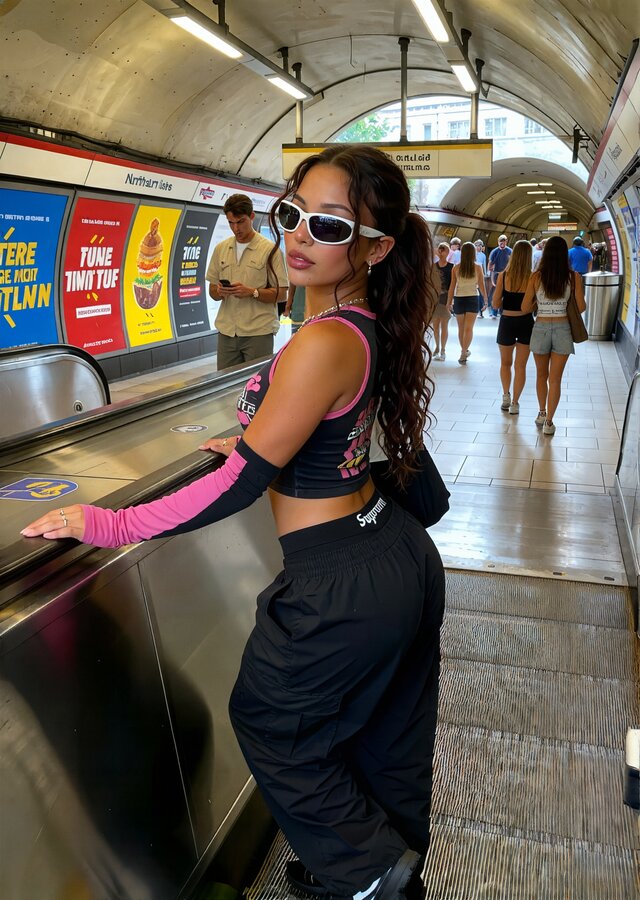
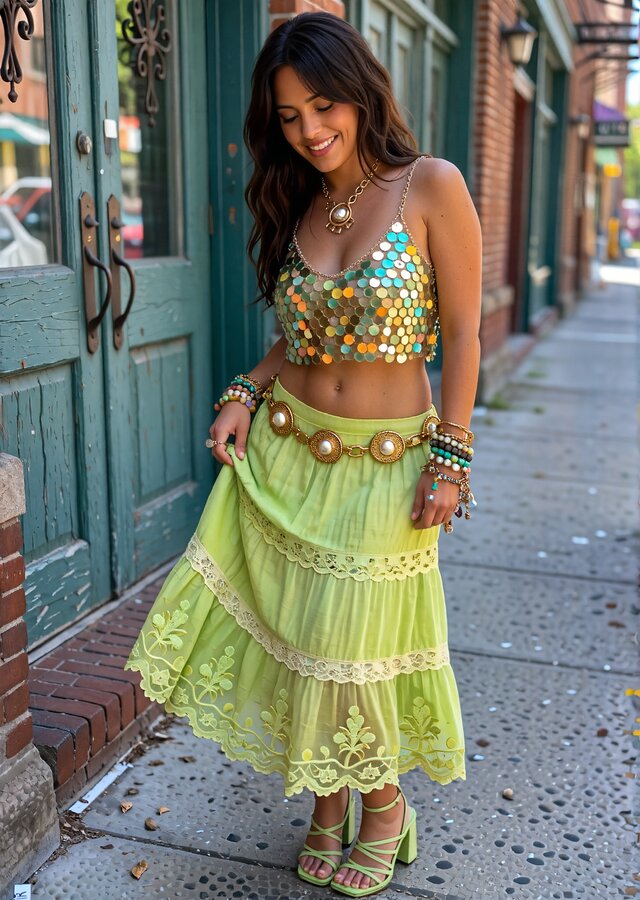
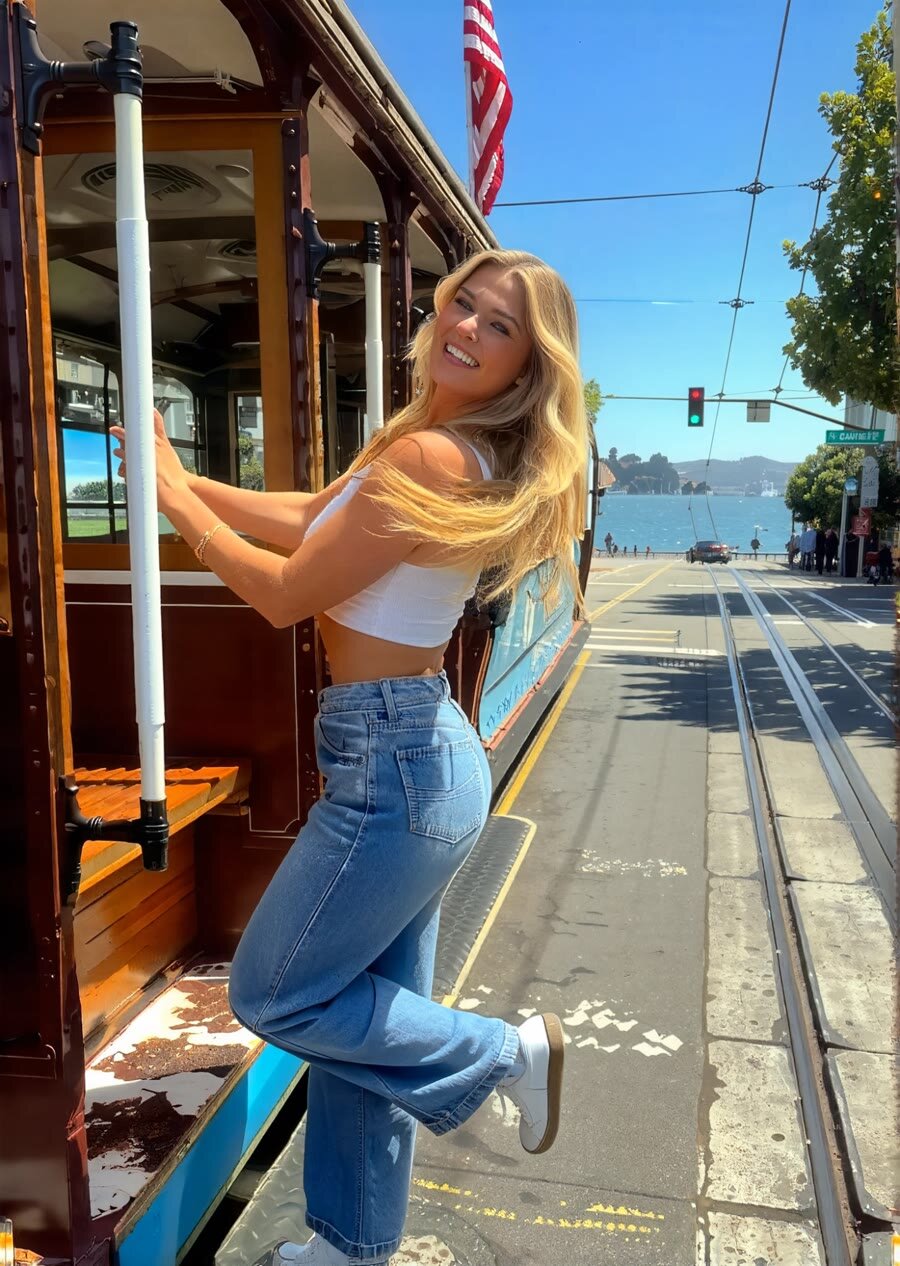
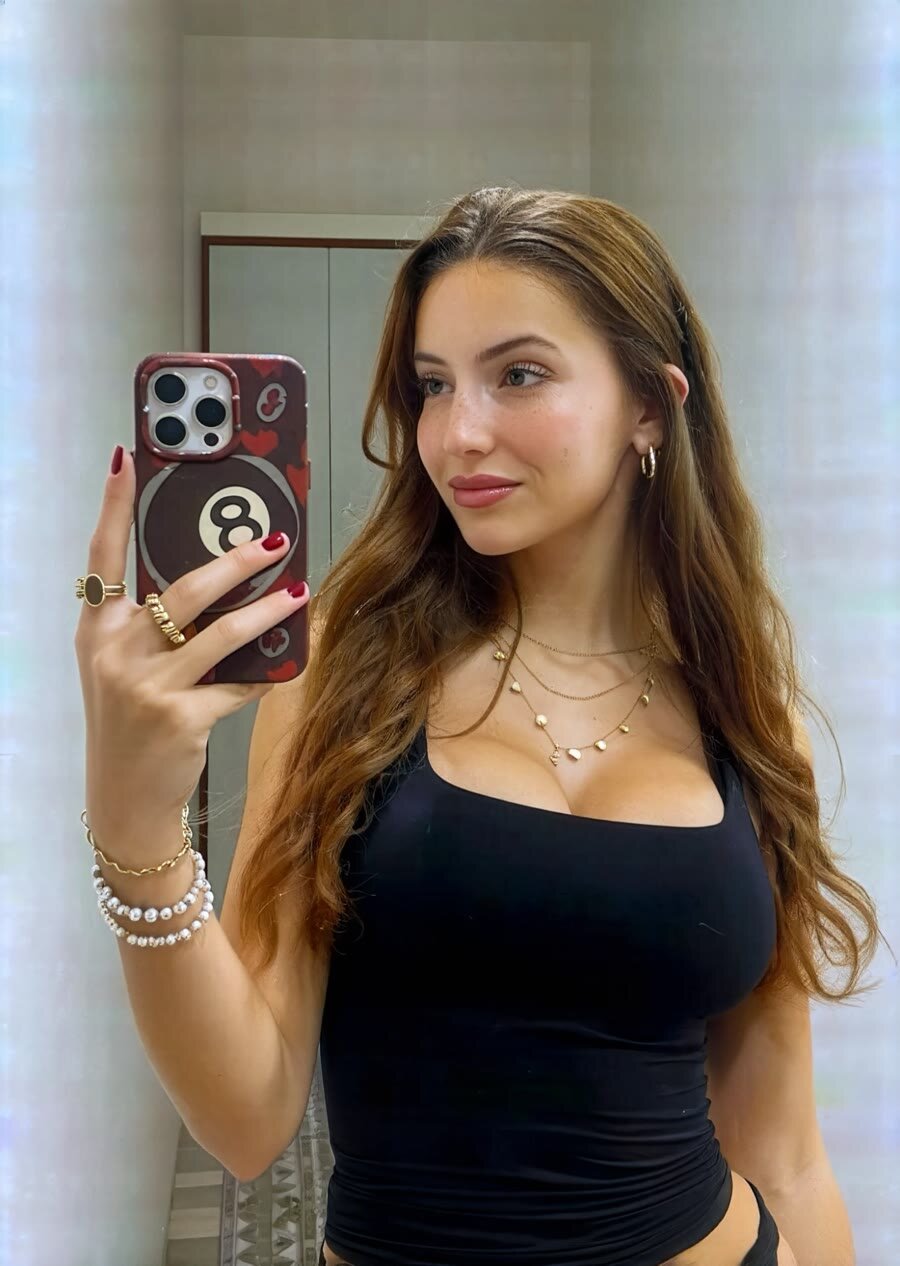
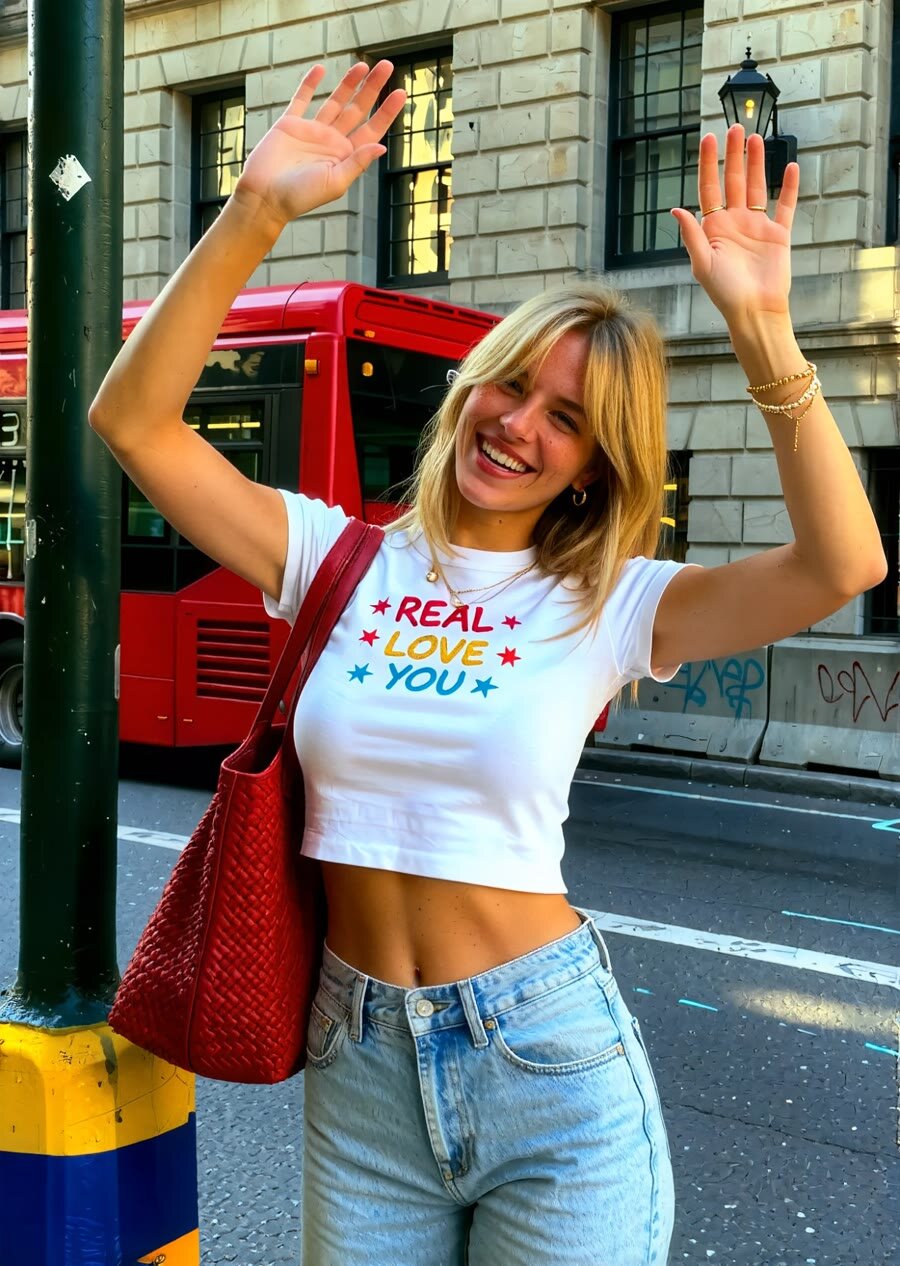
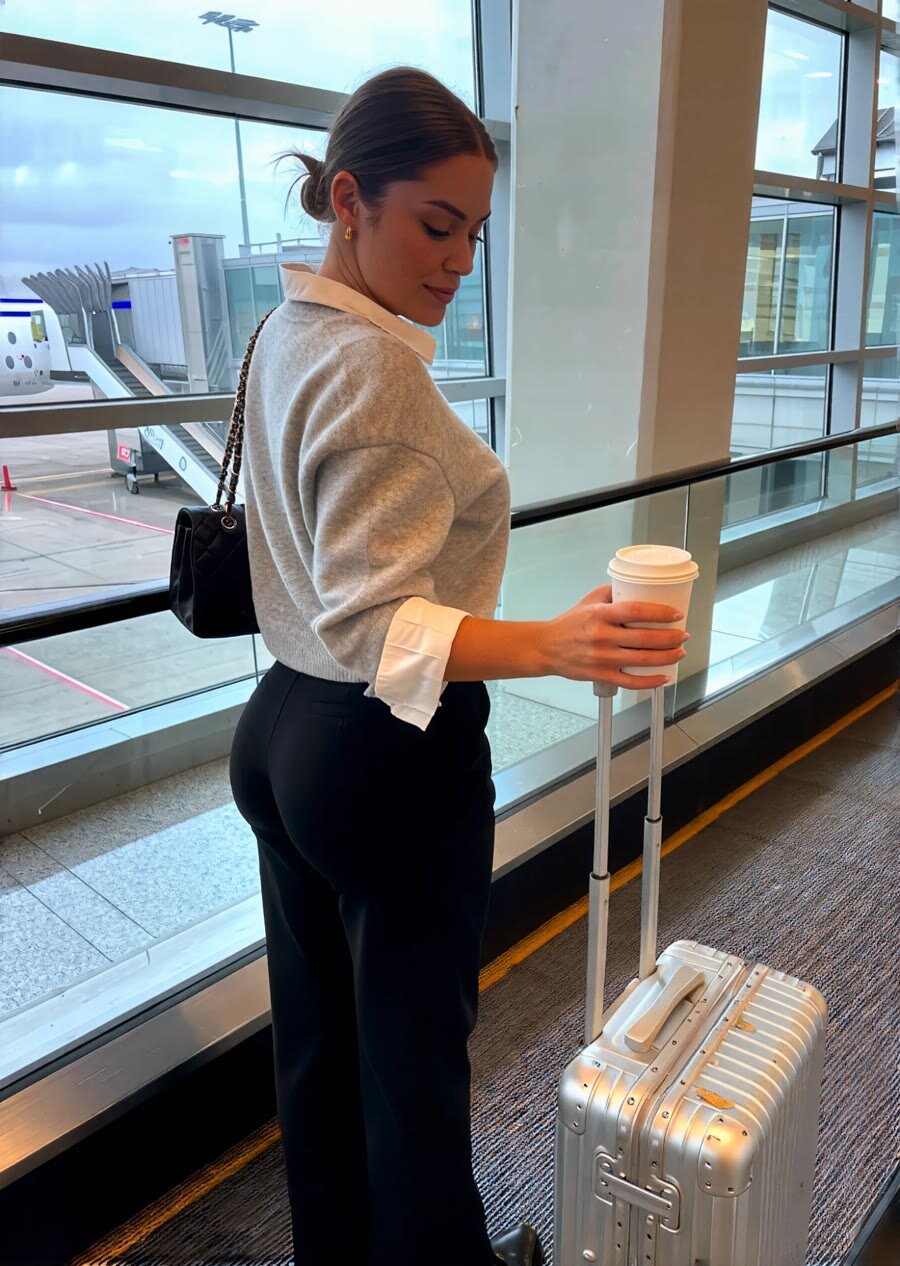
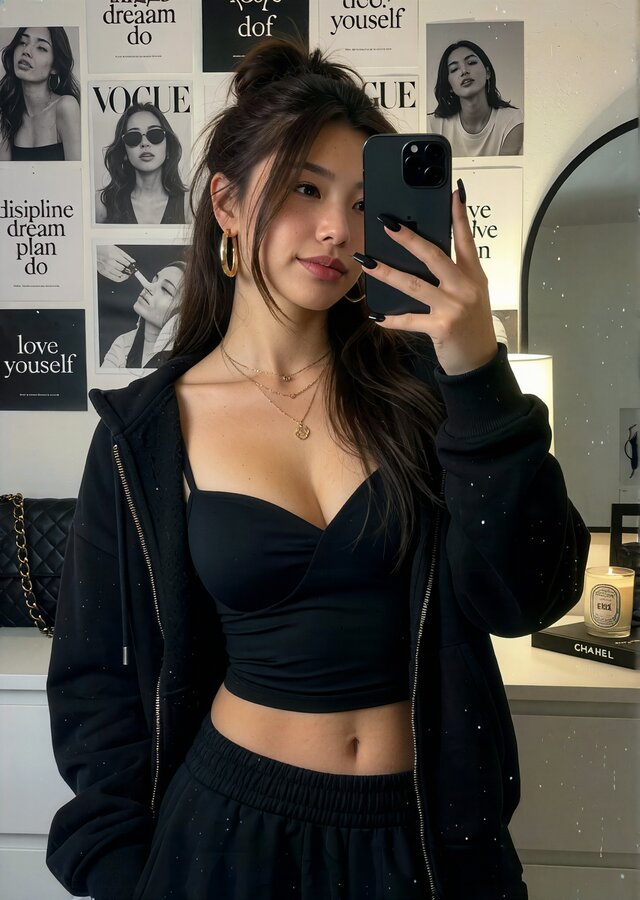
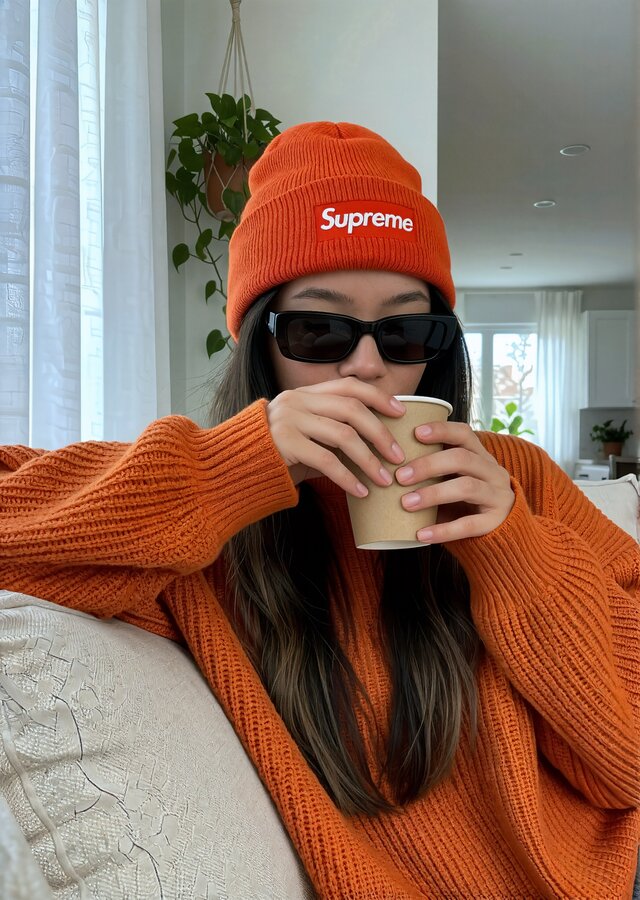
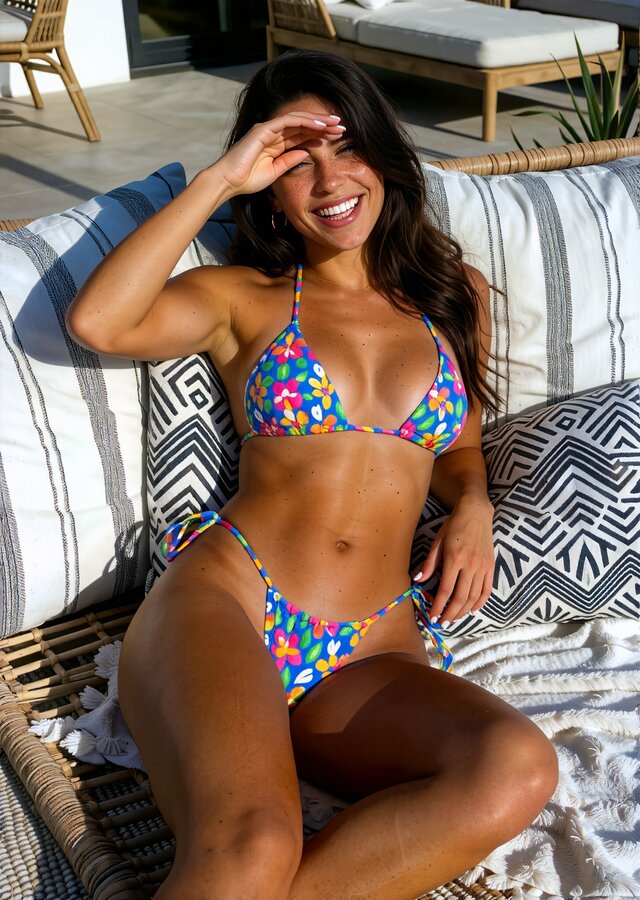
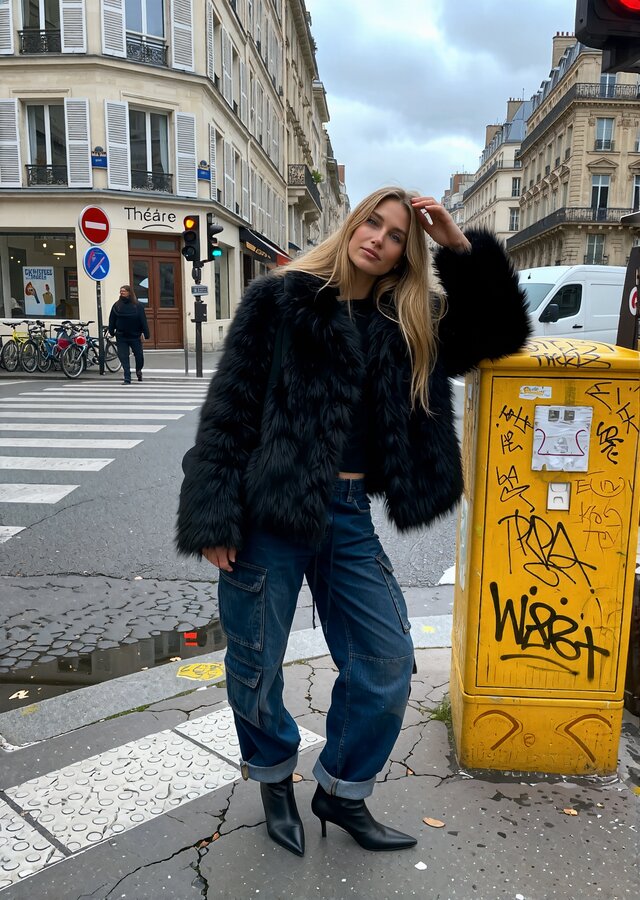
Change wardrobe, environment, lighting, or framing on an existing image without losing the subject. Environment Swap, multi-reference edits, batch sources, and a Draw Guide overlay for painting instructions straight onto the photo.
Preserve a target identity — face, body proportions, tattoos, freckles, distinctive pigmentation — while carrying over the base photo's pose, lighting, and framing. Up to ten reference images guide a single swap.
Write one creative brief and get three AI-directed concepts back. Pick one and it expands into a full shot list, ready to render.
Watch the photoshoot workflow in action: write one creative brief, get AI-directed concepts, and expand them into a full, consistent shoot in seconds.
Build a face feature by feature — eyes, face shape, lips, nose — apply it to a body, and get every expression and angle you need to keep your character consistent. Soft or strong realism boosts keep skin texture and lighting believable.
Add film grain, chromatic aberration, bloom, and vignette to any image in the Darkroom — the finishing pass that makes AI output feel like it was actually shot on camera.
Upload a photo and get platform-aware captions and hashtags back. Pick a tone, an emoji style, and a platform, then copy the winner straight to your post.
Turn finished images and videos into organized social campaigns. Write shared or platform-specific captions, publish immediately, or schedule across Instagram, TikTok, and Facebook Pages.
03Pro tools
Clean up and enlarge the best outputs — image and video — up to 4K. Sources are automatically checked and re-uploaded before rendering, so a broken link never stops a job.
One click restores natural skin texture, pores, and creases to a face or body — soft or strong boost, identity, anatomy, and lighting left untouched. No prompt box required.
Import your API-format workflow JSON files and map parameters (prompts, dimensions, references) once. Creator Studio provides a clean settings panel for your custom nodes and monitors generation, training, and upscale jobs in real time.
Upload 15 to 100 photos and train a permanent, private version of your character through Famegrid Pro — watch live progress and preview samples as they land, then use the finished model straight from Image Gen.
Creative command center
Copilot turns a rough idea, reference upload, or finished result into editable production steps. It lets you chat with a creative partner: helping you come up with stronger concepts, refine the angle, and push each piece toward higher-quality, higher-engagement content before you generate. Generate images, revise them, animate them, or build a segmented video in Director mode, with costs estimated before your API keys are used.
Ask for an image, an edit, an animation, or a lipsync and Copilot stages the right tool.
Shape a full video brief, choose the model, then run segment clips one by one.
Every step shows model, duration, references, and estimated cost before it runs.
37 creative modes and workflows
Bring your own API keys. Connect supported providers you already use, keep control of generation spending, and run every model through one consistent workspace.
Famegrid Pro Production
Every photoshoot concept expands into high-fidelity renders where shadow depth, fabric folds, and environmental light feel coherent and physically correct.
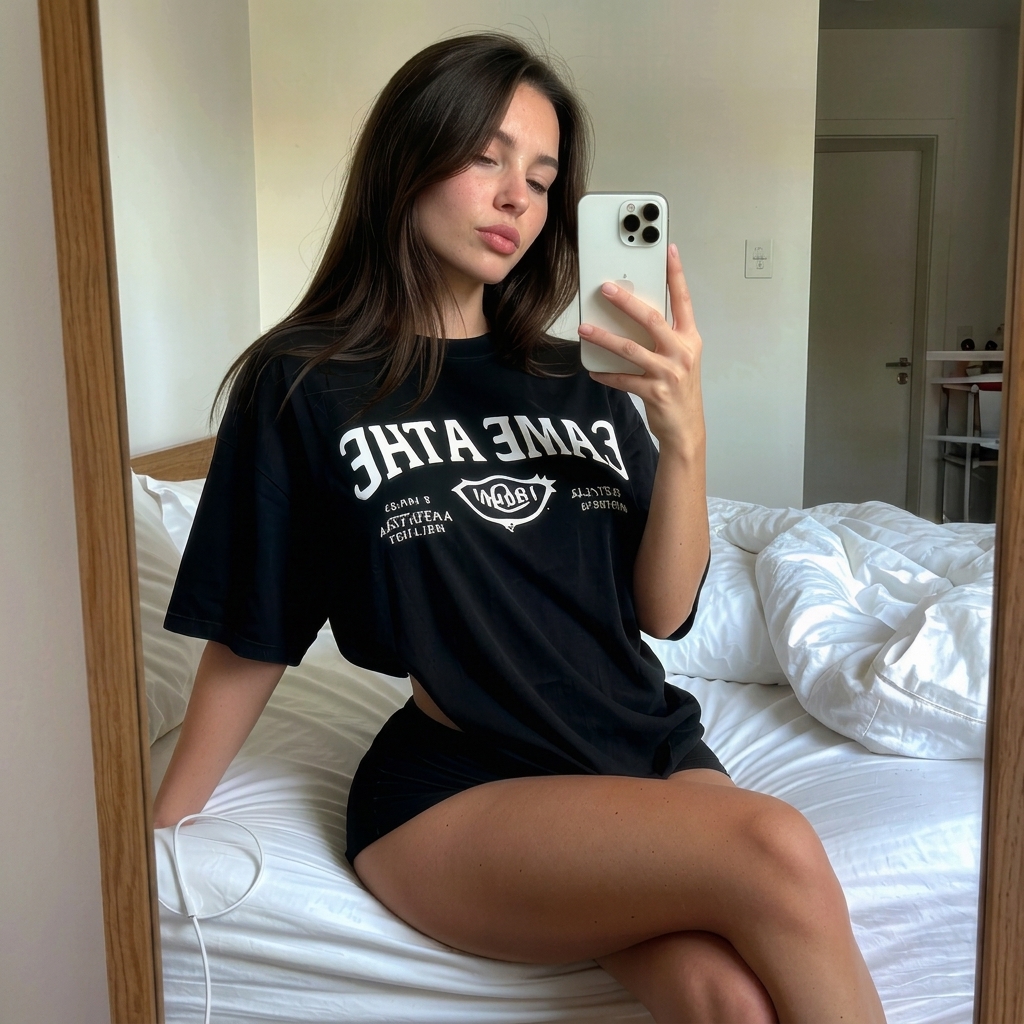
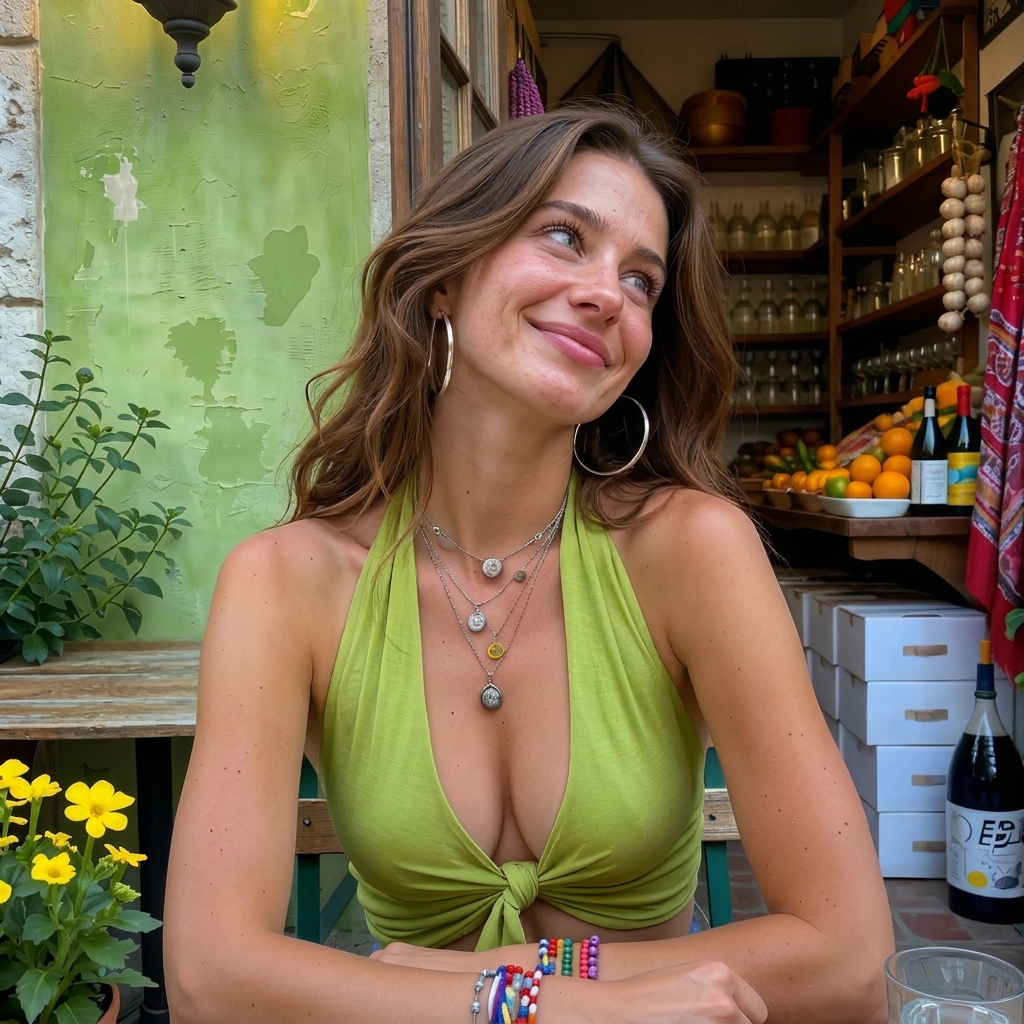
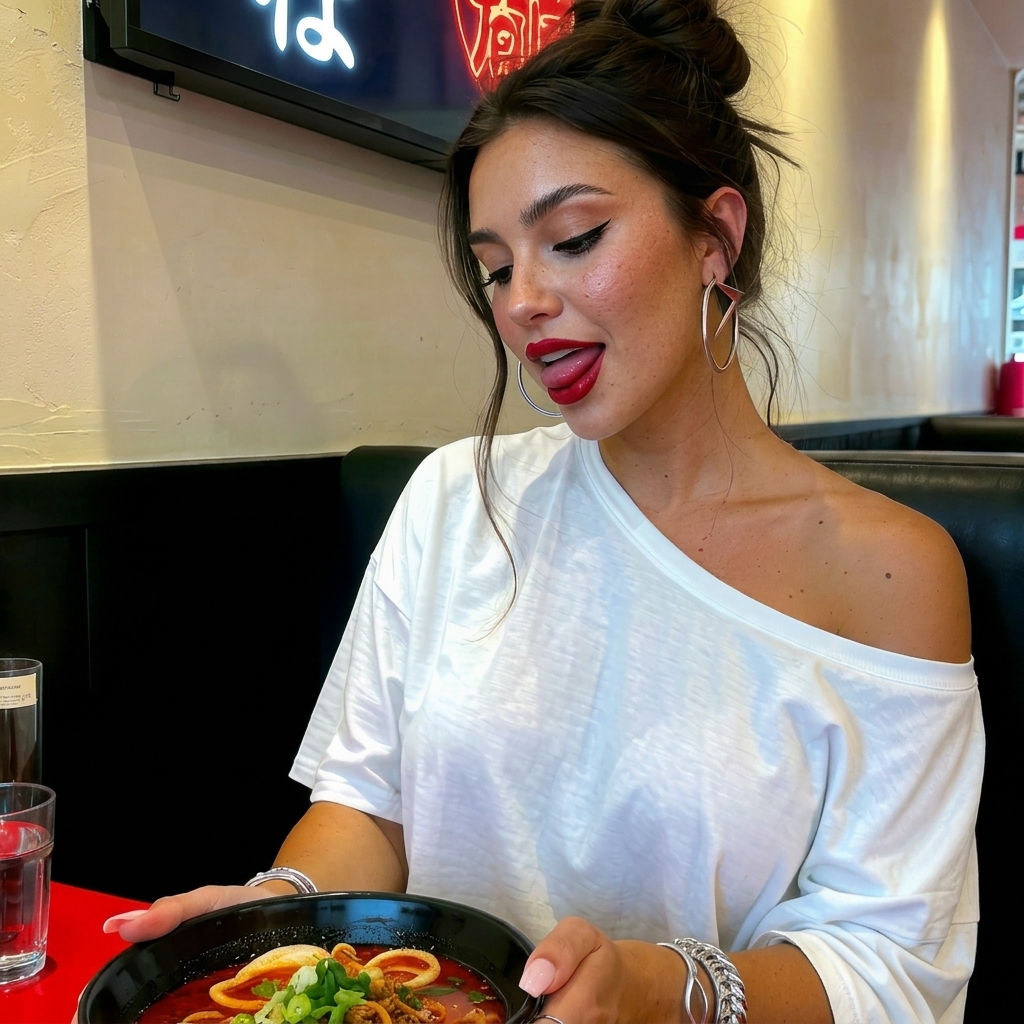
Famegrid Pro Output
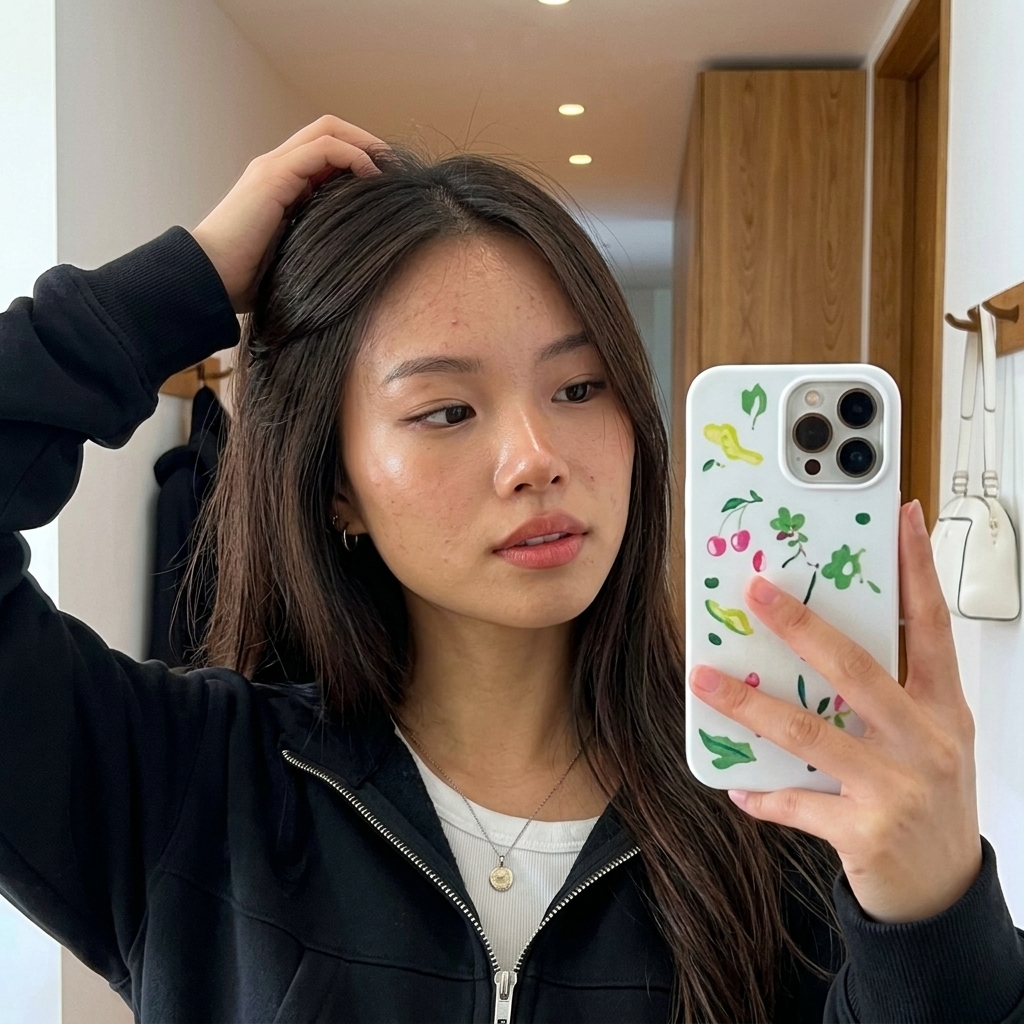
From close-up portraits to mid-range shots, keep the facial structure and authentic skin tone consistent across different lighting conditions and environments.
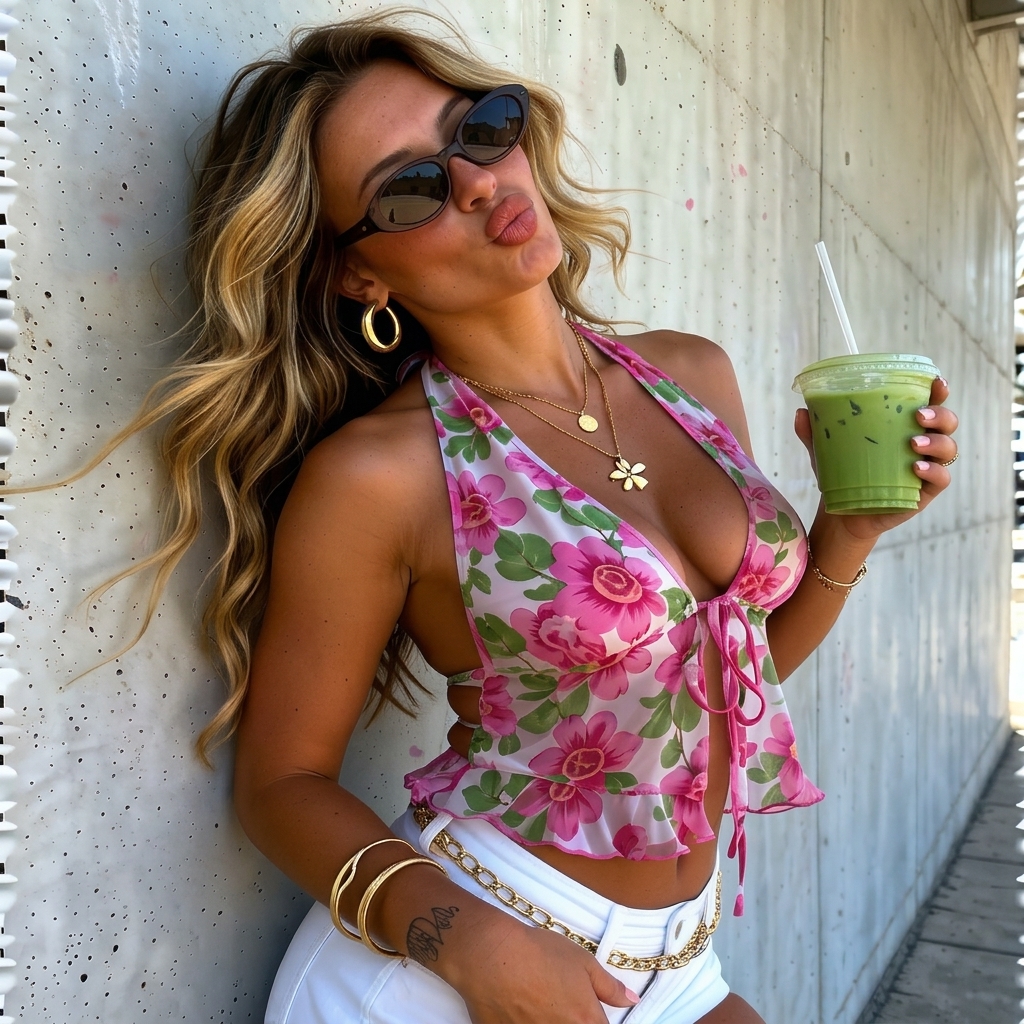
Why creators use it
Creator Studio AI is built for people who already know what they want to make and do not want to lose hours jumping between tabs, rebuilding prompts, uploading the same references, or sorting through dead-end outputs.
Keep references, prompts, history, favorites, and finished assets in one place so each new idea starts faster.
Move from one concept into batches of polished images, edits, swaps, upscales, and motion tests without rebuilding the workflow.
Take the strongest outputs straight into refinement, video, audio, and final polish while the original context stays intact.
THE AI ARTIST EDITION
Build an original singer or rapper. Shape their identity, style the next era, and bring the music to life with videos, photoshoots, and performance tools.
Explore AI Artists ↗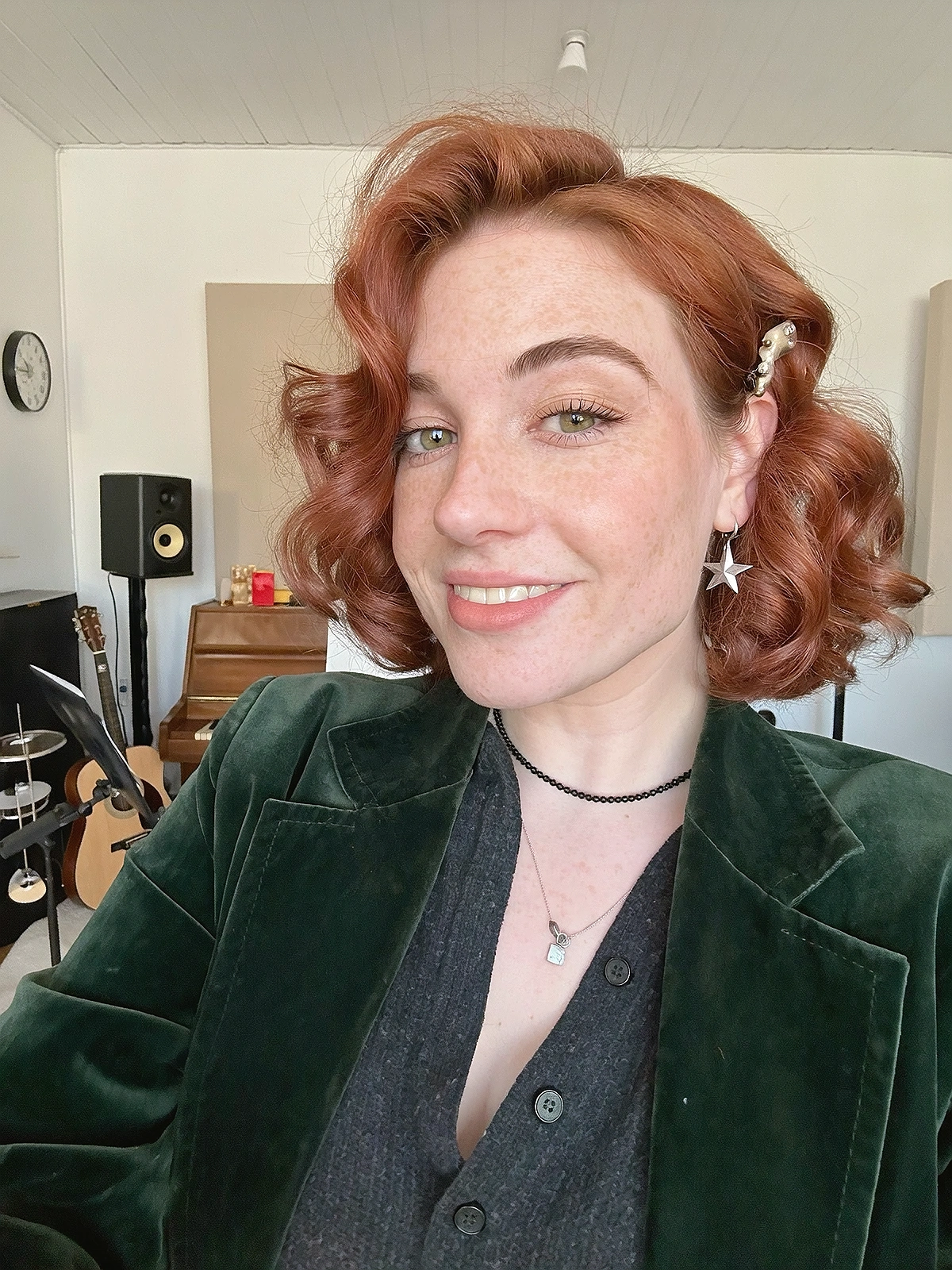 YOUR ARTIST / YOUR NEXT ERA
Hosted plans
Start free with no card, move up when you need more production volume, or choose Full for the complete studio. AI provider usage is separate: connect your own API keys and pay those providers directly.
Free
A real hosted workspace for trying the core production pipeline.
No card required
Lite
More volume for creators using the core image and short-form workflow.
Or $79/year — save $40.88
Full
Every Creator Studio tool with no feature or monthly production quotas.
Or $149/year — save $150.88
Lifetime
Pay once and keep Full hosted plus local Creator Studio access for life.
Monthly tool allowances reset on the first day of each UTC month. Unused FameGrid promotional credits do not roll over. Free accounts can use FameGrid’s own 50-credit monthly allowance after creating or linking a FameGrid account. Creator Studio promotional credits work with FameGrid models; FameGrid subscribers can also use them with eligible external models.
Delete cloud files to regain space, or add +25GB for $2.99/month and +100GB for $7.99/month. AI generation charges are separate and go directly to the providers connected with your own API keys.
Affiliate Program
Share your unique link or promo code. Your audience gets 5% off, and you earn at least 20% of the amount they pay on their first payment. Request a payout once your cleared balance reaches $10; payouts are processed within 24 hours.