
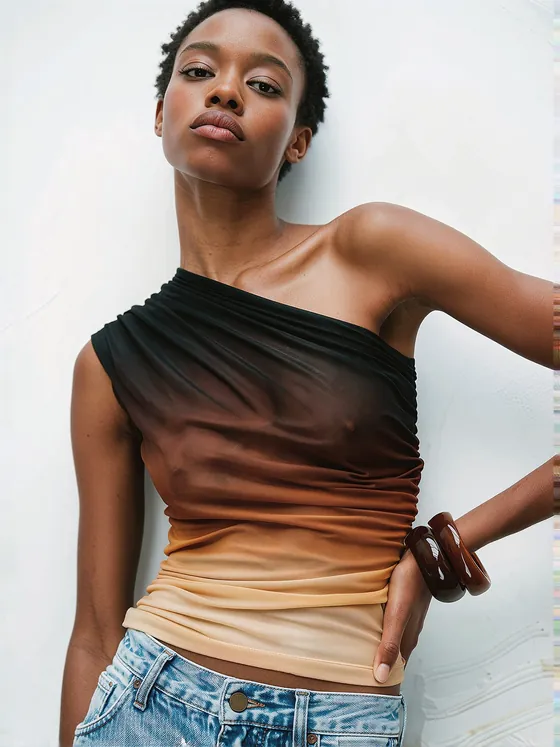



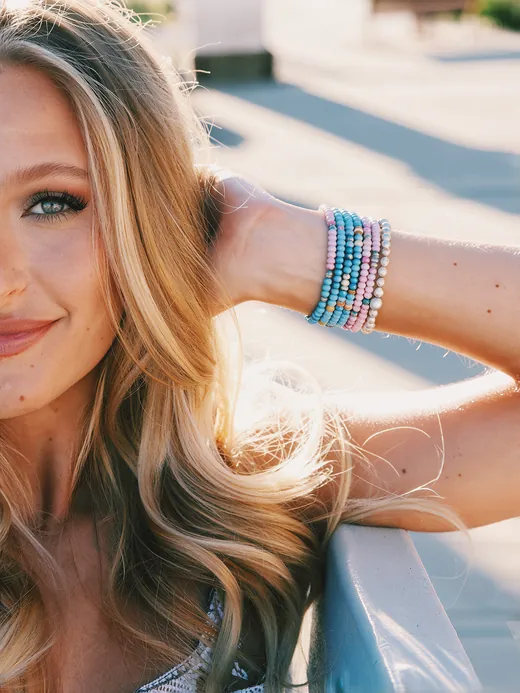
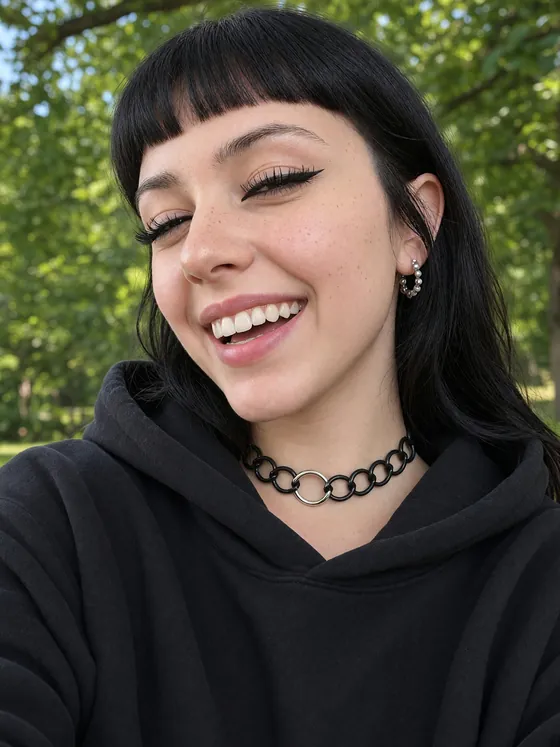


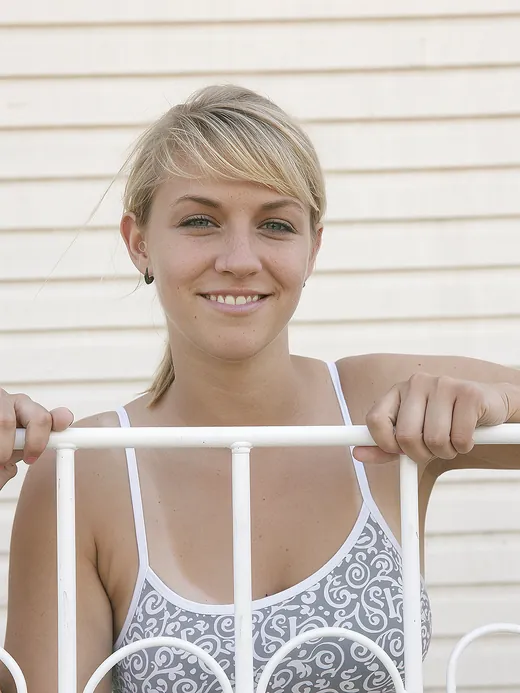


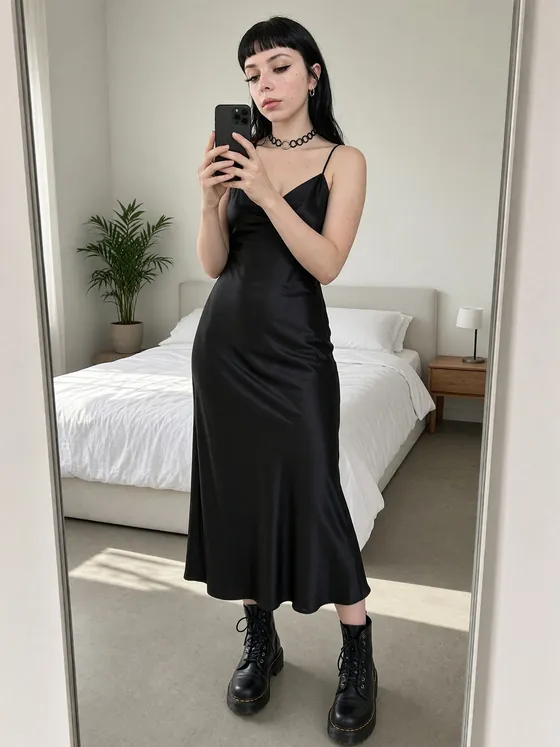
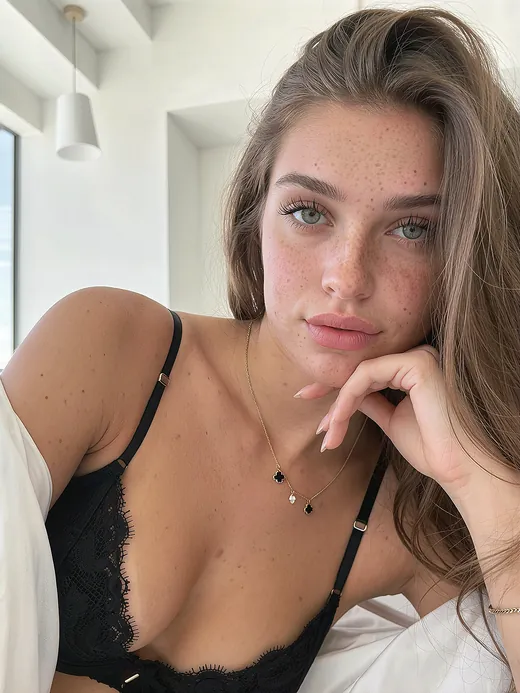


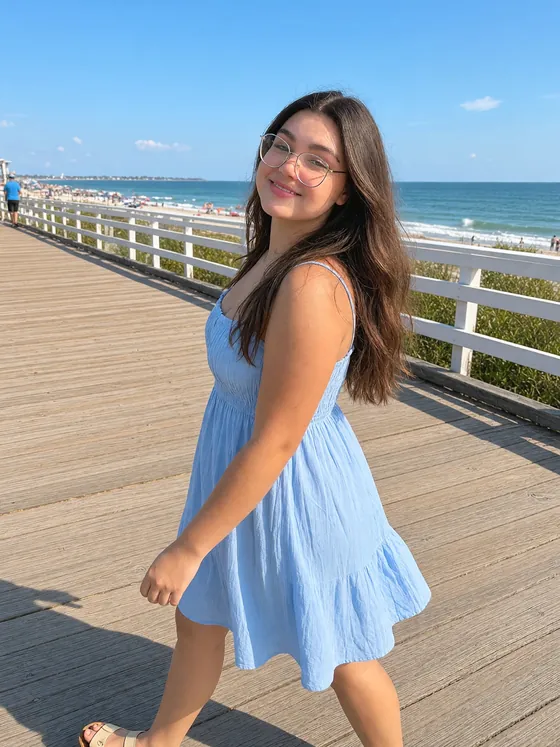
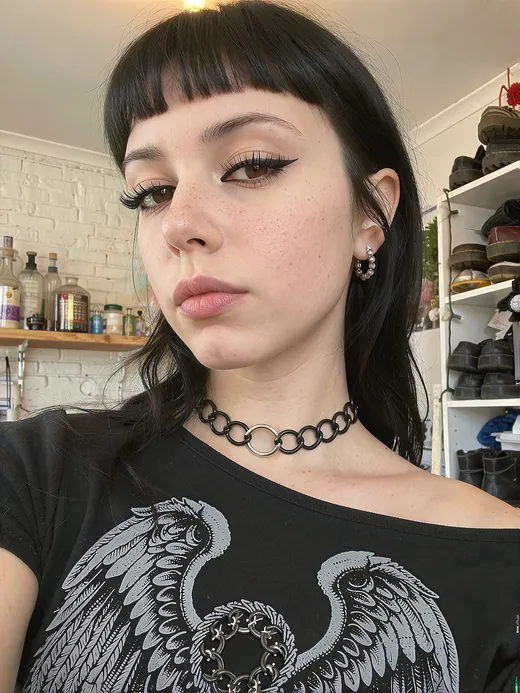

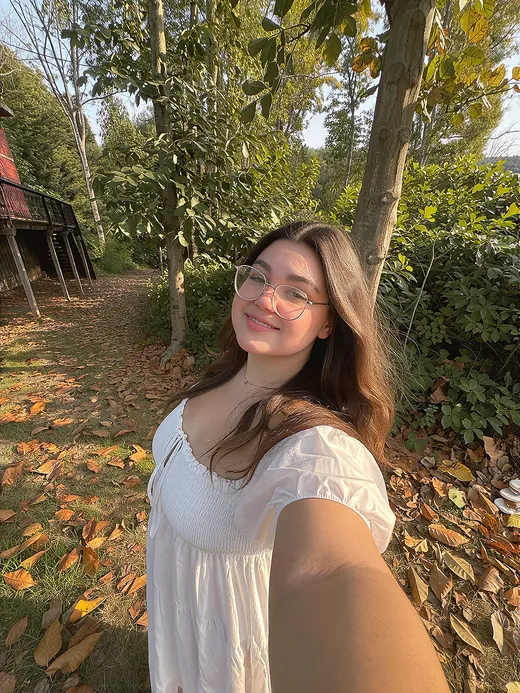
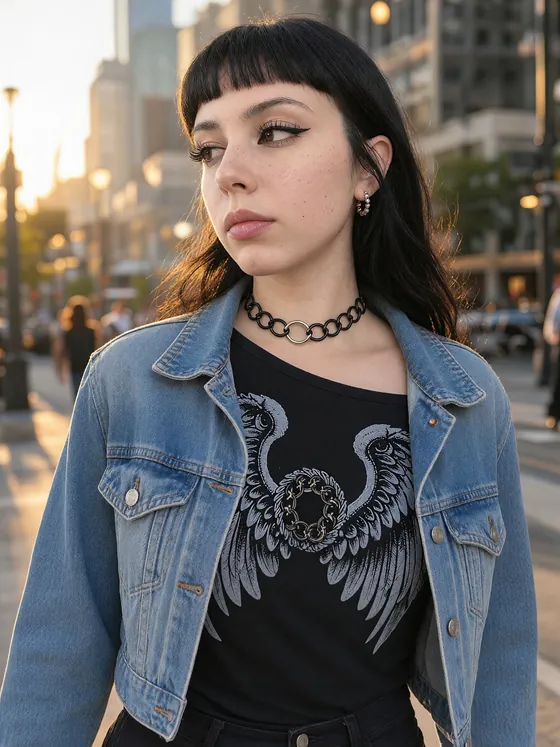
Your character.More real.
Upload your character LoRA. We combine it with our exclusive FameGrid UltraReal Reality Adapter—the same adapter that powers FameGrid Generations, one of the most realistic AI image generation models available today. Get back a fresh LoRA with more lifelike skin, eyes and faces.
Easy to use · A few clicks · Your realism upgrade, ready in minutes
A few clicks.
A whole new reality.
An easy, intuitive experience from upload to upgrade. Bring your character, check the likeness, and choose your realism boost. We handle the rest, so you can get back to creating a more realistic-looking universe.
Once you approve your before image, your upgraded LoRA can be ready in around 10 minutes. Download it, load it into your workflow, and see your character in a new light.
Upload and first-preview time are additional. Timing varies with your file and demand.
Lose the AI look.
Bring out the life.
A great character can still come with skin that feels too smooth, eyes that look artificial, or a face that feels generated. Reality Forge helps bring those details closer to a photograph.
- 01
More believable skin.
Help replace the overly smooth AI finish with more natural-looking skin texture and facial detail.
- 02
Eyes with more life.
Push toward eyes and facial features that feel more lifelike, with a more convincing overall expression.
- 03
A LoRA you can keep.
This is an upgrade to your character LoRA. Download the finished file and bring the new look into your own generations.
Trained on AI images?
This is for you.
Characters built from Nano Banana, Seedream, Grok and other AI-generated images can inherit the look of those images. If that look followed your character into a Krea 2 LoRA, Reality Forge helps push it toward something more photographic.
Keep creating with the character you already built. Give it a fresh layer of realism.
Realism, pushed further.
Captured for your character.
The FameGrid UltraReal Reality Adapter that powers FameGrid Generations is now available to upgrade your character LoRA. FameGrid Generations delivers some of the most realistic AI imagery available today, with the photographic skin, eyes and faces that define the FameGrid look.
We push a full model hard toward photographic realism, then capture that look in our exclusive FameGrid UltraReal Reality Adapter. We combine it with the LoRA you already use, at the realism strength you choose, and deliver a fresh LoRA ready for your next generation.
Bring the character.
Find the look.
- 01
Bring your character
Upload your existing Krea 2 character LoRA and tell us its trigger word. There is no need to rebuild your dataset or train your character again.
- 02
Check the likeness
See your character before the upgrade. Make sure we have the right look, then choose how much realism you want to add.
- 03
Download your upgrade
We merge your LoRA with our exclusive FameGrid UltraReal Reality Adapter. Compare the before and after, then download your new LoRA and put it to work.
More characters.
One workspace.
Use your balance across multiple character LoRAs. Upload another LoRA from your workspace whenever you want to try a different character. Upgrades and previews are free; one credit unlocks a file’s first download, with re-downloads included. Workspaces last seven days. Buying another pack renews your workspace for seven days.
A few things
to know.
What do I get back?
A fresh character LoRA, upgraded with our exclusive FameGrid UltraReal Reality Adapter for a more photographic look. You get a before-and-after comparison and a new file to download and use. Your original LoRA stays unchanged.
Do I need to train my character again?
No. Upload the character LoRA you already have. We add the FameGrid realism look so you can keep creating without rebuilding your dataset or starting another training run.
How big will my download be?
The upgraded file is usually larger than the one you upload. Choose the most detail or a smaller download, and see the estimated size before you start. Smaller options can lose some fine detail.
Will my LoRA work?
Reality Forge works with Krea 2 LoRA and LoKr character adapters saved as .safetensors files, up to 2 GB. LoKr files are converted before the upgrade to keep downloads manageable, which can change some fine detail. Other models and adapter formats are not supported yet.
How do I use my upgraded LoRA?
Load your downloaded LoRA with Krea 2 RAW in your usual image-generation workflow and set its strength to 1.0. Add your character’s trigger word and famegrid to your prompt. Your chosen realism strength is already built into the file.
Should I choose the highest realism strength?
Start at the recommended strength of 1.3, then adjust in small steps. Higher strengths add more of the FameGrid look; lower strengths give a gentler upgrade. You can also adjust your character strength separately to find the balance you like.
Enter
Reality Forge.
Give your character a realism upgrade
Create your private workspace, upload your LoRA, and start your first upgrade. We will email your private Workspace link so you can return to your previews and downloads.
Choose a download pack inside the workspace.