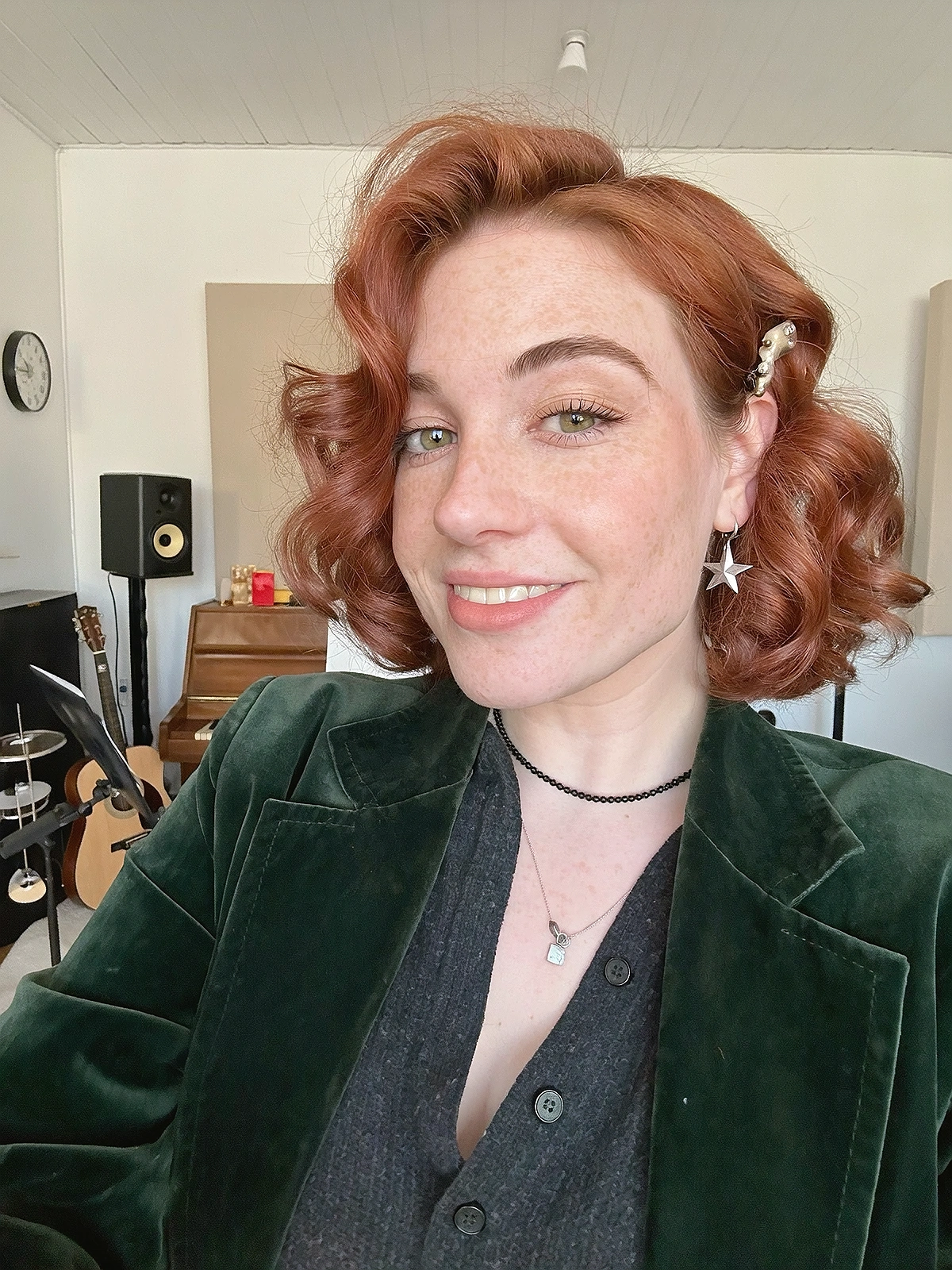
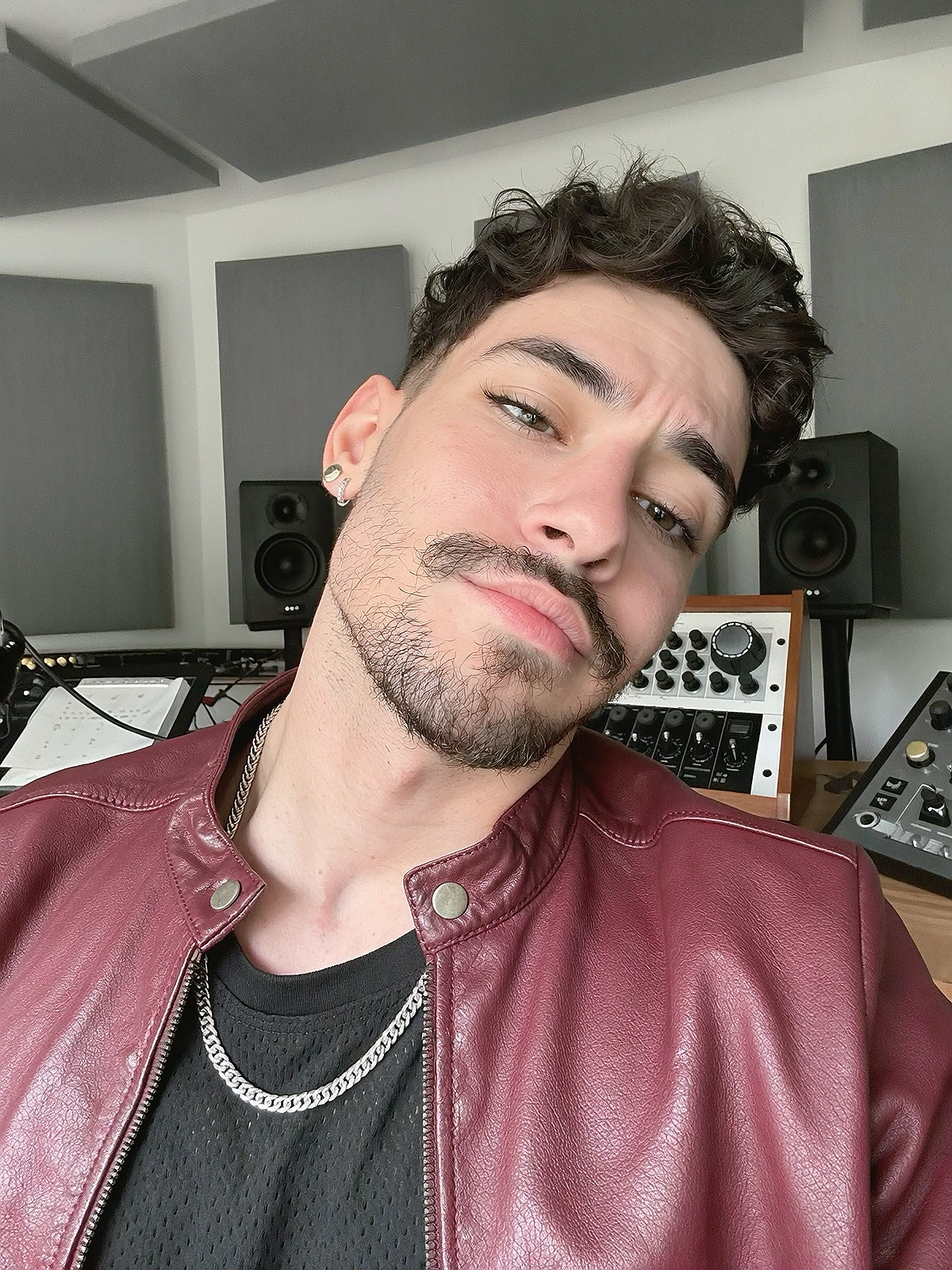
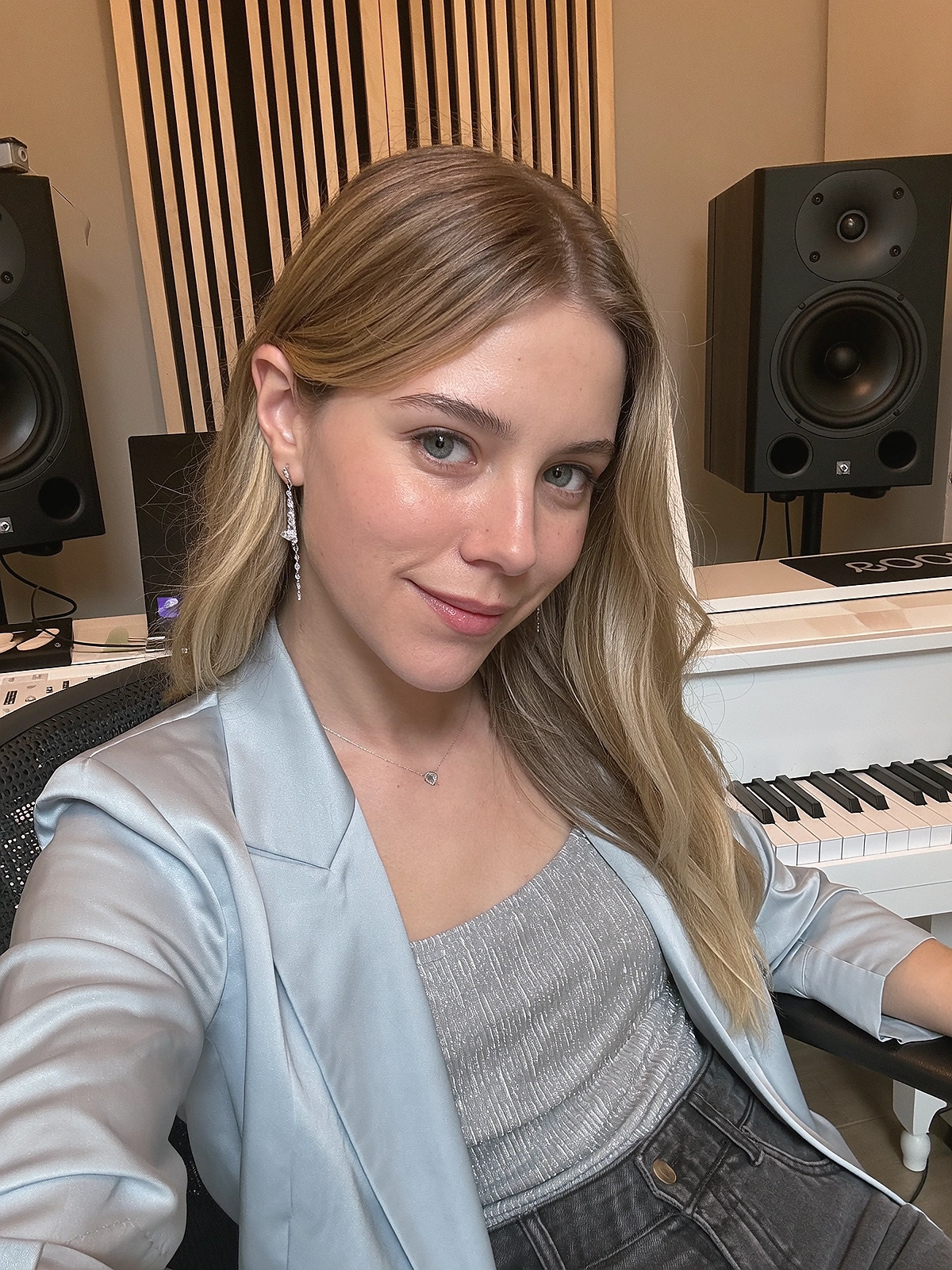
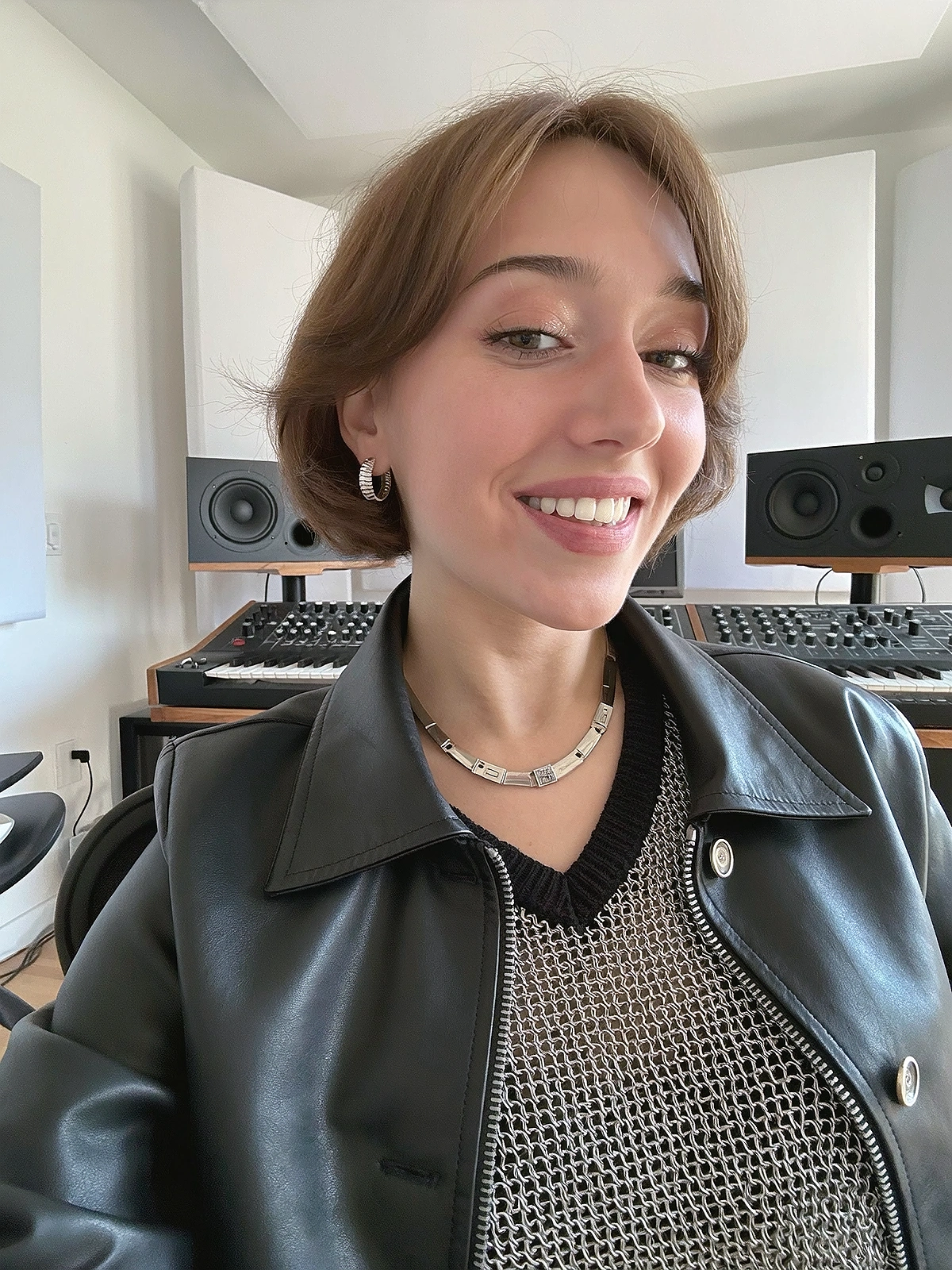
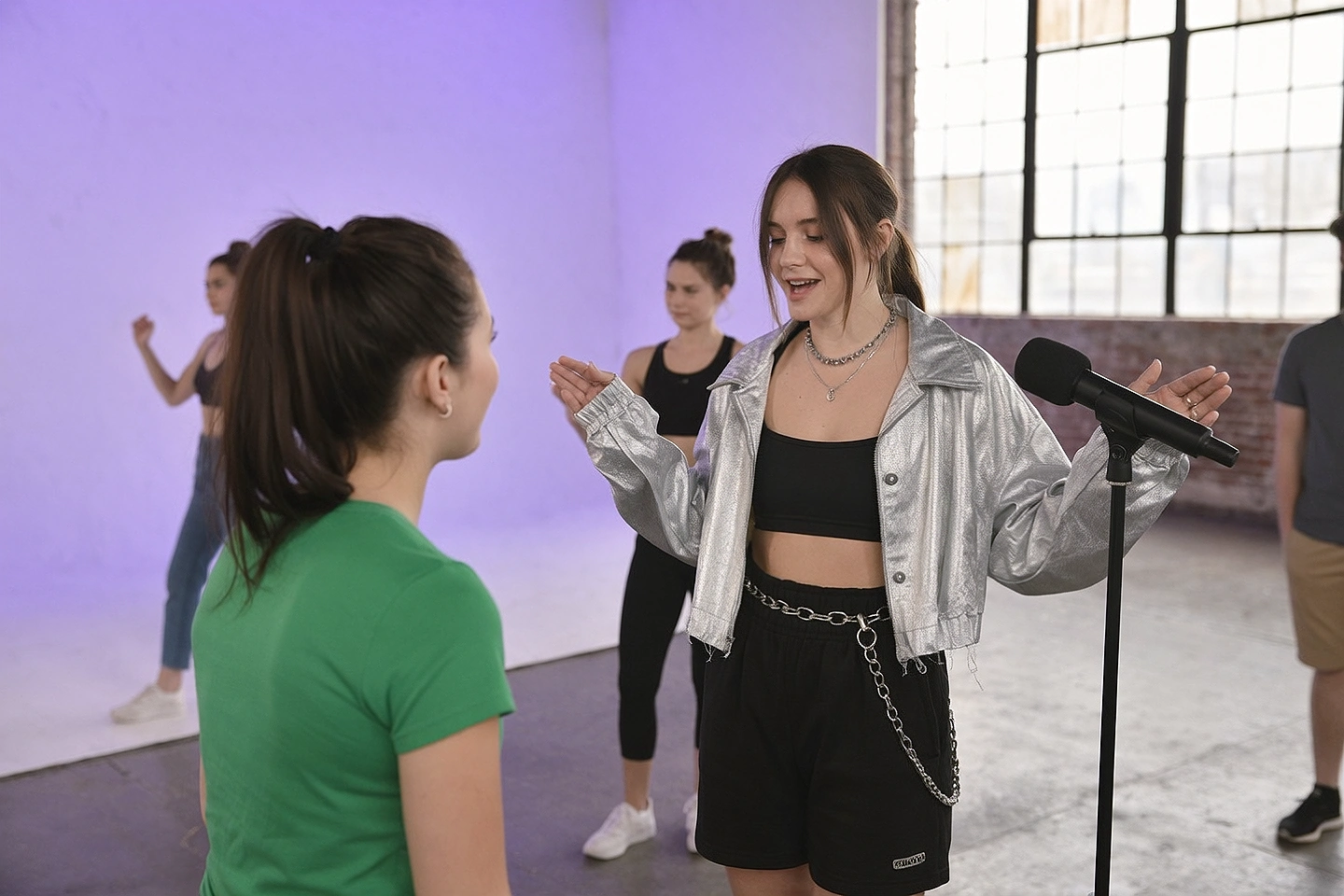
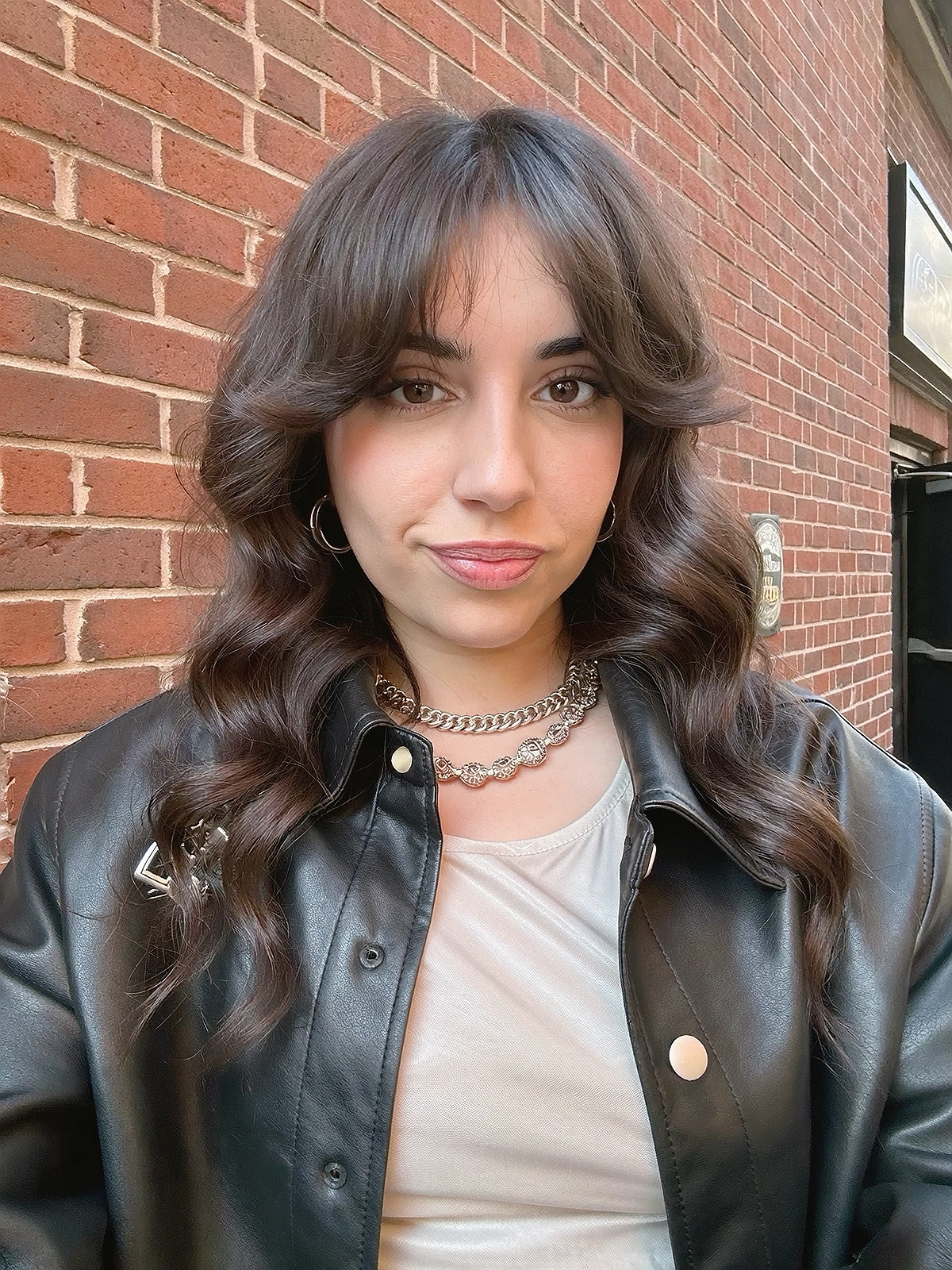
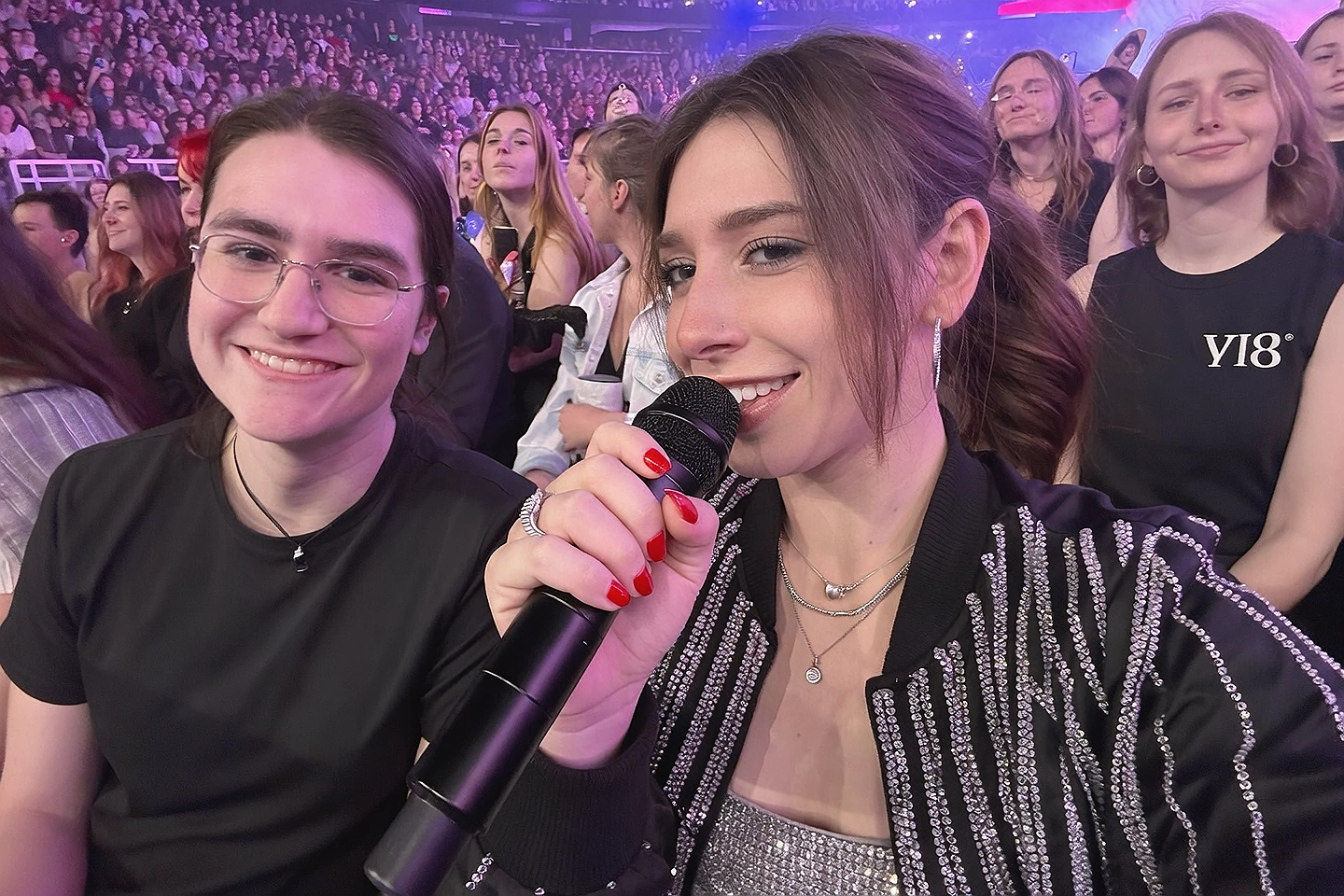
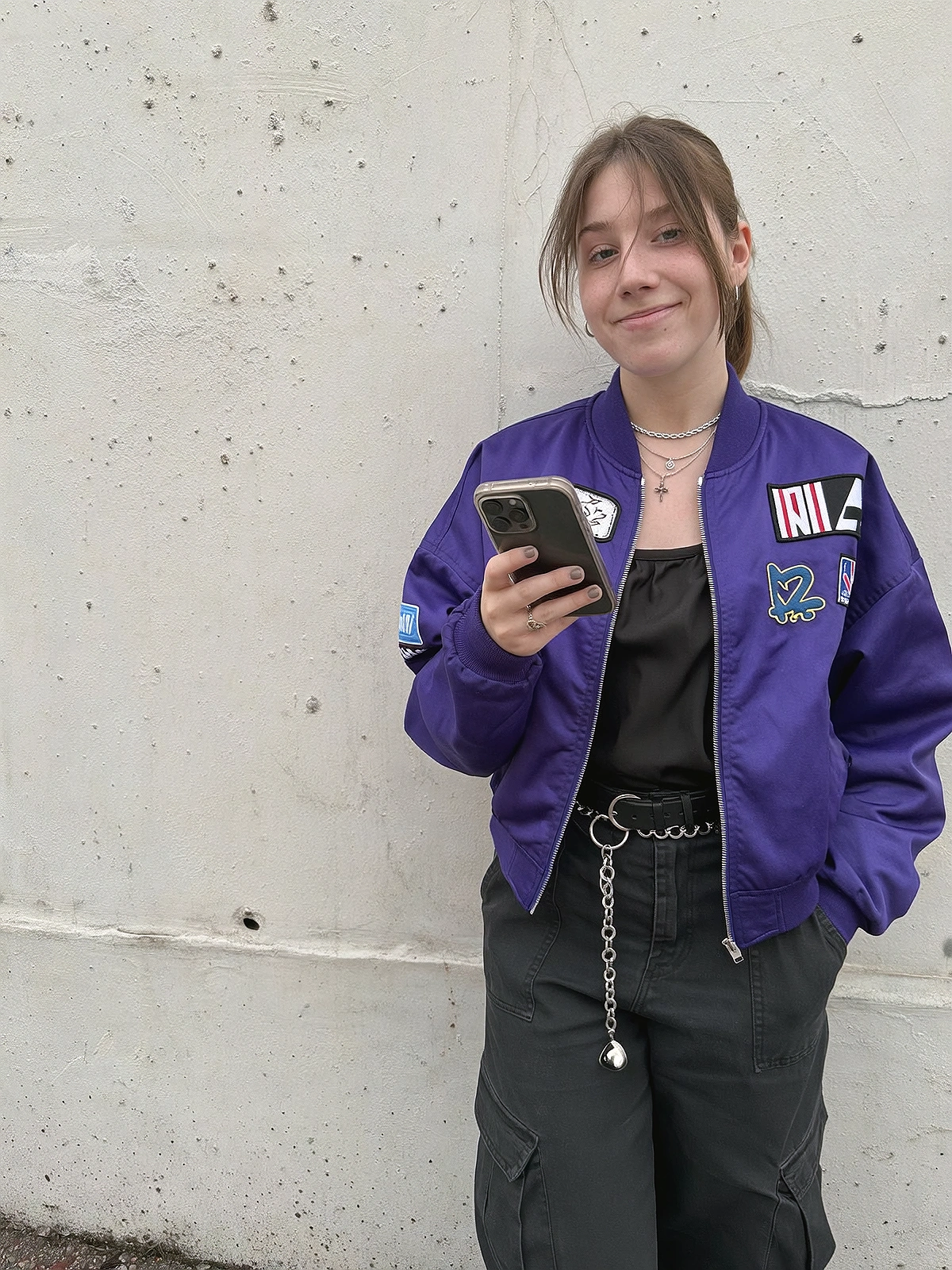
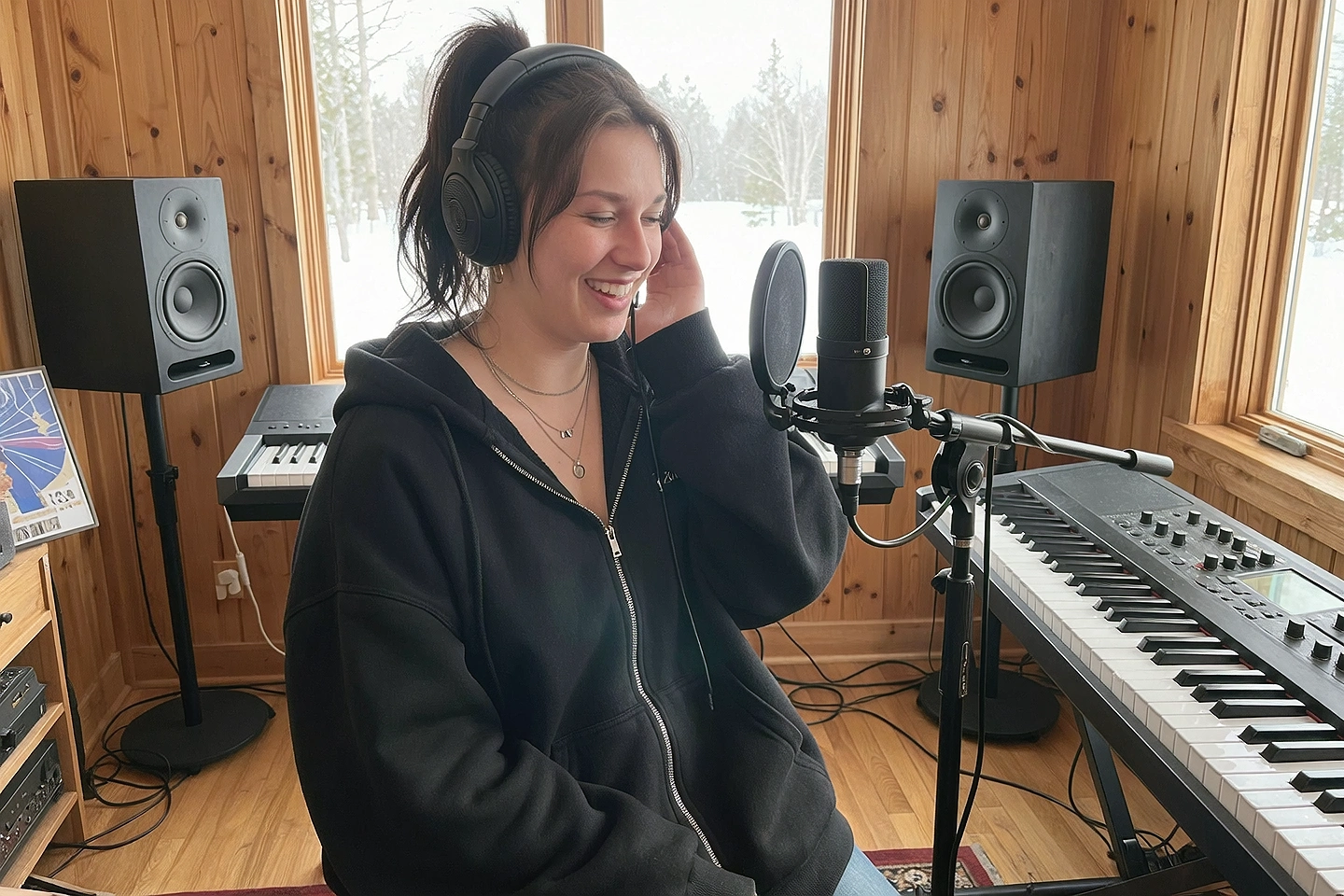
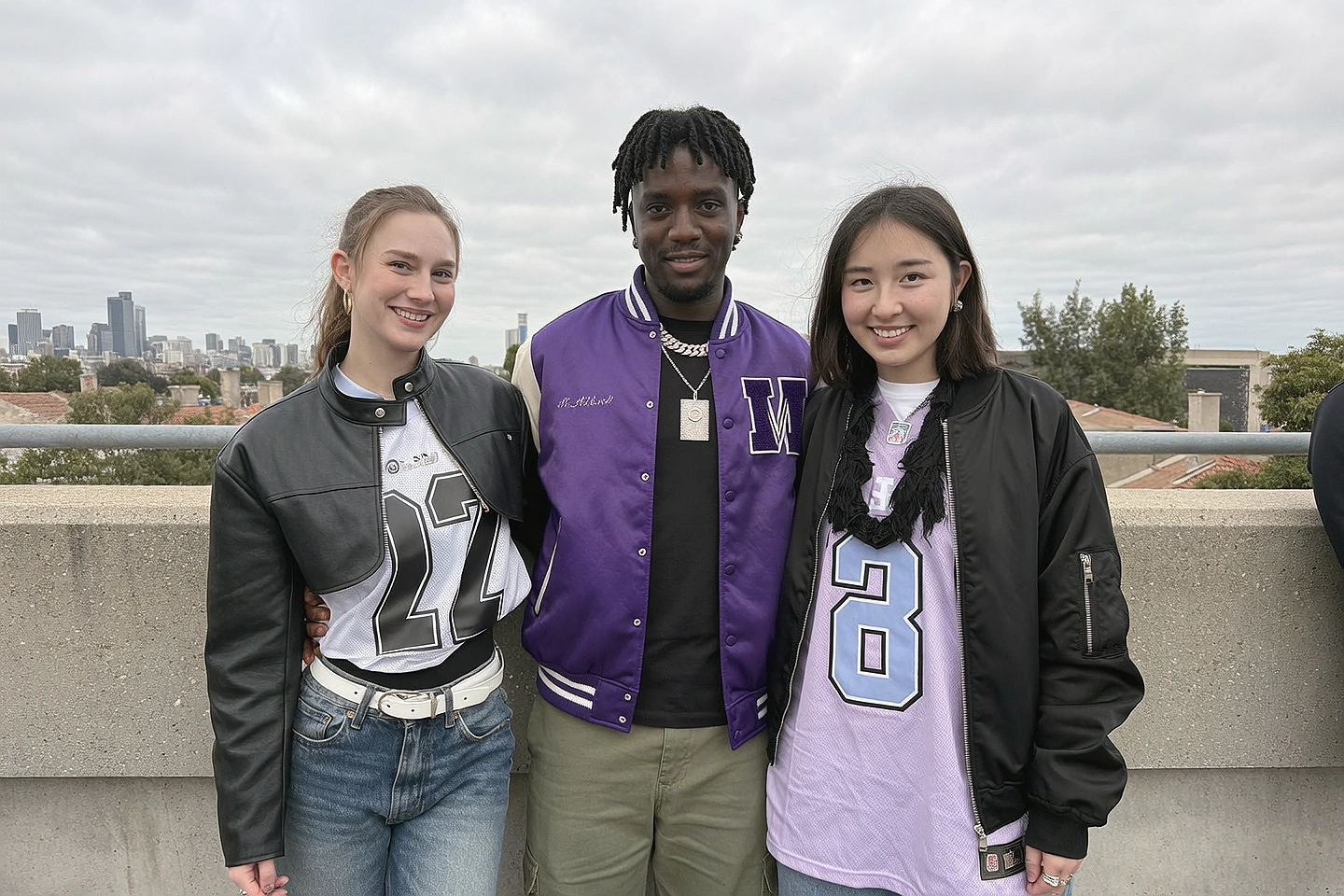
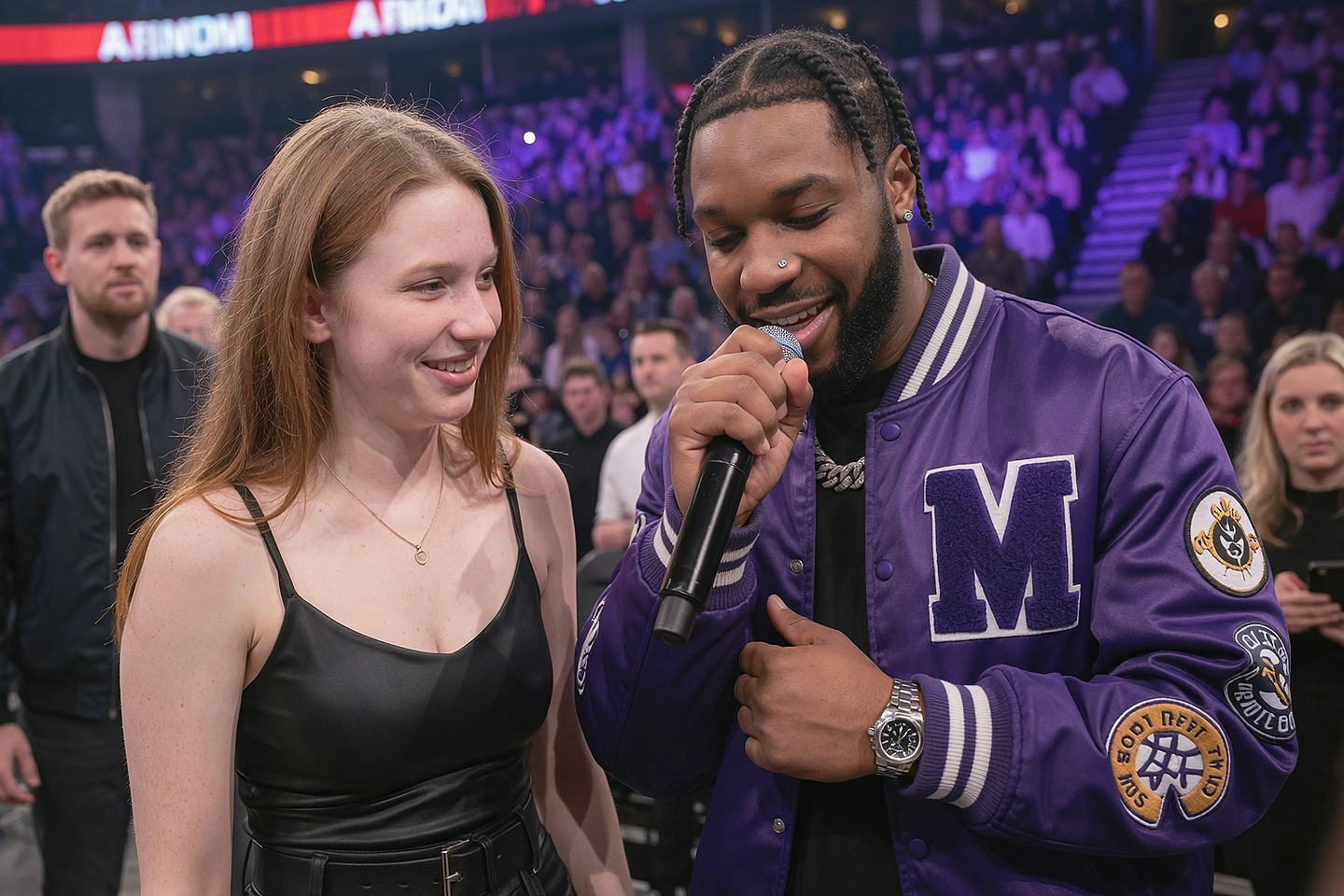
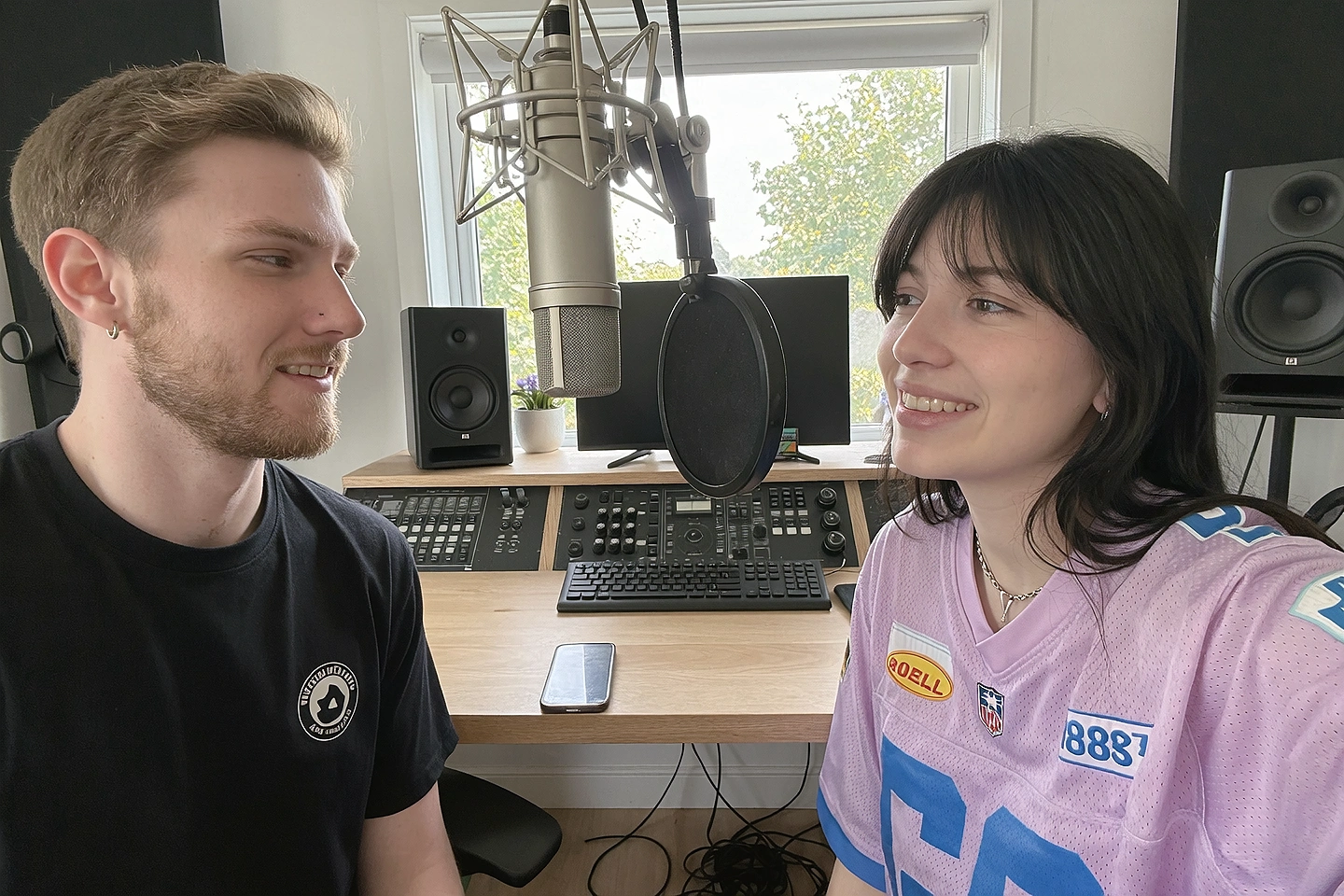
Create music videos that bring your AI singer or rapper to life. Build their identity, direct their performance, and turn every track into a visual world—with one connected creative studio.
A memorable artist has a point of view. A recognizable face. A visual language that connects every cover, clip, and campaign. Creator Studio brings the tools for that world together, so your next release builds on the last.
THE HEADLINER / MUSIC VIDEO
Don't just release a song. Give it a world to live in.
Your track is the starting point. Creator Studio's Music Video workflow helps you develop the treatment, establish the artist and locations, and build scenes in chronological clip batches.
YOUR ARTIST / YOUR VISUAL WORLDMUSIC VIDEO CONCEPT
FROM THE FIRST NOTE TO THE FINAL FRAME.SCENE / 01
A CREATIVE WORKFLOW, BUILT AROUND THE SONG
01 / SET THE DIRECTION
A treatment that belongs to your track.
Analyze the song, confirm lyrics and performers, then shape the overall concept. Decide what this release should look and feel like before creating the shots.
The new tool is expected in about two weeks. Join early access and optionally register your interest in the tutorial. Limited spots available for the tutorial.
01 / BRING THE TRACK
Start with the sound.
Bring your song, lyrics, and artist references into the creative conversation.
02 / DIRECT THE WORLD
Shape the treatment.
Establish characters, environments, and a visual direction for the release.
03 / BUILD THE VIDEO
Work scene by scene.
Develop the video in chronological clip batches, with your artist at the center.
04 / EXTEND THE RELEASE
Make the moment last.
Use Lipsync, editing, and publishing tools for hooks, teasers, and campaign content.
YOUR ARTIST. ALREADY YOURS.
Bring your artist. Build their next era.
Already created an AI singer or rapper? Import their reference images into Creator Studio and keep creating around the identity you love. Your artist doesn't have to start here to have a home here.
01
Bring your references
Upload existing artist images to establish their face, look, and visual direction.
02
Make the identity your starting point
Use character references in supported workflows, or prepare a dataset for model training.
03
Create the next release
Explore music videos, photoshoots, and fresh styling around your existing artist.
Shape an original character and build a reference identity. Prepare image datasets and train supported character models to help keep their appearance consistent across new scenes and releases.
A recognizable artist, beyond one great image.
✳THE CREATIVE DIRECTION
Brainstorm
Develop the persona, backstory, song concepts, and visual themes. Turn “I have an idea” into an artist with a direction you can actually create.
“A futuristic R&B artist. Intimate lyrics. A neon city after everyone goes home.”ILLUSTRATIVE CREATIVE BRIEF
▧THE REFERENCE LIBRARY
Inspiration Dump
Bring your references together and explore fresh directions. Move from scattered aesthetics to a visual concept for the next era.
02 / CREATE THE ERA
A whole campaign. One unmistakable artist.
From the wardrobe to the final frame, every creative choice tells the same story.
02.1 / DIRECTOR + SHOT DEVELOPMENT↗
TREATMENT → SHOTS → MOTION
Keep every scene connected.
Develop the shot direction around your approved concept. Explore framing, character references, and environments with Copilot and Director, then take the strongest ideas into the video tools.
02.2 / PHOTOSHOOT↗
Every release needs a look.
Create directed photoshoot concepts for press images, cover-art ideas, and social campaigns. Explore locations, framing, and lighting around your artist’s identity.
✧
Stylist
Develop a signature wardrobe and explore outfit concepts. Build a new era’s visual language without losing the artist underneath.
WARDROBE · AESTHETIC · DIRECTION≋
Lipsync
Pair your audio with supported lipsync workflows to create performance-led clips. Give a hook, verse, or teaser a face on screen.
PERFORMANCE · HOOKS · TEASERS↗
Image Edit + Upscale
Refine the best frames, explore cover-art directions, and polish imagery for the campaign. Keep creating from the assets you already love.
COVER ART · REFINEMENT · FINISHING
THE ARTIST. THE IMAGE. THE ENTIRE ERA.
Make every frame feel like a headline.
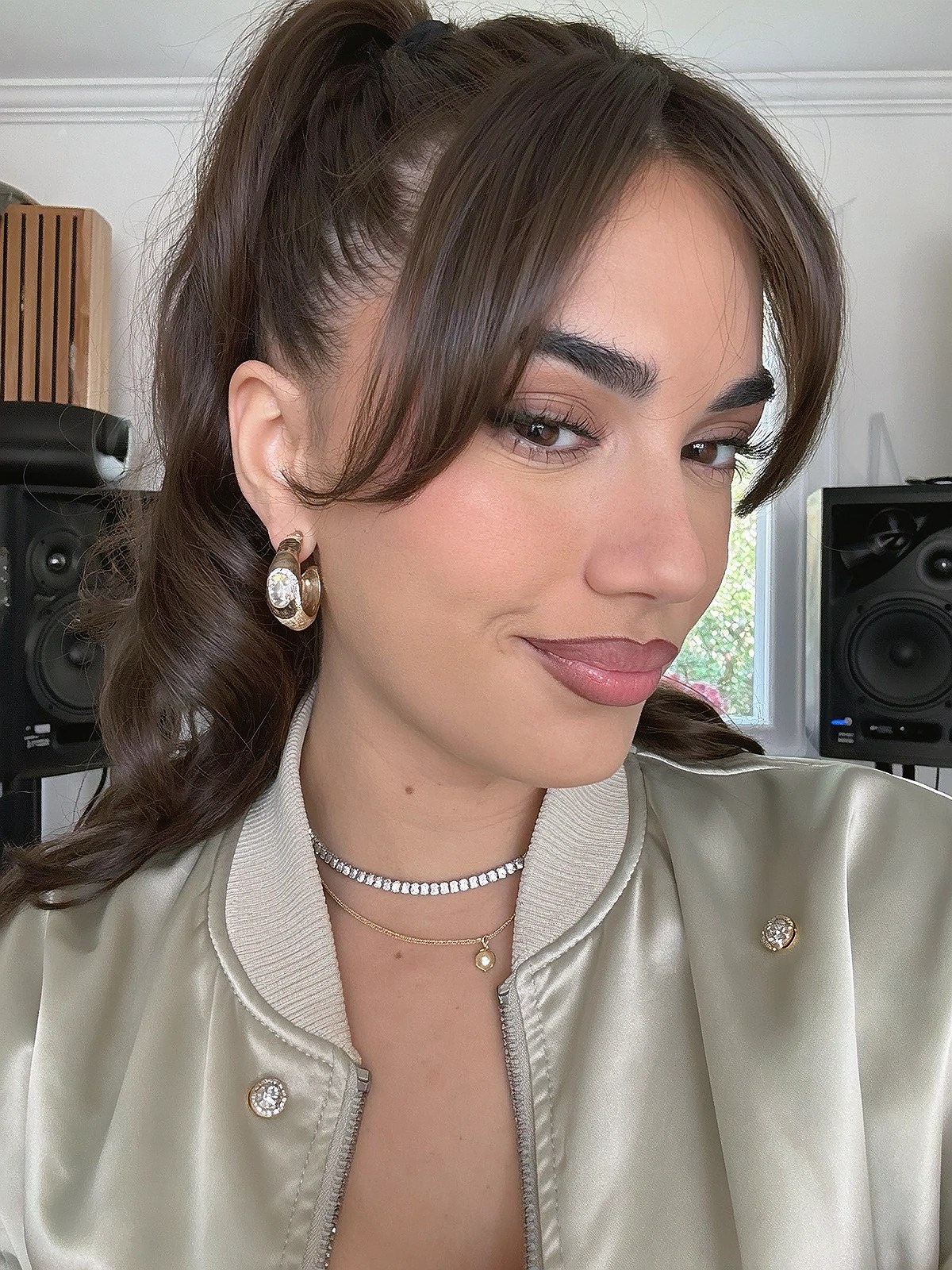
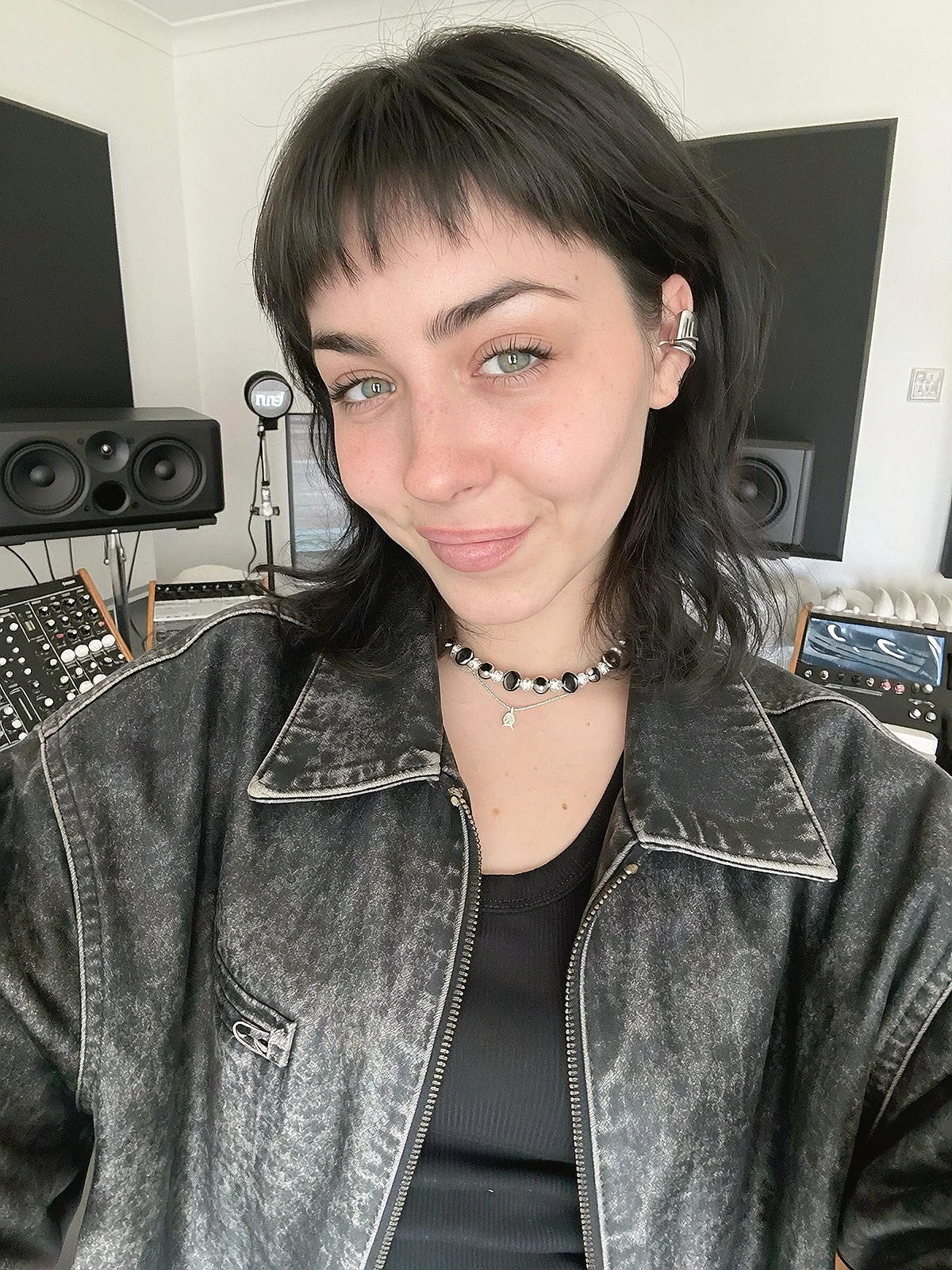
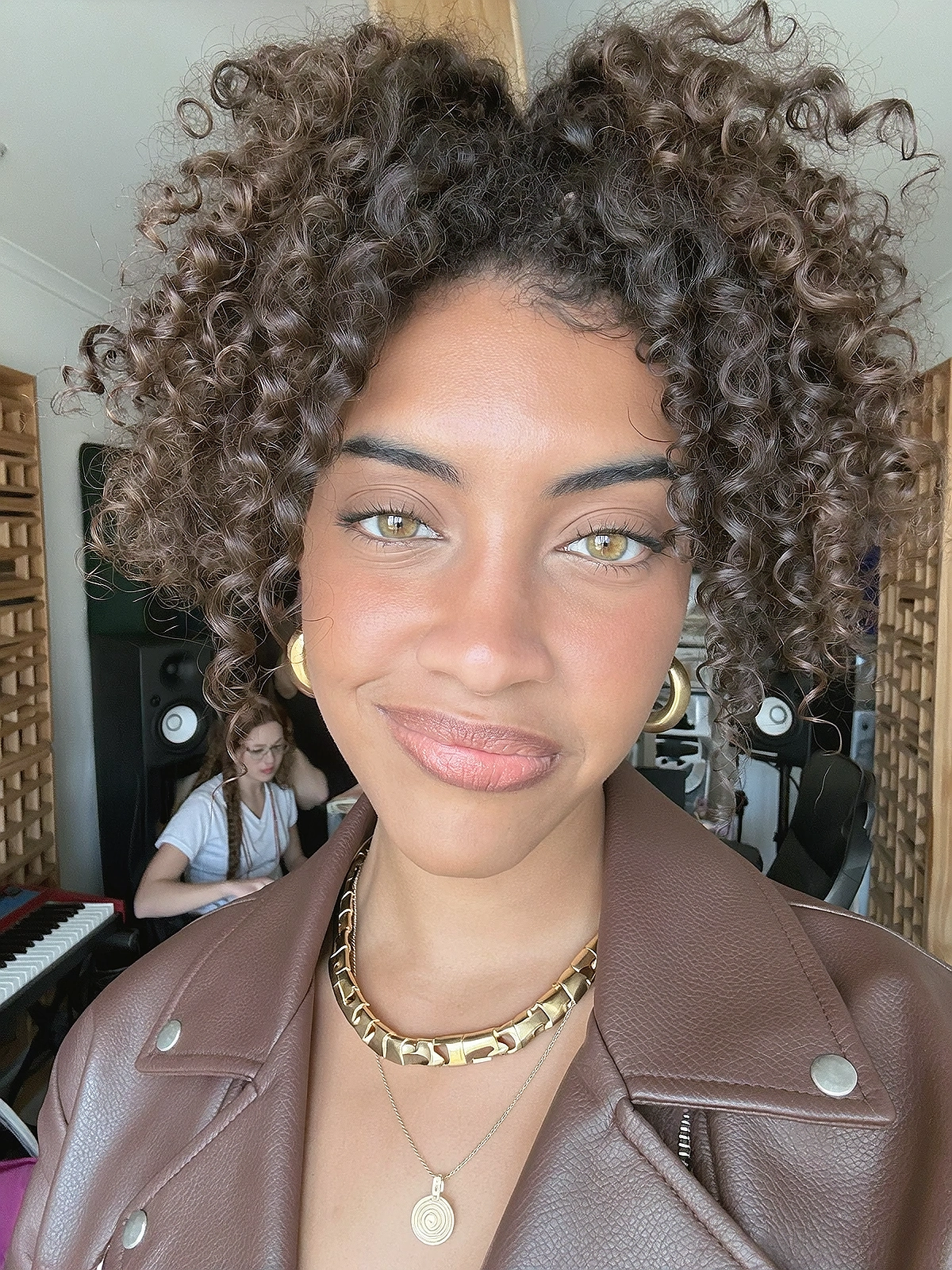
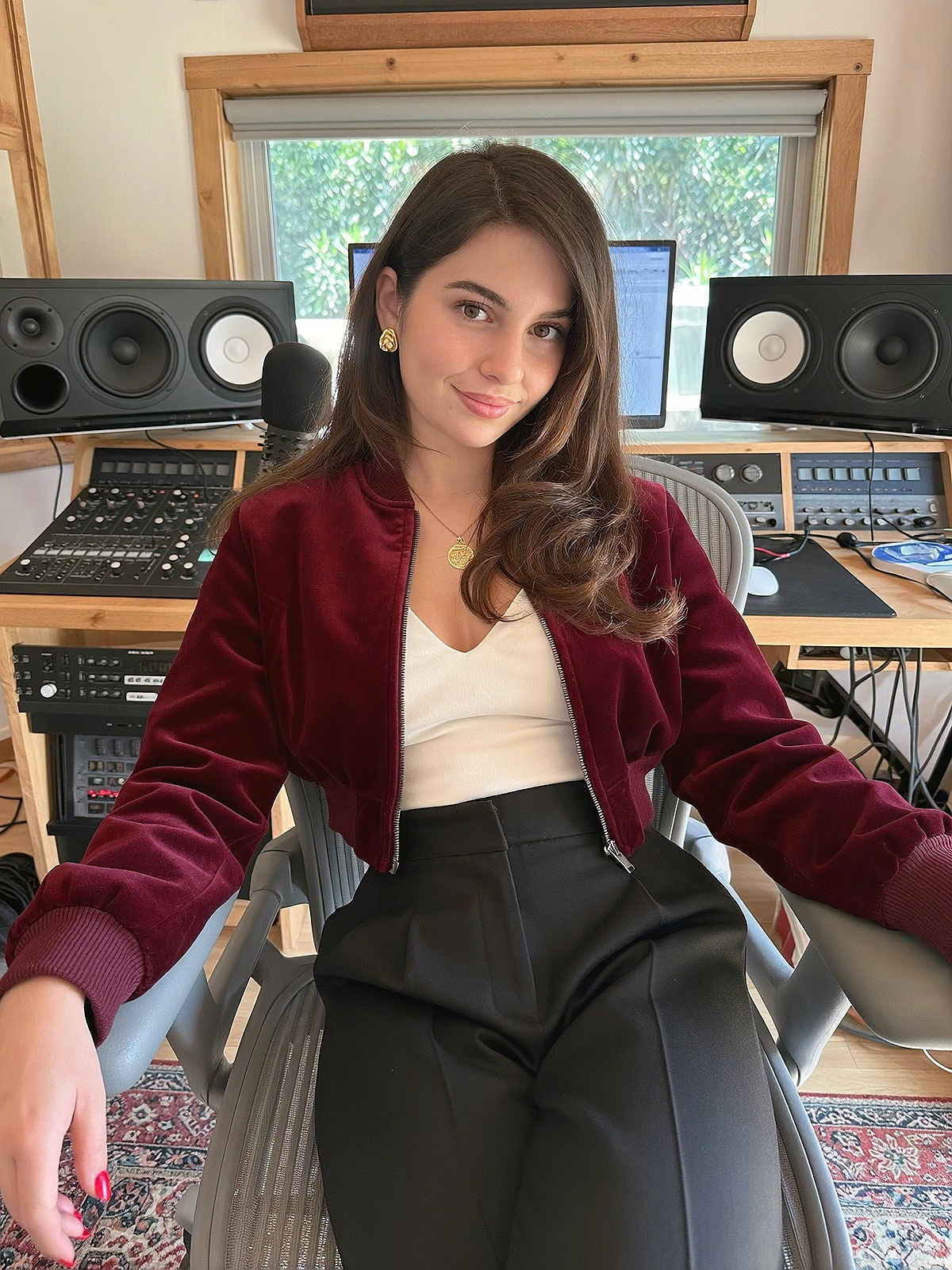
Five more directions for an artist's world. Illustrative campaign imagery, built around the music.
01 / THE ALBUM WORLDAn image you remember.PERSONA · COVER-ART DIRECTION02 / THE SIGNATURE STYLEA look that owns the room.03 / THE VISUAL WORLDTake the track somewhere new.04 / THE HEADLINE ENERGYMade for the spotlight.05 / THE ARTIST AT WORKA story beyond the stage.
03 / KEEP THE WORLD MOVING
Build the artist. Manage the momentum.
A release is more than a video. Keep the references, creative conversations, assets, and next posts in a workspace you can come back to.
Work through music-video treatments, styling ideas, and campaign concepts in context.
02
Cloud assets + creative history
Keep your references, favorites, and production assets close for the next session.
03
Captions, planning + publishing
Prepare campaign copy and schedule content through supported publishing connections.
THE RELEASE PLAYBOOK
Your next era, from idea to rollout.
One example of how the studio fits together. You choose the sound and the direction.
01
Define
Brainstorm the persona. Collect the references. Create the character.
BRAINSTORM / CHARACTER
02
Develop
Train a visual identity. Shape a wardrobe. Find the release’s aesthetic.
TRAINING / STYLIST
03
Produce
Direct the photoshoot. Build the video. Create performance clips.
PHOTOSHOOT / VIDEO / LIPSYNC
04
Roll out
Refine your assets. Prepare captions. Plan and schedule the campaign.
EDIT / UPSCALE / PUBLISH
BEFORE THE FIRST SESSION
A few things to know.
Can I bring an artist I already created?
Yes. Bring your character references, visual ideas, and music, then use the studio to develop new imagery, creative concepts, and campaign content around them.
Does Creator Studio make the music or clone a voice?
This artist workflow focuses on visual identity, creative development, videos, performance clips, and release content. Bring your own tracks and audio. Character Training here means training supported visual character models, not cloning a singing voice.
When will the tool and tutorial be ready?
Both are expected to be ready in about two weeks. Sign up for early access and we’ll email you with launch details. This is an estimate, not a guaranteed launch date.
How do I join the tutorial?
Tick the optional tutorial checkbox when you sign up. The tutorial covers creating super-realistic music videos and AI artists. Limited spots are available; expressing interest does not reserve a place. We’ll email you with details.
Do I need to confirm my email?
Please click the link in your confirmation email and confirm your address. Your signup is saved even if you haven’t confirmed. Check spam or junk, mark the email as not spam, and move it to your Inbox. If it doesn’t arrive, contact info@ultramuse.art.
YOUR NEXT MUSIC VIDEO STARTS HERE.
Be first. Bring your vision.
Sign up for early access to our new music video tool. The tool and tutorial are expected to be ready in about two weeks.
Want to create super-realistic music videos and AI artists? Register your tutorial interest too. Limited spots available for the tutorial.