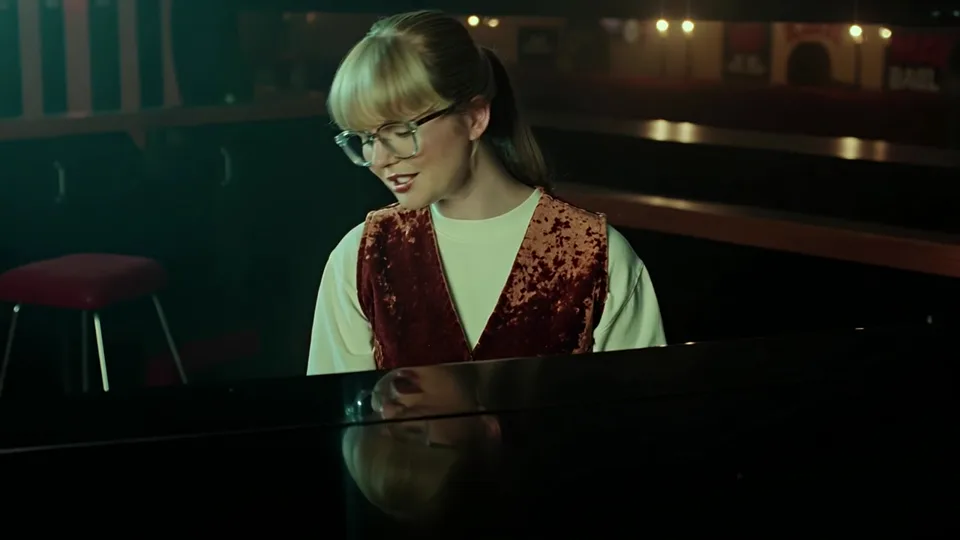
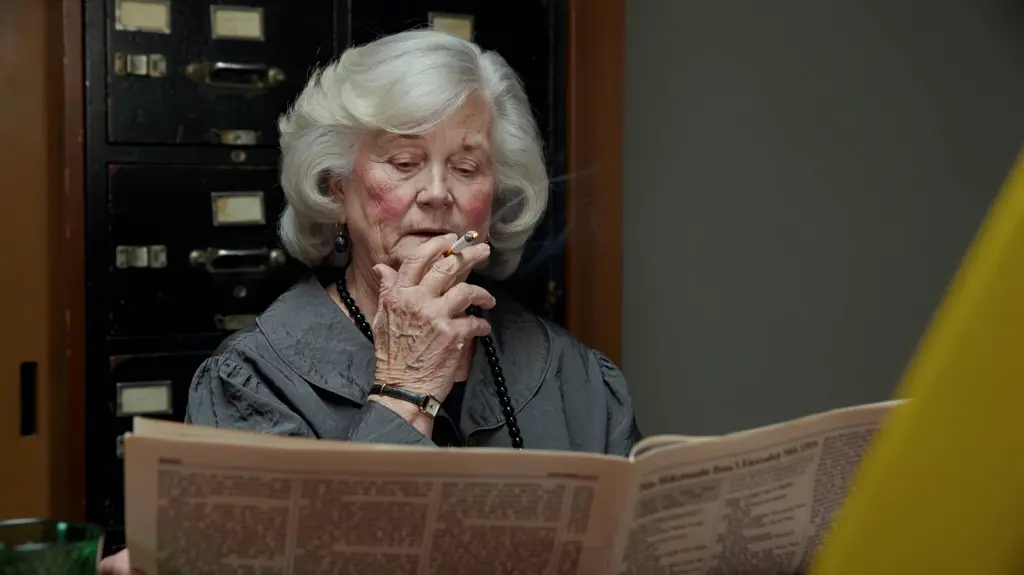
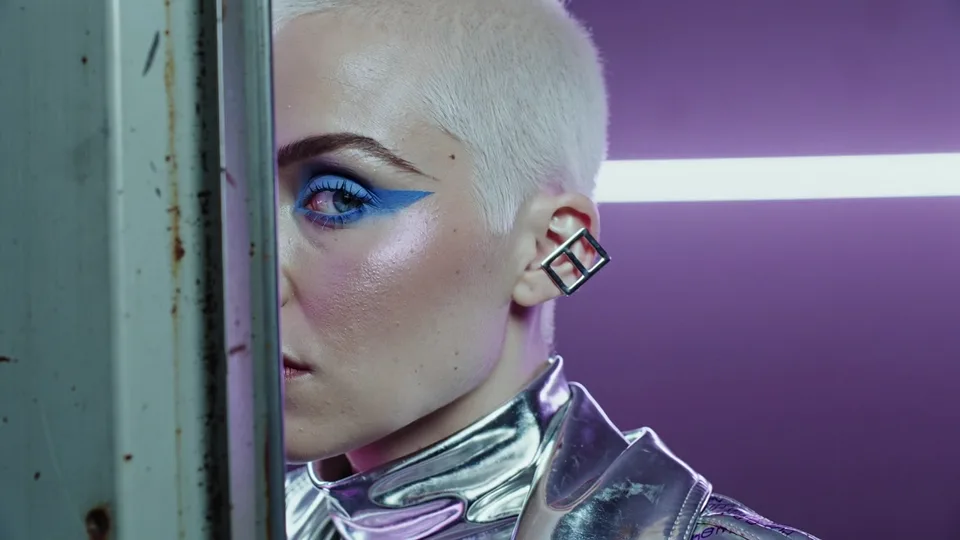
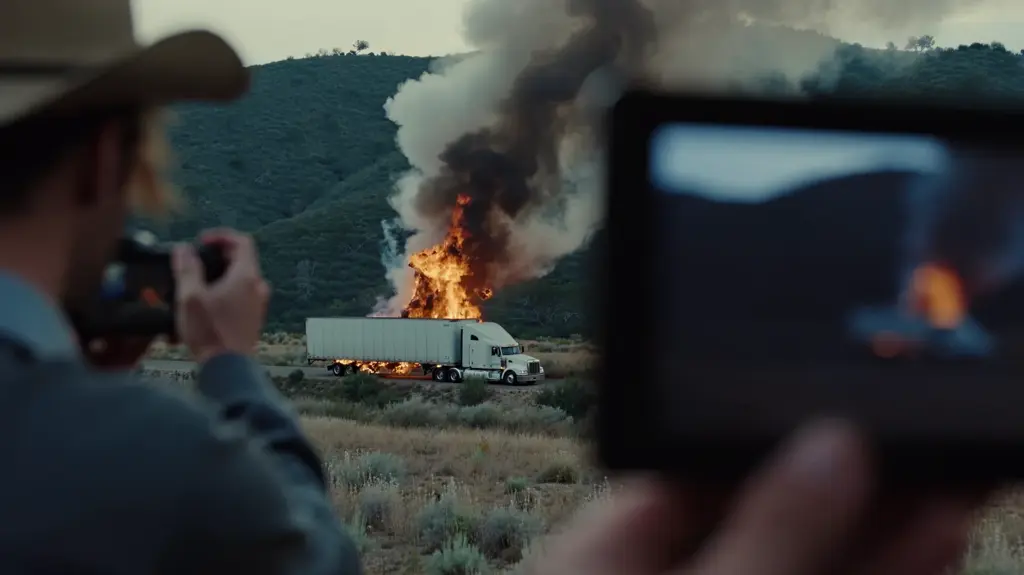
A reusable master prompt that writes image prompts for cinematic stills and shot-by-shot music video storyboards. Start with a scene, a lyric cue or a full treatment.
One-time purchase · Direct download · No Discord required to buy
FORMAT Plain-text promptBY UltraMuse
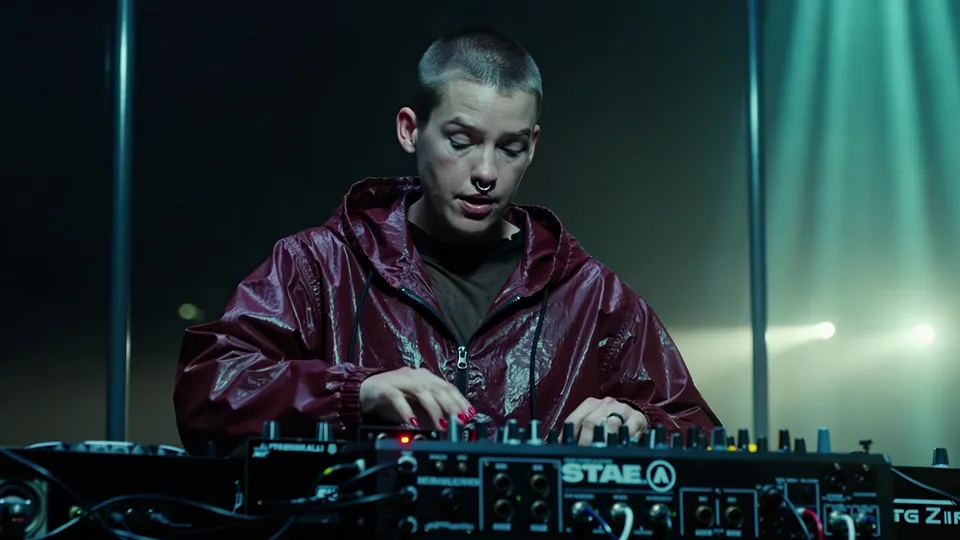
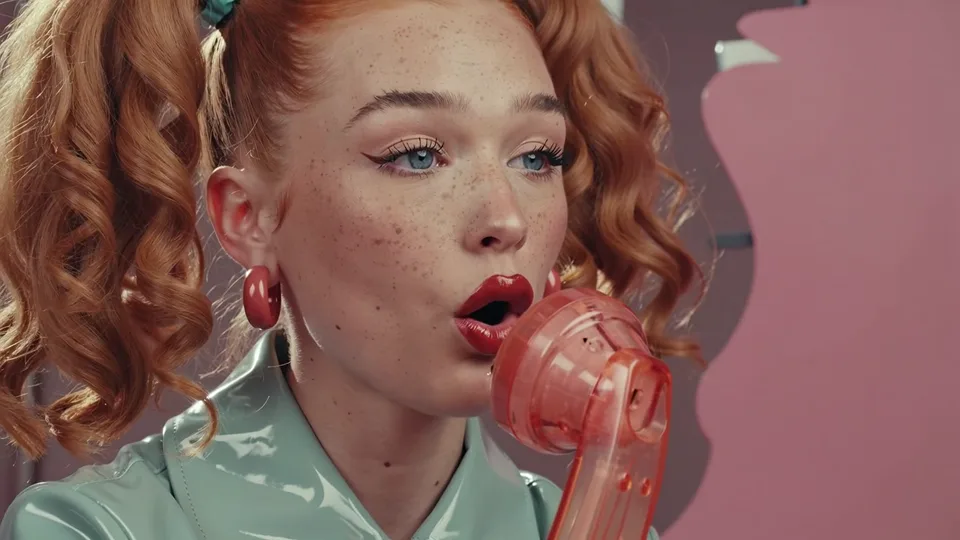
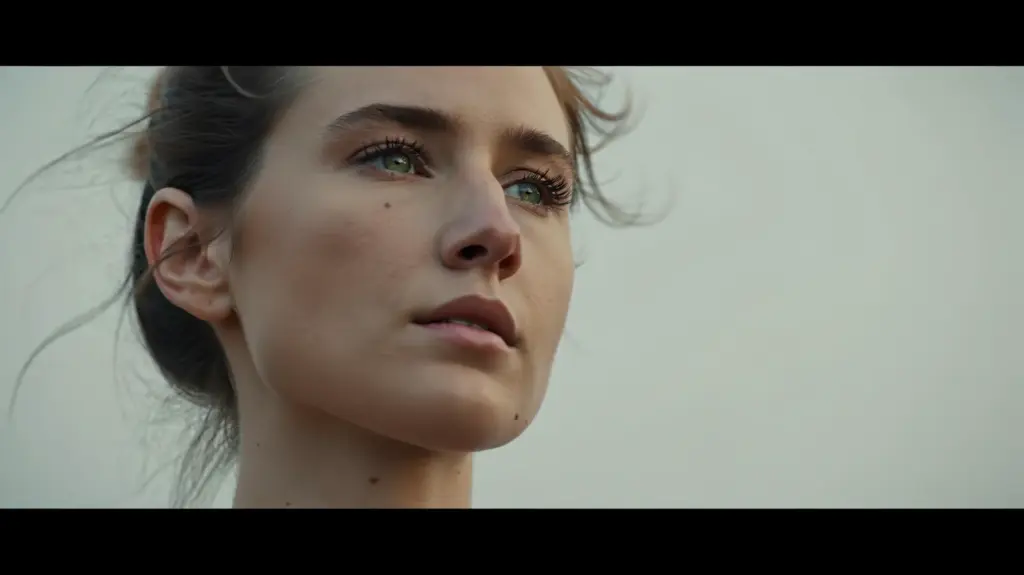
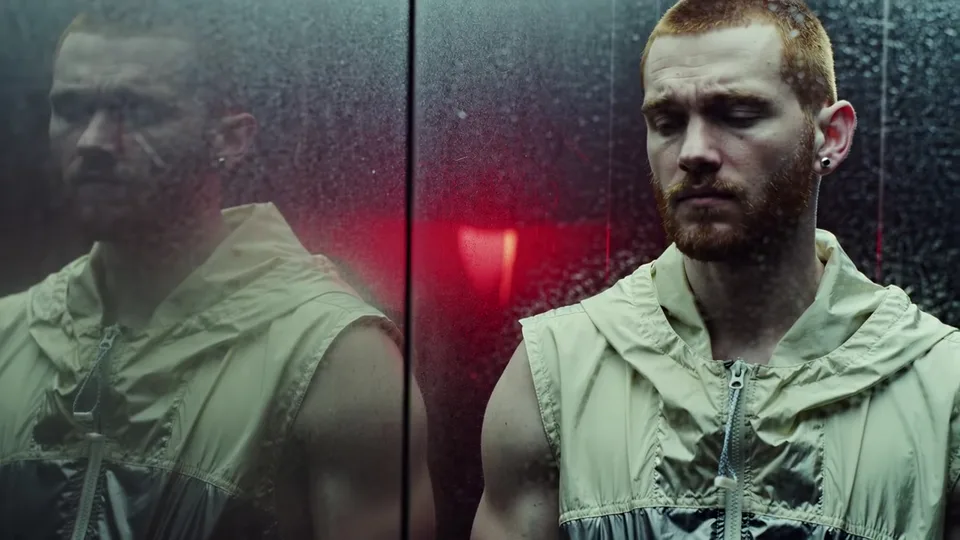
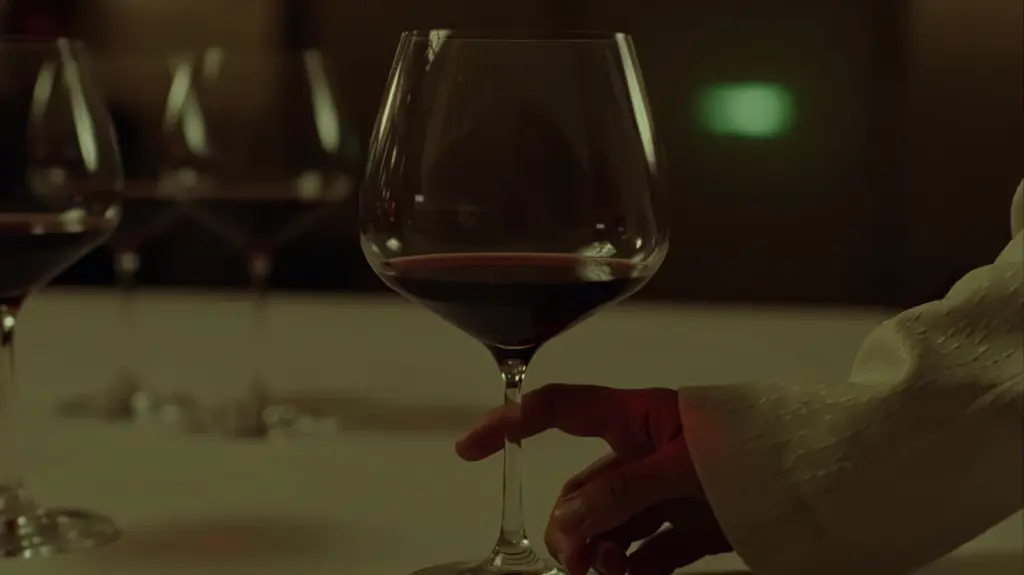
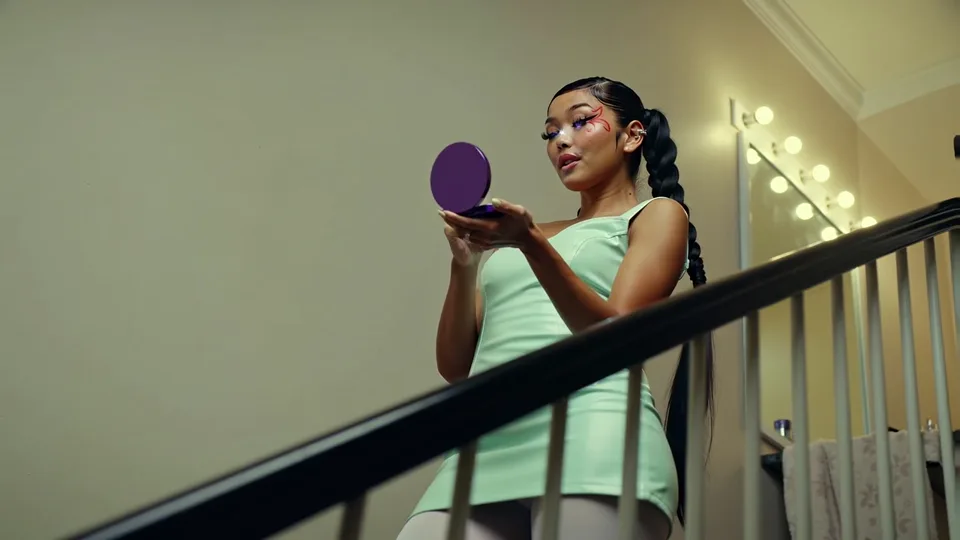
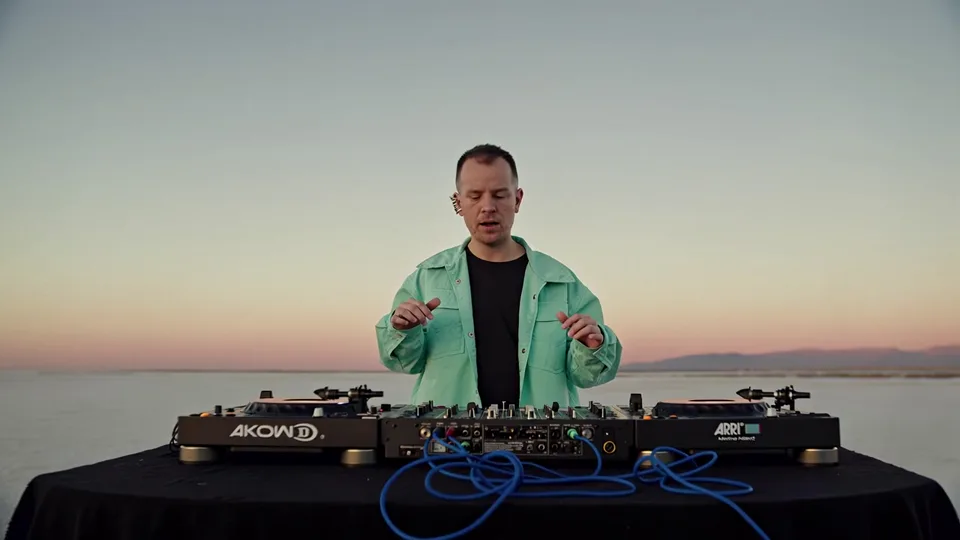
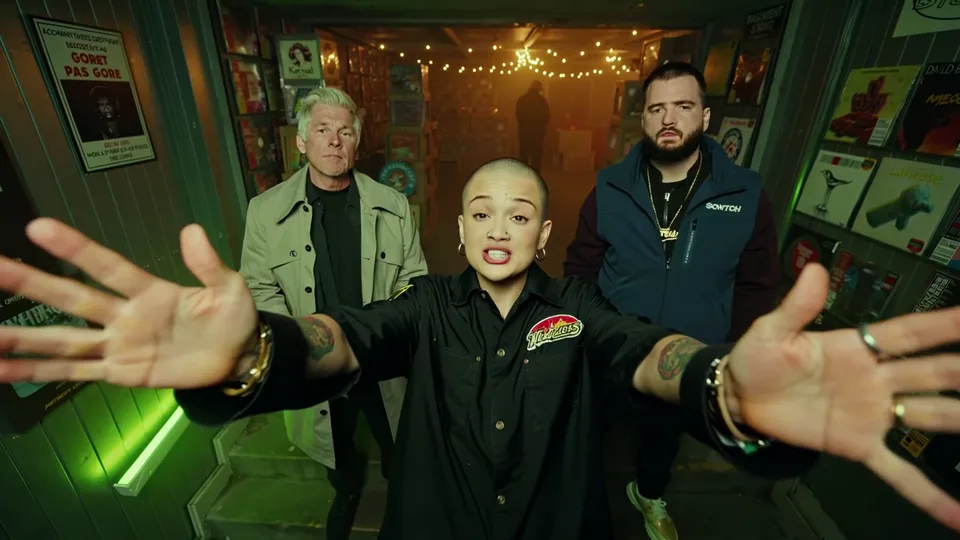
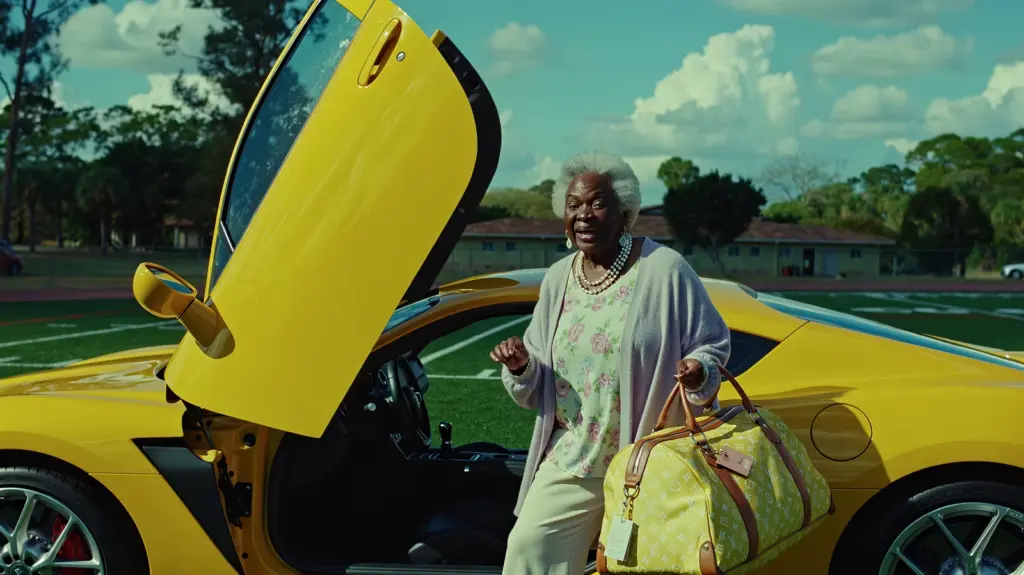
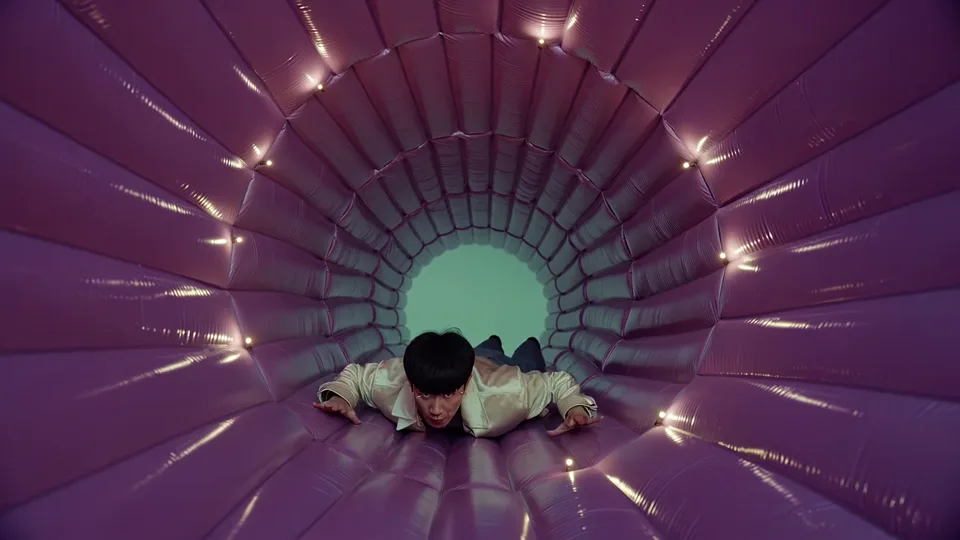
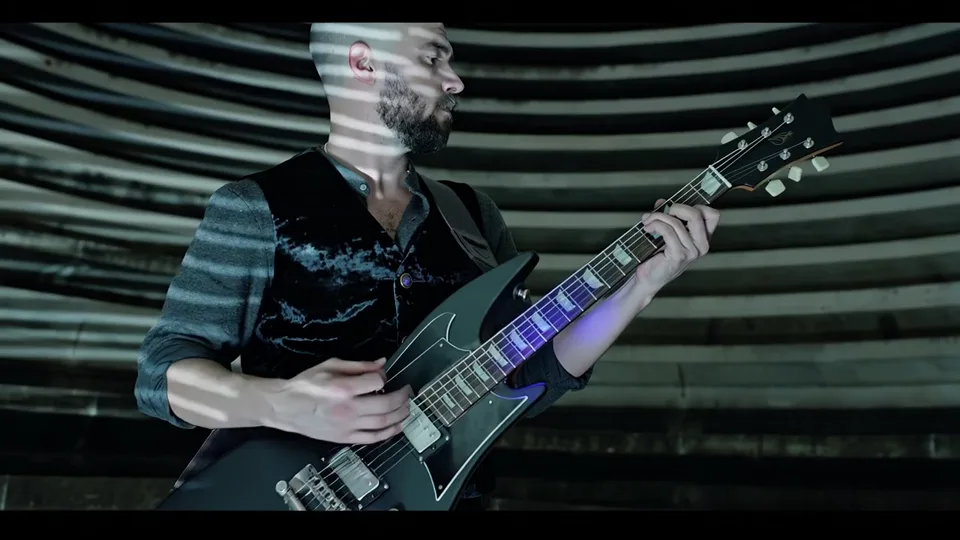
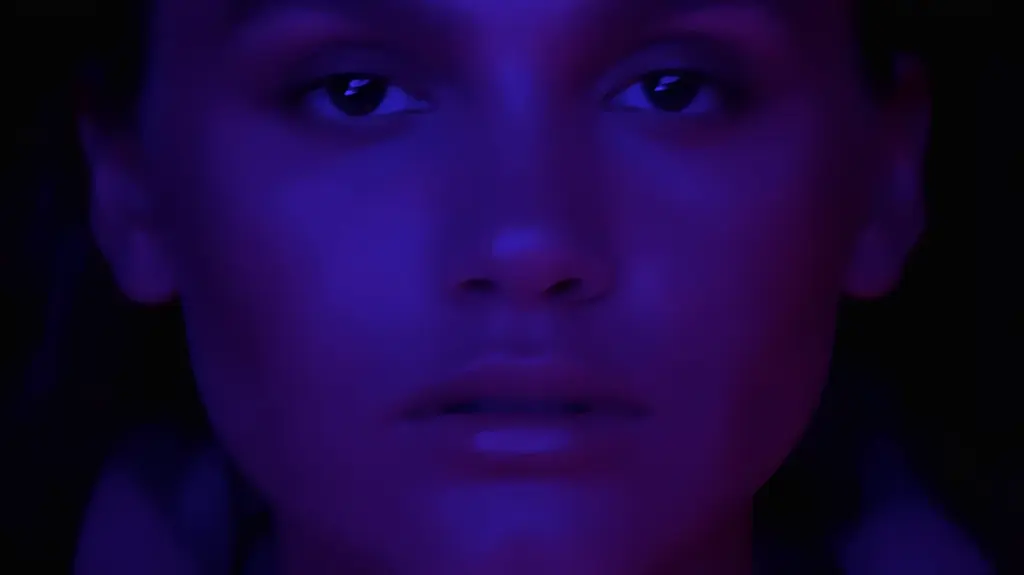
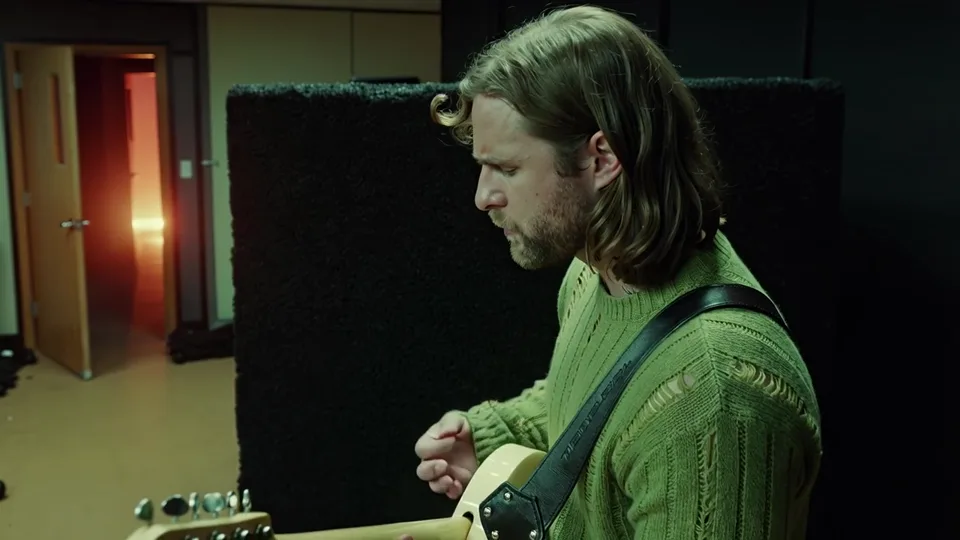
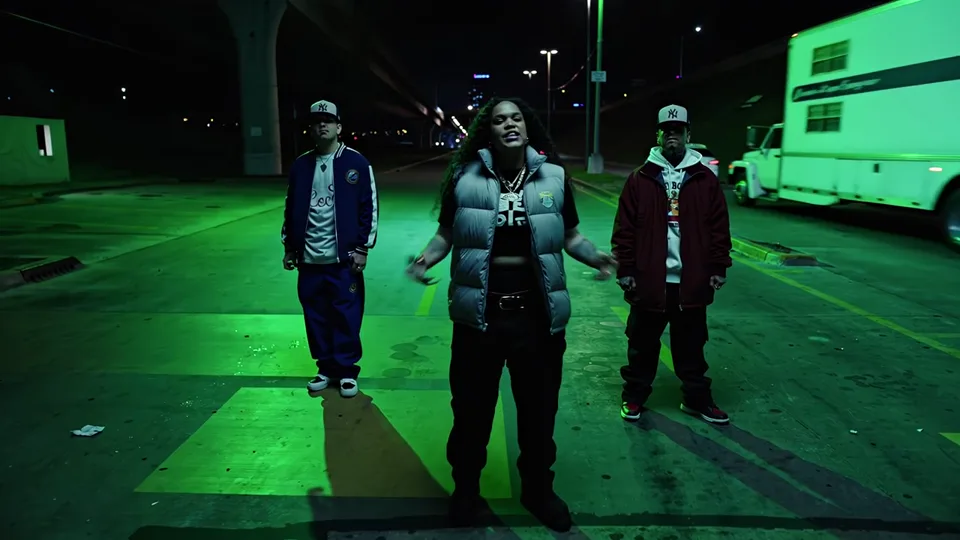
Pure Cinema music video montage
BUILT FOR CREATORS✳ONE-TIME PURCHASE✳SECURE CHECKOUT✳YOUR WORKFLOW. YOUR WAY.
What the master prompt does
One brief. One frame or a full storyboard.
Paste the master prompt into your chat assistant and give it a scene, lyric cue or full treatment. It writes ready-to-copy prompts for your image generator, with specific direction for framing, light, color, gesture and texture.
UltraMuse built the master prompt by analyzing 500 music videos for recurring visual patterns and how shots and sequences are structured.
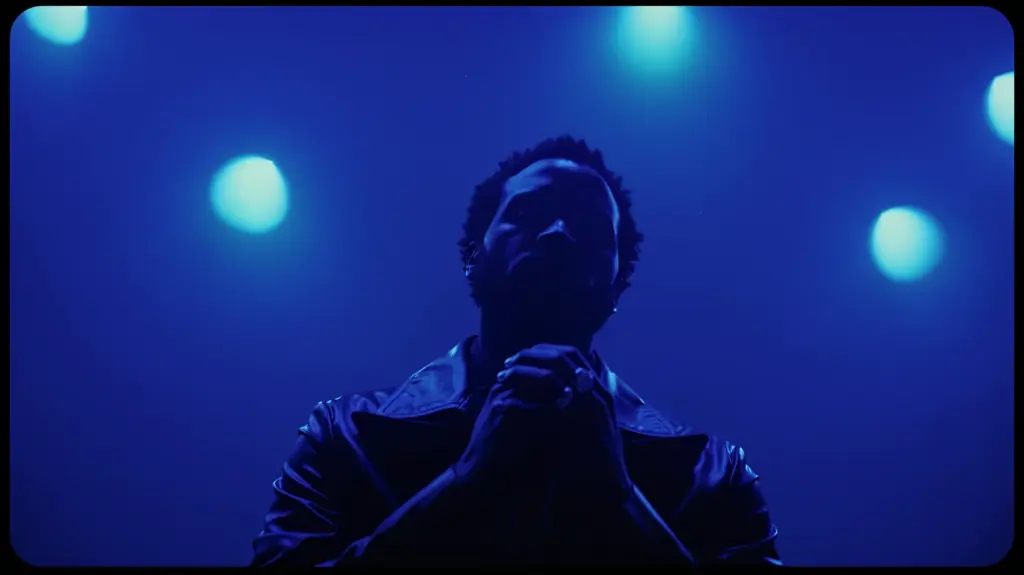
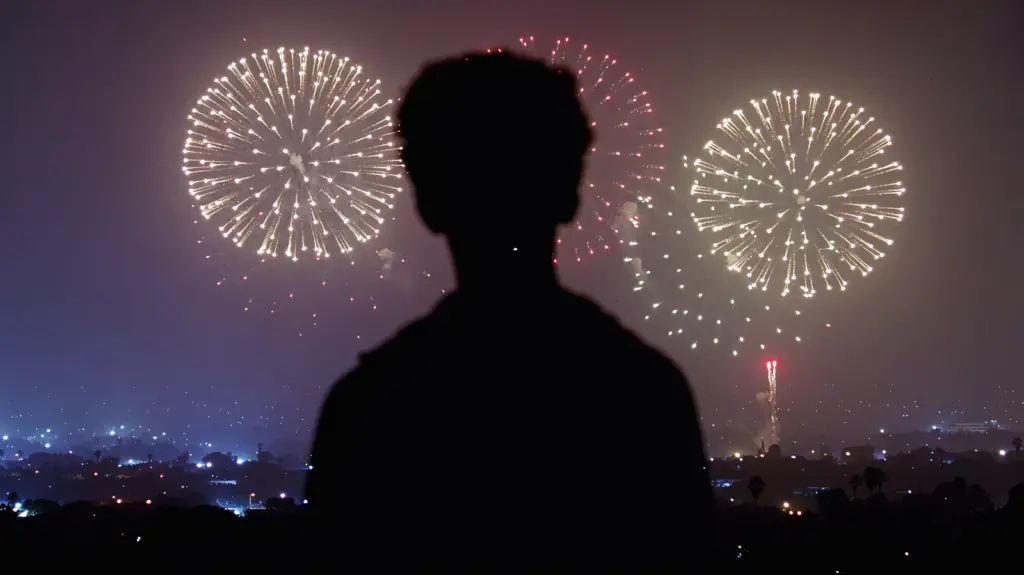
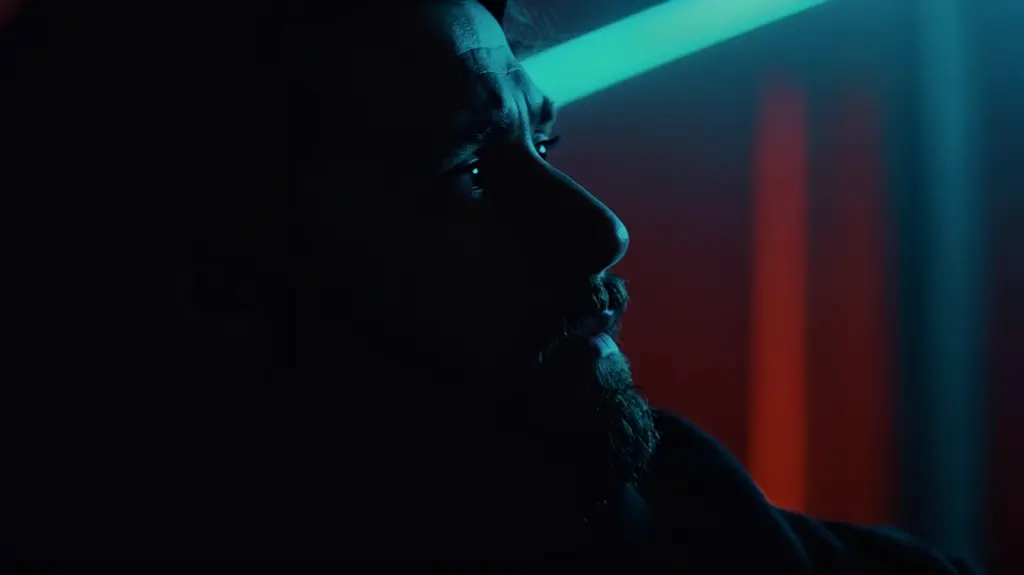
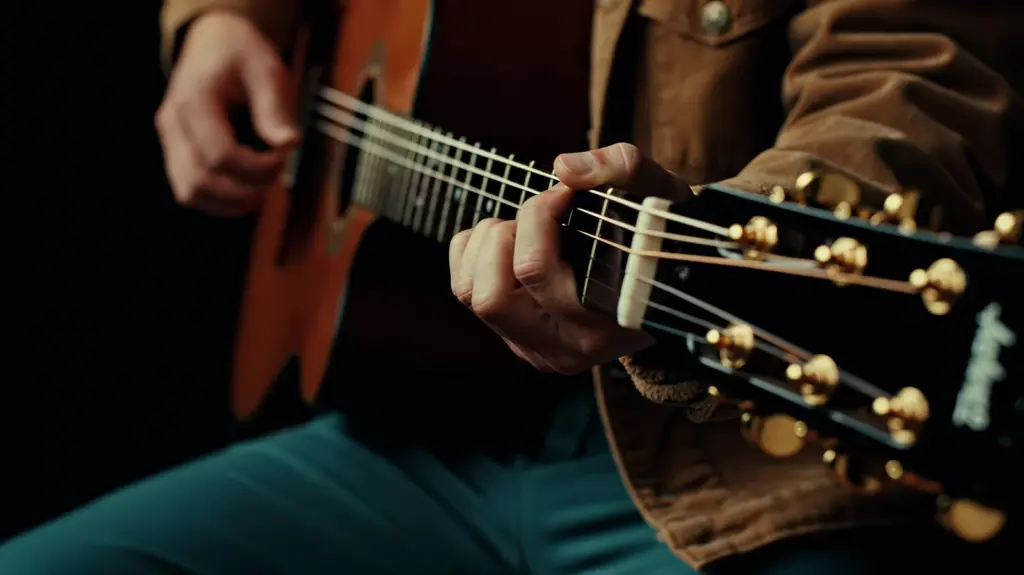
Cinematic stills
Describe the image you want, then get a complete prompt for a single frame. Ask for variations to explore different angles, shot sizes or lighting while keeping the details you’ve approved.
Use it for a music video keyframe, a portrait, or any standalone cinematic image.
WideClose-upInsert
Music video storyboards
Give it a sequence or a whole music video concept. It breaks the idea into shots in cut order and writes a standalone image prompt for each frame.
The storyboard tracks character, wardrobe and setting between shots. When you provide song sections or timecodes, it uses those cues to shape the pace of the edit.
Creator Studio
See the Music Video tool in action.
Watch how Creator Studio analyzes a song, develops a visual treatment, and builds the video in clip batches.
A reusable master prompt that writes image prompts for cinematic stills and shot-by-shot music video storyboards. Start with a scene, a lyric cue or a full treatment.
ULTRAMUSEDIGITAL DOWNLOAD
Pure Cinema Master Prompt
$4.99USD / one time
Pay securely with Stripe. Apply Discord points at checkout: 100 points = $1.
Download from your order page after payment. Questions? Email us.
The Kromoss workflow is a free ComfyUI graph for rendering images. It’s available to everyone. Load it in ComfyUI, add your model and LoRA files, then paste in an image prompt. The graph takes the image through sampling, tiled VAE decoding, 2× NVIDIA RTX upscaling and an optional photo finish.
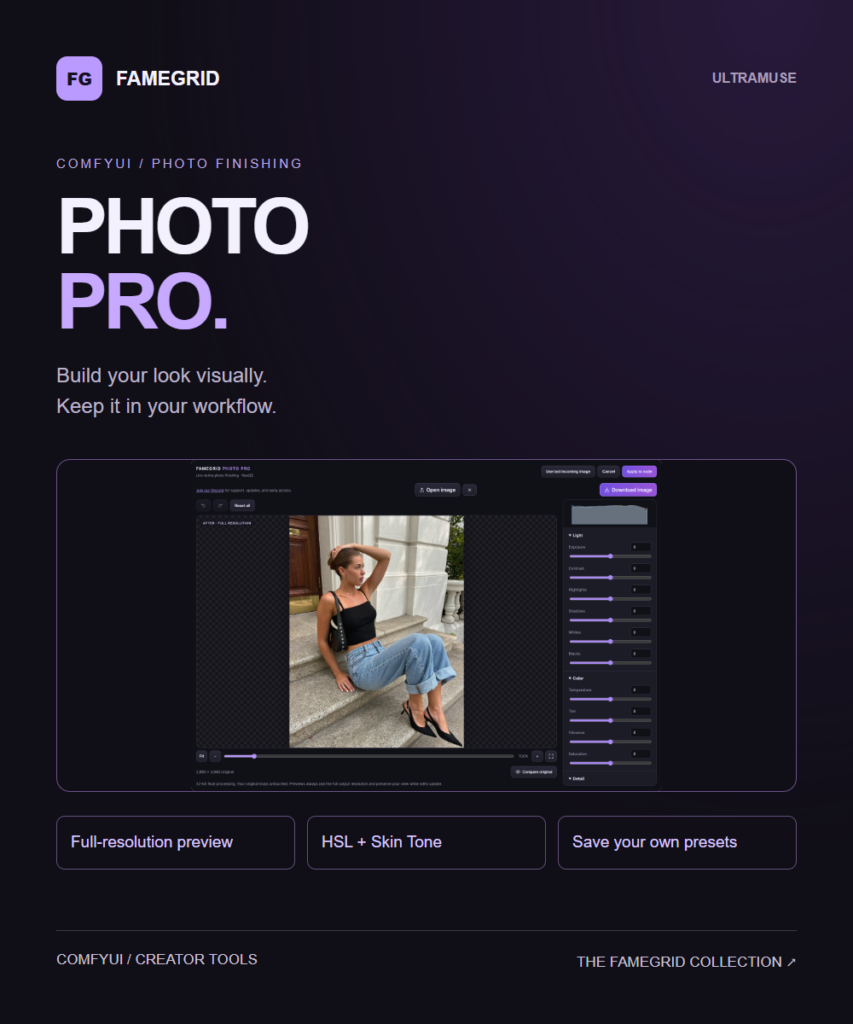
Get the node and installation help in the UltraMuse Discord. Adjust exposure, highlights and shadows, white balance, color and skin tones. Refine texture with clarity, dehaze, sharpening, noise reduction or film grain. The editor also offers crop, rotation, resize and a full-resolution before/after preview. The finishing engine uses RawTherapee CLI.
Switch off Photo Pro to pass the image through. If the node is missing, remove it and wire the RTX upscaler directly to Save Image Advanced. If you skip RTX upscaling as well, wire the tiled VAE Decode directly to the save node. Install the checkpoint, text encoder, VAE and LoRAs named in the graph separately.