
WORKFLOWS / COMFYUI + MOSS IMAGE
The look of a candid photo.
Create ultra-photorealistic portraits, candid snapshots, and everyday scenes in ComfyUI with MOSS. Start from a prompt or a reference photo, then add the detail and finish your shot needs.
One-time purchase · Direct download · No Discord required to buy
ComfyUI workflow / ZIP downloadBY
UltraMuse
Start with a prompt or a photo
Describe the shot yourself, or let Grok Chat turn a reference photo into a scene prompt for a new MOSS image. Preview the source and its description before you generate. Point the loader at a folder to pick references at random.
Keep the details that make it feel real
Start with a 2-megapixel portrait and adjust the size, aspect ratio, and FameGrid realism strength. Turn on Face Detailer or LC Skin Master independently for more control over faces and skin texture.
Finish the shot your way
Enlarge the final image with RTX Super Resolution or SeedVR2 at the scale you choose. Optionally use FameGrid Photo Pro to adjust light, color, detail, and grain. The workflow saves the finished image from the stages you enable.
Download and setup
The ZIP includes the ComfyUI workflow, a setup guide with model and node links, and a helper that switches inactive branches off.
Models and optional tools
Bring ComfyUI, MOSS Image Base, its text encoder and VAE, and the separate FameGrid MOSS realism adapter. Optional stages need their matching nodes and model files. Reference prompting requires Grok Chat and provider access. RTX upscaling needs compatible NVIDIA RTX hardware. Photo Pro uses RawTherapee CLI.
TAKE A CLOSER LOOK
YOUR NEXT CREATIVE STEP
Make it part
of your toolkit.
Create ultra-photorealistic portraits, candid snapshots, and everyday scenes in ComfyUI with MOSS. Start from a prompt or a reference photo, then add the detail and finish your shot needs.
FameGrid MOSS Master Workflow
Pay securely with Stripe. Apply Discord points at checkout: 100 points = $1.
Download from your order page after payment. Questions? Email us.
KEEP THE IDEAS GOING
You might
also like.
A few more tools
for your next project.
Workflows / ComfyUI + Z-Image
Character Reality Booster — Z-Image
Character refinement workflows for Z-Image in ComfyUI, with single-image and bulk versions.
$20.00View product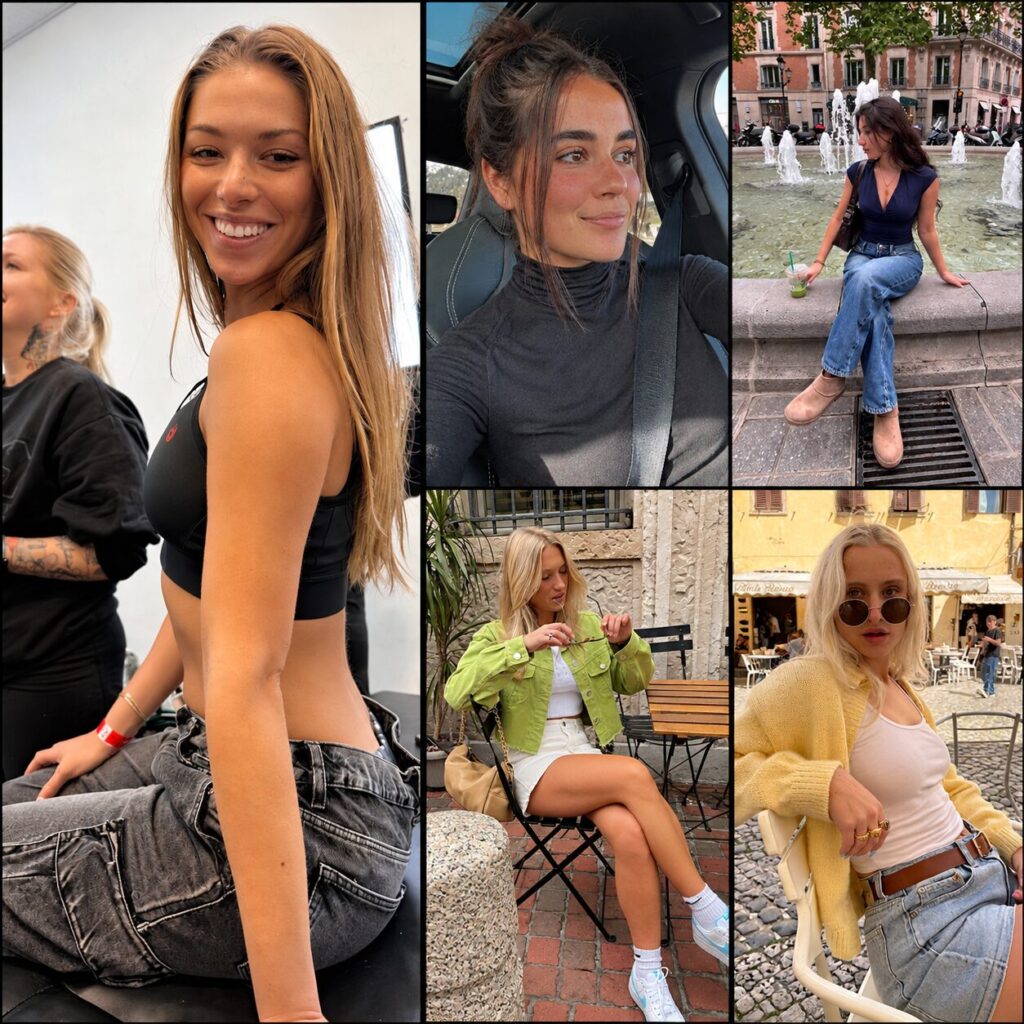
Workflows / ComfyUI + Krea 2
FameGrid Checkpoint Complete Bundle — Krea 2
The FameGrid Standard checkpoint, UltraReal Workflow bundle, Photo Pro and Realistic Face — together for $49.99 USD. Download the…
$49.99View product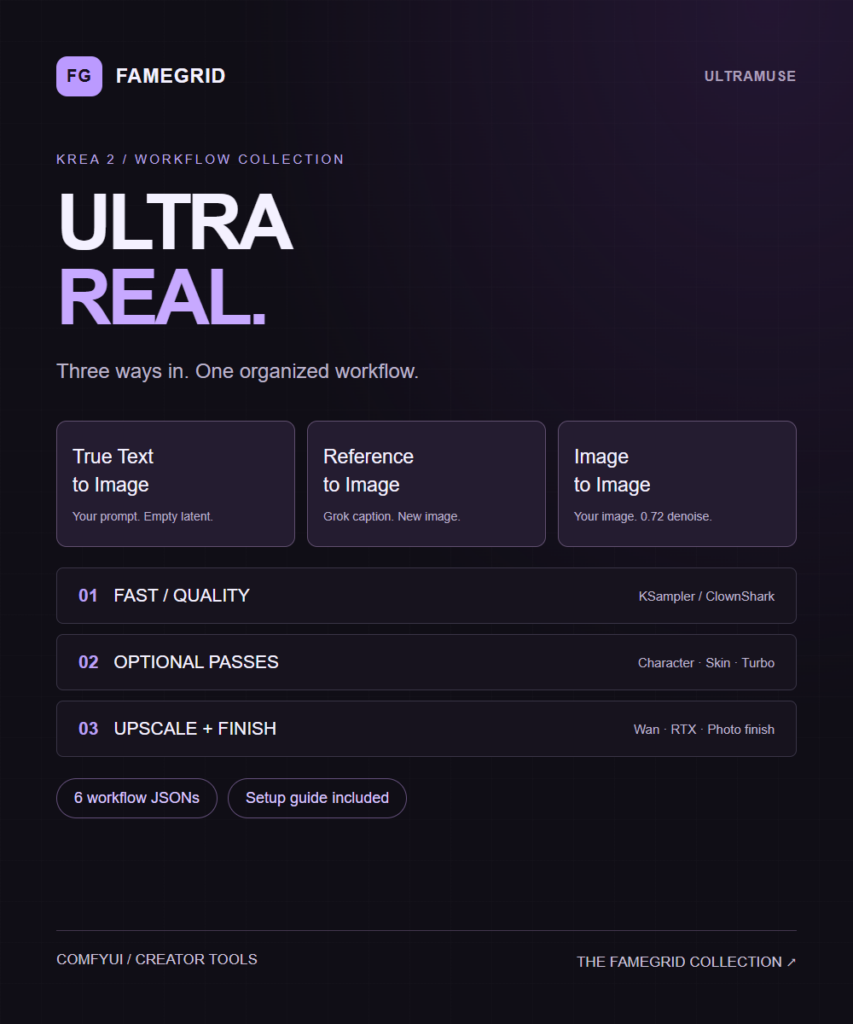
Workflows / ComfyUI + Krea 2
FameGrid UltraReal Workflow — Krea 2
An organized Krea 2 workflow collection with three starting modes, Fast/Quality sampling, optional detail passes, 2x routes and dedicated…
$12.99View product