True Text to Image
Write a prompt and start from an empty latent. No reference image or Grok service required. First-pass denoise: 1.00.
 UltraMuseCREATOR STORE
WORKFLOWS / KREA 2
An organized Krea 2 workflow collection with three starting modes, Fast/Quality sampling, optional detail passes, 2x routes and dedicated finishing controls.
One-time purchase · Direct download · No Discord required to buy
THREE STARTING POINTS
Write a prompt and start from an empty latent. No reference image or Grok service required. First-pass denoise: 1.00.
Grok describes your reference photo. The caption drives a new generation from an empty latent. First-pass denoise: 1.00.
The loaded image supplies a Grok caption and the encoded starting latent. First-pass denoise: 0.72.
CLEAR CONTROLS
Choose Fast Mode with KSampler or Quality (slower) with ClownShark. The unused route dims automatically.
Group bypass controls toggle Character / Additional LoRAs, Skin Detailer and Turbo Refinement. All three optional groups start off. Character slots are ready for your own LoRAs.
Skin Detailer is a full-frame texture pass, not a masked skin-only treatment. Compare identity, hands and texture when enabling it.
The third Turbo Refinement pass is only for especially stubborn cases of AI skin. Leave it off for ordinary use. Bypassing it also bypasses its model/LoRA chain.
Choose the Wan 2x VAE or FP32 Wan VAE followed by RTX 2x ULTRA. The controls keep the alternative route off.
Photo Pro editions have a Photo Pro on/off switch. The No Famegrid Photo Pro editions instead use Camera Raw Enhance with its own on/off switch.
WHAT YOU GET
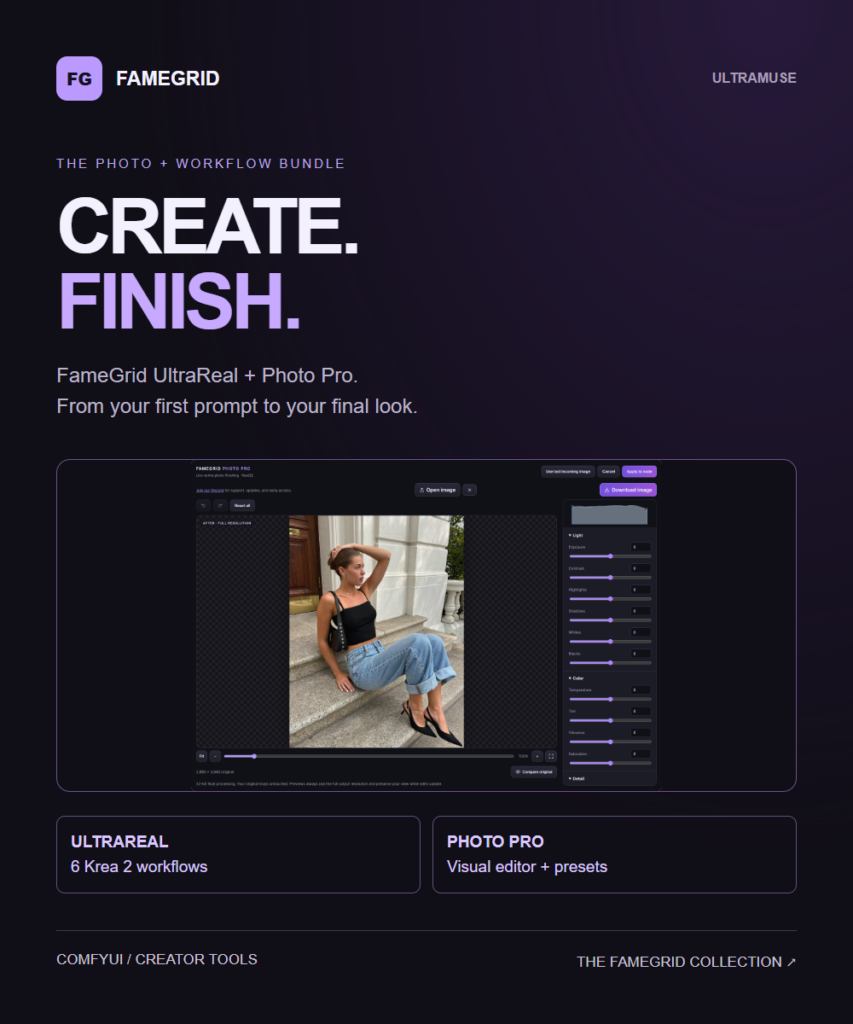
Three Photo Pro workflow JSONs plus the same three modes in the No Famegrid Photo Pro subfolder. Includes setup and dependency documentation, and five importable Photo Pro preset JSONs.
Color-coded sections, compact notes and stock group bypass controls keep the stages organized. The final output uses built-in Save Image, the normal ComfyUI output directory and its standard filename prefix.
Text and reference modes default to 1440 x 1920, giving 2880 x 3840 after either 2x route. Image to Image follows source dimensions, subject to VAE rounding. Hardware requirements depend on your models and resolution.
REQUIREMENTS
Requires ComfyUI with Krea 2 support, compatible model weights and the custom-node packages listed in the README. Model weights and installed custom-node packages are not bundled.
Photo Pro is sold separately or included in the $14.99 bundle. Without it, use the No Famegrid Photo Pro editions with Camera Raw Enhance. Those alternatives still require their other nodes and models.
Reference to Image and Image to Image require Grok Chat, an image-capable xAI model and your own API key/billing. True Text to Image needs no Grok API.
The RTX route requires compatible NVIDIA RTX hardware/runtime. Photo Pro editions additionally require its Python dependencies and the separate RawTherapee CLI. The guide includes installation links and model locations.
SUPPORT & UPDATES
Join the FameGrid Discord for support, updates and early access.
THE COMPLETE PAIRING
Photo Pro is $5.99 and UltraReal is $12.99 separately. Get both for $14.99.
TAKE A CLOSER LOOK
YOUR NEXT CREATIVE STEP
An organized Krea 2 workflow collection with three starting modes, Fast/Quality sampling, optional detail passes, 2x routes and dedicated finishing controls.
Pay securely with Stripe. Apply Discord points at checkout: 100 points = $1.
Download from your order page after payment. Questions? Email us.
KEEP THE IDEAS GOING
A few more tools
for your next project.
Kits / ComfyUI + Krea 2
Get UltraReal and Photo Pro together: six organized Krea 2 workflows plus the visual photo editor and presets. Save…