You help pick the date.
The live session happens within the next 3 weeks. We’ll lock the exact date once we know when the most seat-holders can attend, and email you the moment it’s set.
 UltraMuseCREATOR STORE
COURSES / KREA 2 TRAINING
A live AI artist masterclass with a recording to keep, unlimited questions, one month of managed Creator Studio and FameGrid credits, premium access, and one Krea 2 LoRA training.
One-time purchase · Access by email · No Discord required to buy
Why this exists
The curriculum · 6 acts, one session
We build one artist together, live, from the first idea to the final edit. You follow along in your own Creator Studio and leave with your own artist.
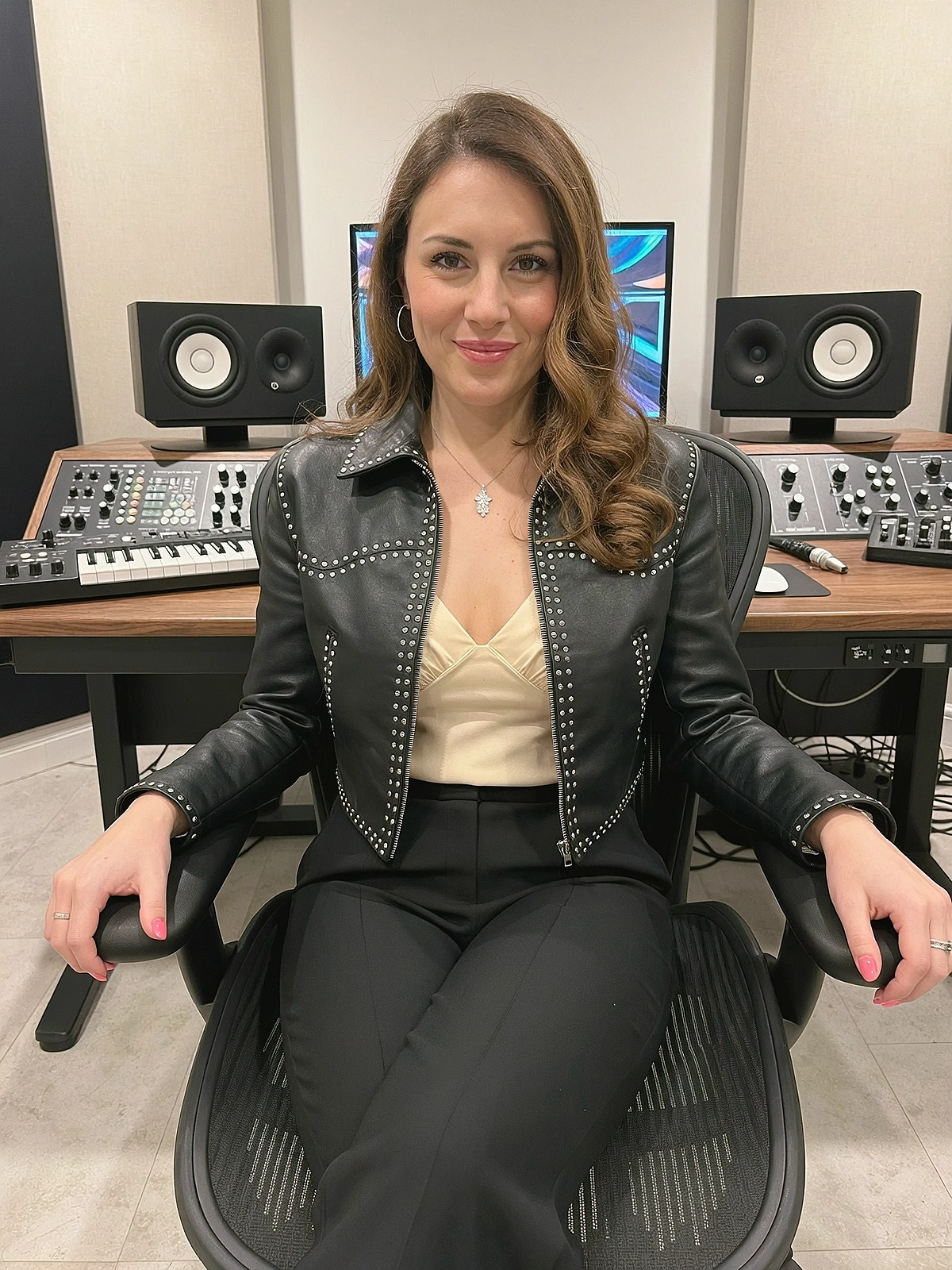 ACT I
Persona, genre, backstory and a face people believe. We design an artist with a point of view and a look that reads as a real person, not a render.
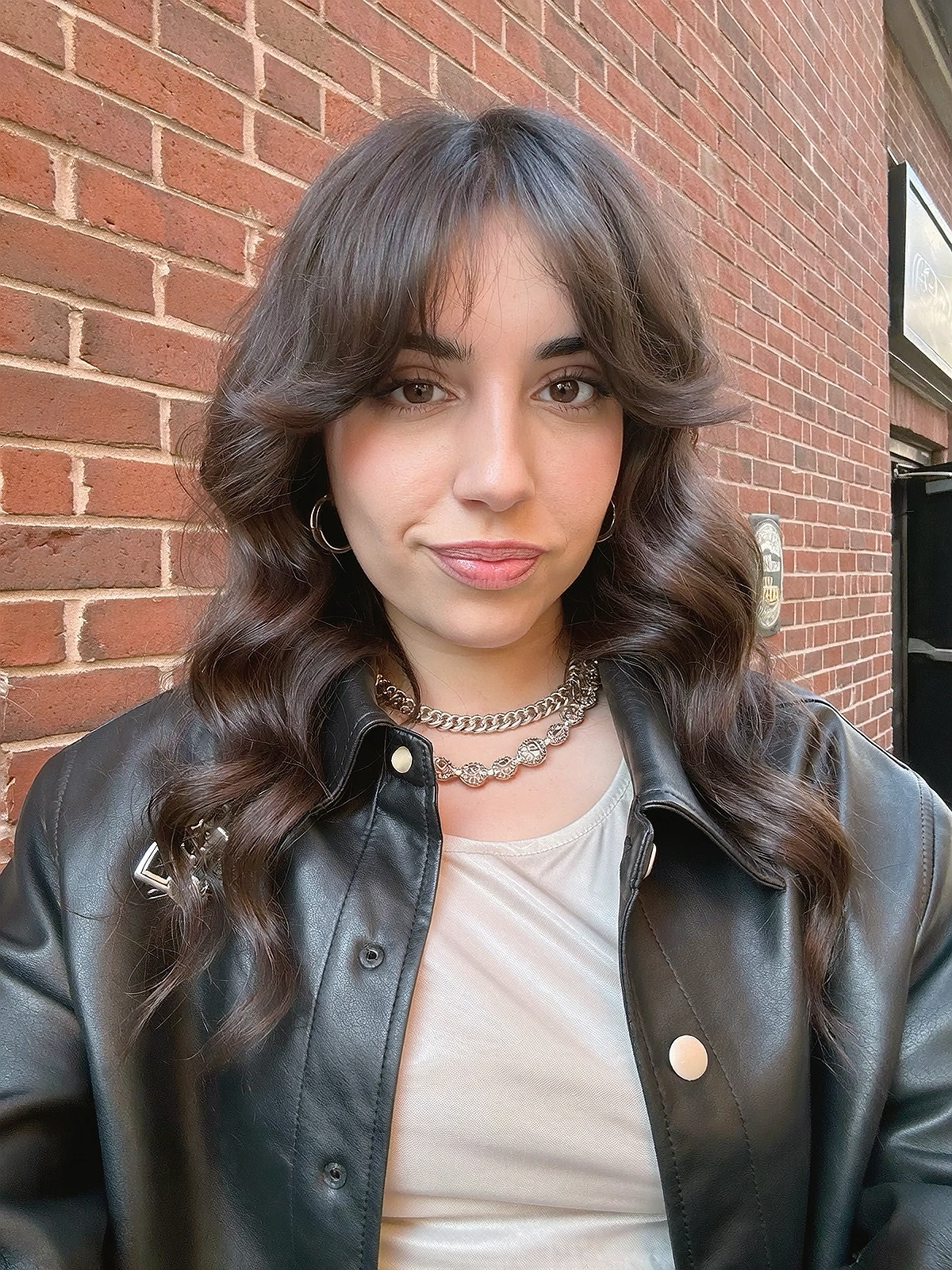 ACT II
Set your artist up in their creative home: brainstorm, references, styling and character tools, all in one place. On the managed version, so there are no API keys to set up.
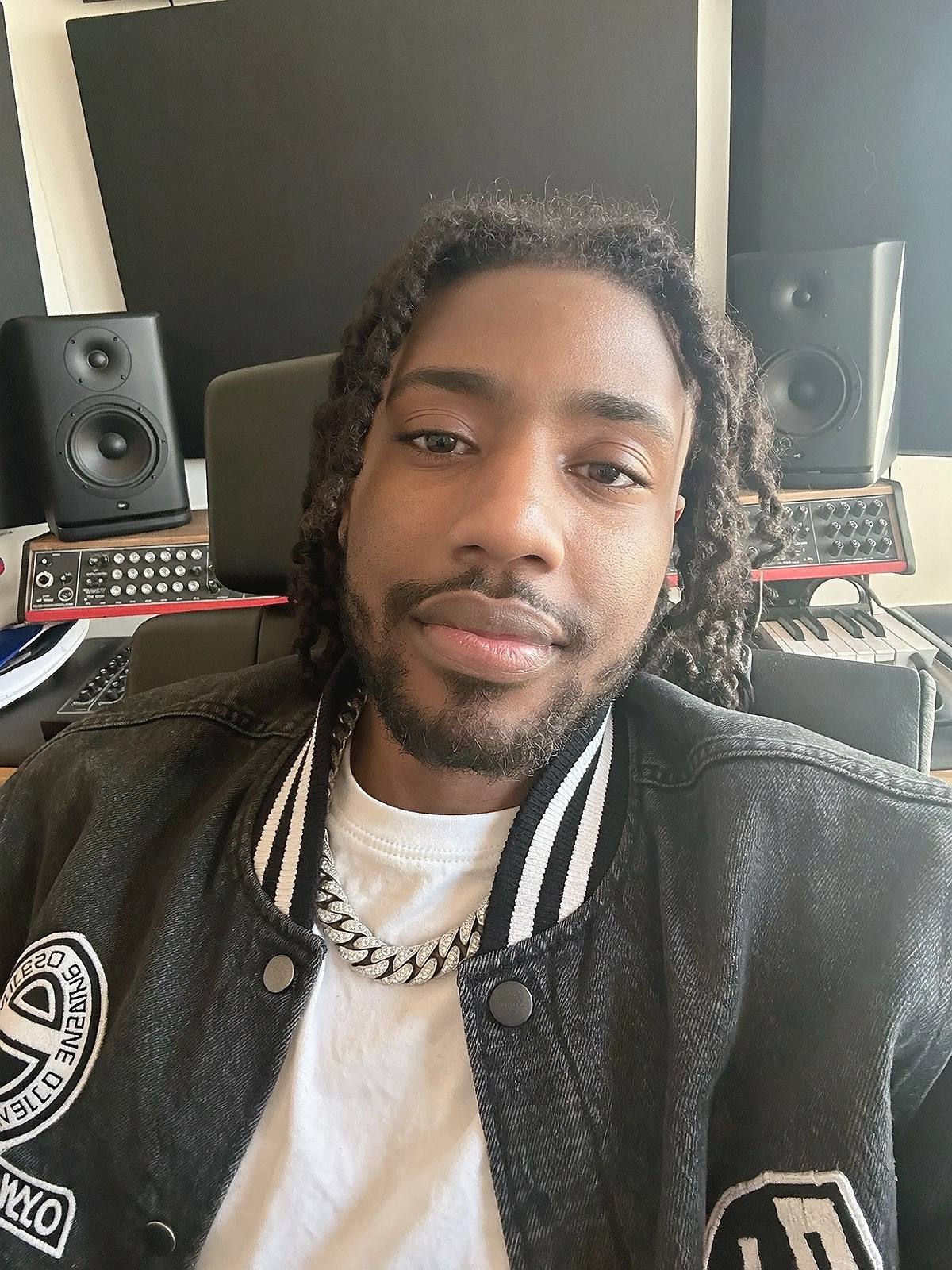
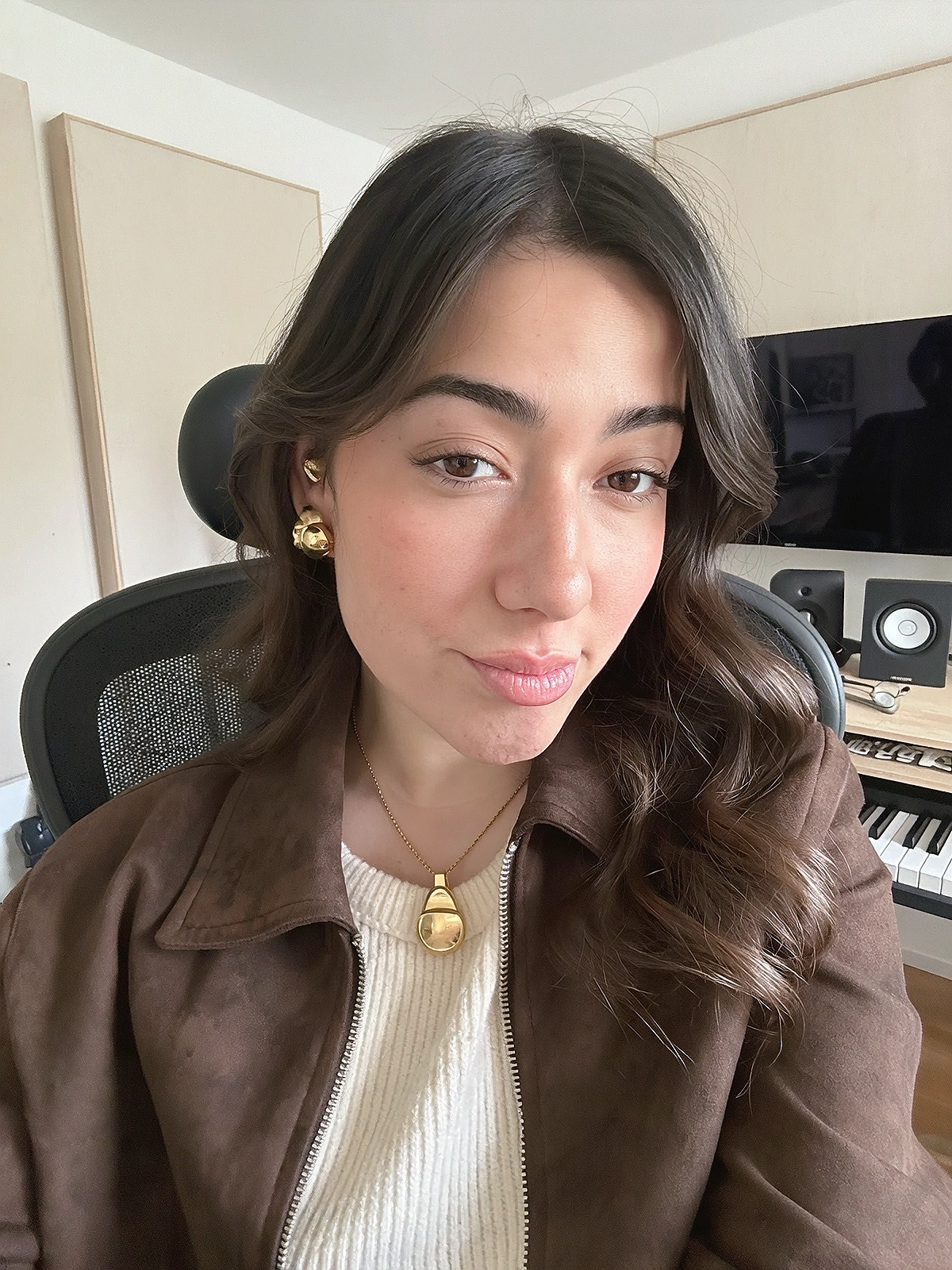
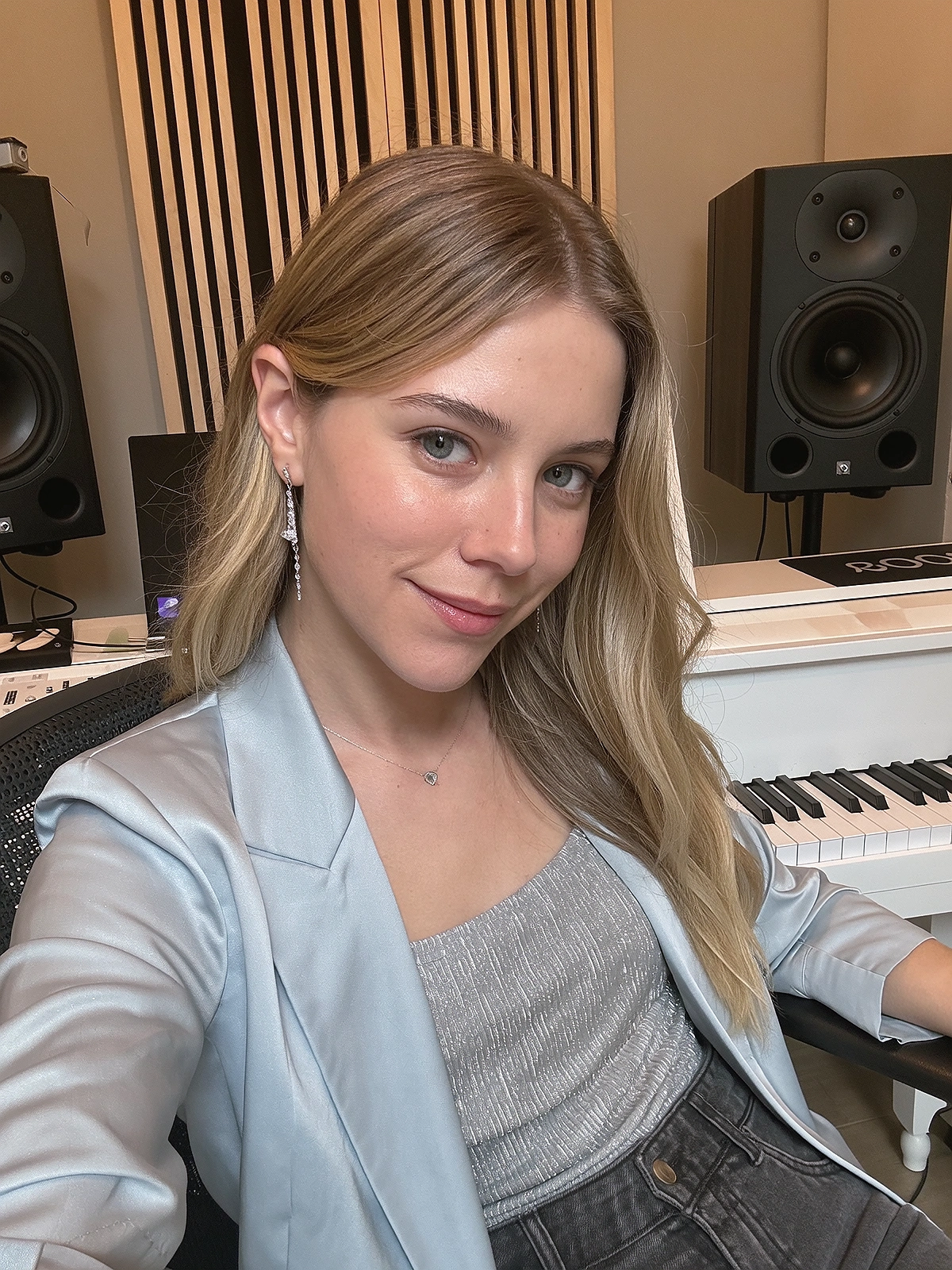
The step that separates pros from everyone else. Build a clean dataset, then train a custom character LoRA so your artist looks like themselves in every shot. Your first Krea 2 training is included.
 ACT IV
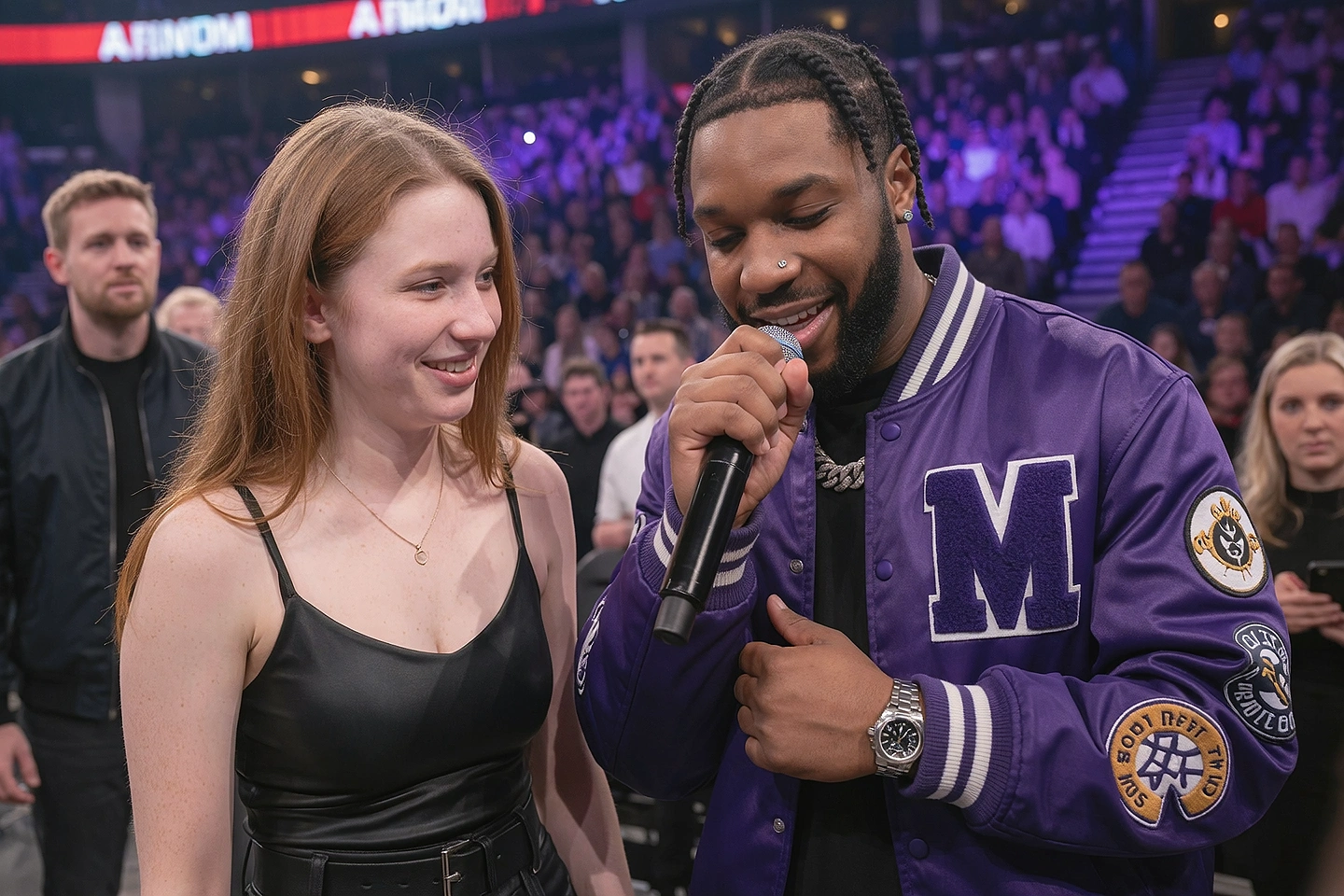
Load the LoRA into FameGrid and create press shots, cover art and campaign images that look like a real photographer was on set. A month of FameGrid credits is on us.
 ACT V
Bring in the track. We walk through exactly how the Music Video tool works: song analysis, the treatment, scenes in chronological clip batches and performance shots, all starring the artist you just built.
 FINALE
The clips are only half the story. We cut, time and polish the video to the beat, first in Creator Studio’s video editing tool, then in CapCut, so you know how to finish a release that’s ready to post.
See it in action · 1:56 · sound on
A first look at the Music Video workflow in Creator Studio. In the masterclass we take it all the way, with your artist, live.
Your instructor
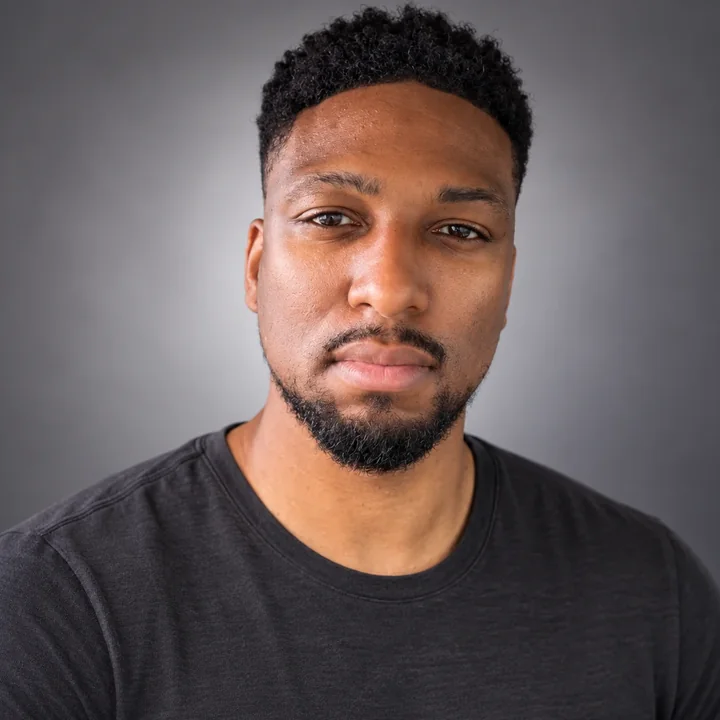
You’re not learning this from someone who only makes AI pictures. March Wonder aka Remedy Beats is a former Billboard-charting music producer with 15 years in the music industry. He has filmed over 40 music videos in real life, and edits and directs them too, so you’ll learn the whole pipeline the way a real music video gets made.
How it works
The live session happens within the next 3 weeks. We’ll lock the exact date once we know when the most seat-holders can attend, and email you the moment it’s set.
Can’t make it, or want to rewatch the LoRA part three times? The full recording is yours to keep, so you can go back to any step whenever you need it.
Ask anything, as many times as you like. Stuck on your dataset, a shot or a scene? That’s exactly what the Q&A is for. Got a question right now? Click the chat bubble in the bottom-right corner.
Who it’s for
Within the next 3 weeks. We’ll lock the exact date and time once we know when the most seat-holders can attend, and email you as soon as it’s confirmed. If you can’t make it, the recording is yours to keep.
Yes. Your payment is fully refundable until the live session. Just email info@ultramuse.art before it starts.
The current price is $299.00. The regular launch price is $299.00. Your seat and included benefits are the same at either price.
No. Your seat includes a month of the managed version of Creator Studio, so there are no provider API keys to connect. Sign in and follow along.
Not at all. We build the dataset and train the character LoRA together, step by step, and your first Krea 2 training is included in your seat.
Bring your own track to make your own video. Creator Studio handles the visuals: it doesn’t make the music or clone a voice.
Yes. You can follow along with a brand-new artist or bring the references of one you’ve already created.
We’ll send your access details by email. Ask us anything about timing on the day, or before, at info@ultramuse.art.
YOUR NEXT CREATIVE STEP
A live AI artist masterclass with a recording to keep, unlimited questions, one month of managed Creator Studio and FameGrid credits, premium access, and one Krea 2 LoRA training.
Pay securely with Stripe. Apply Discord points at checkout: 100 points = $1.
Your order tracks eligibility, release status, and eventual access. Questions? Email us.
KEEP THE IDEAS GOING
A few more tools
for your next project.
 TEMPORARILY UNAVAILABLE
Kits / ComfyUI + Krea 2
Two workflows, a realism LoRA, a step-by-step PDF, a video walkthrough, and one Krea 2 LoRA retraining on your…
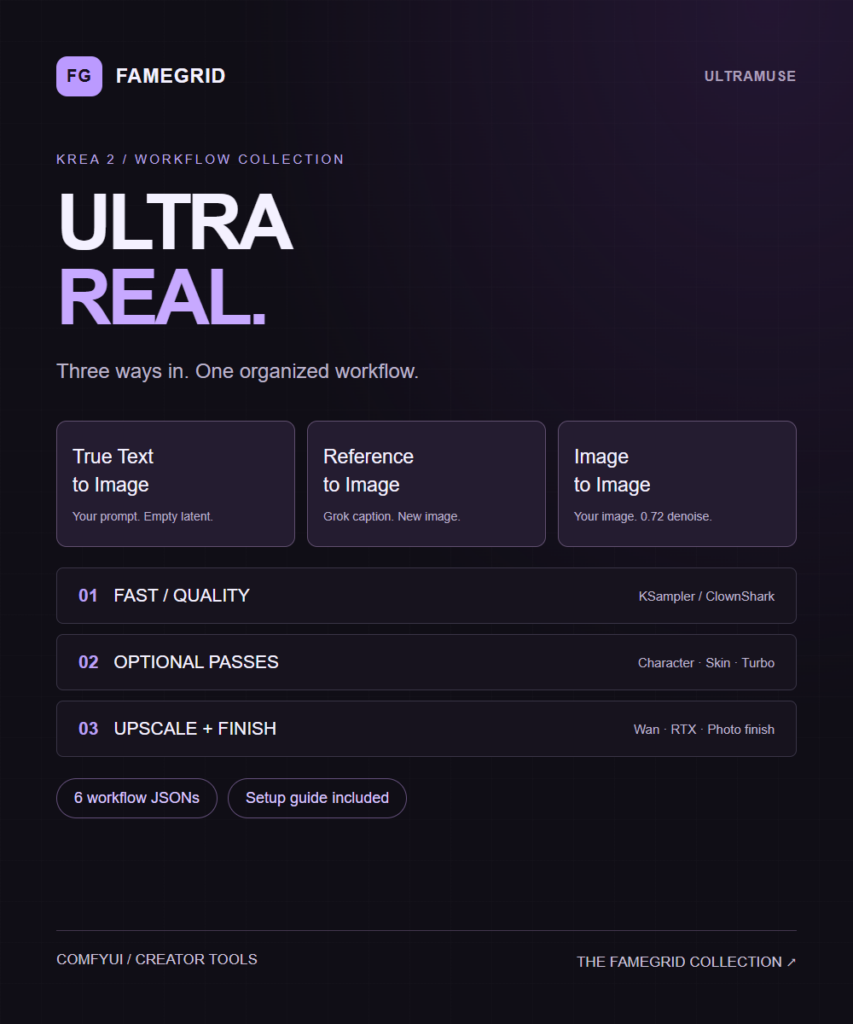
Workflows / ComfyUI + Krea 2
An organized Krea 2 workflow collection with three starting modes, Fast/Quality sampling, optional detail passes, 2x routes and dedicated…
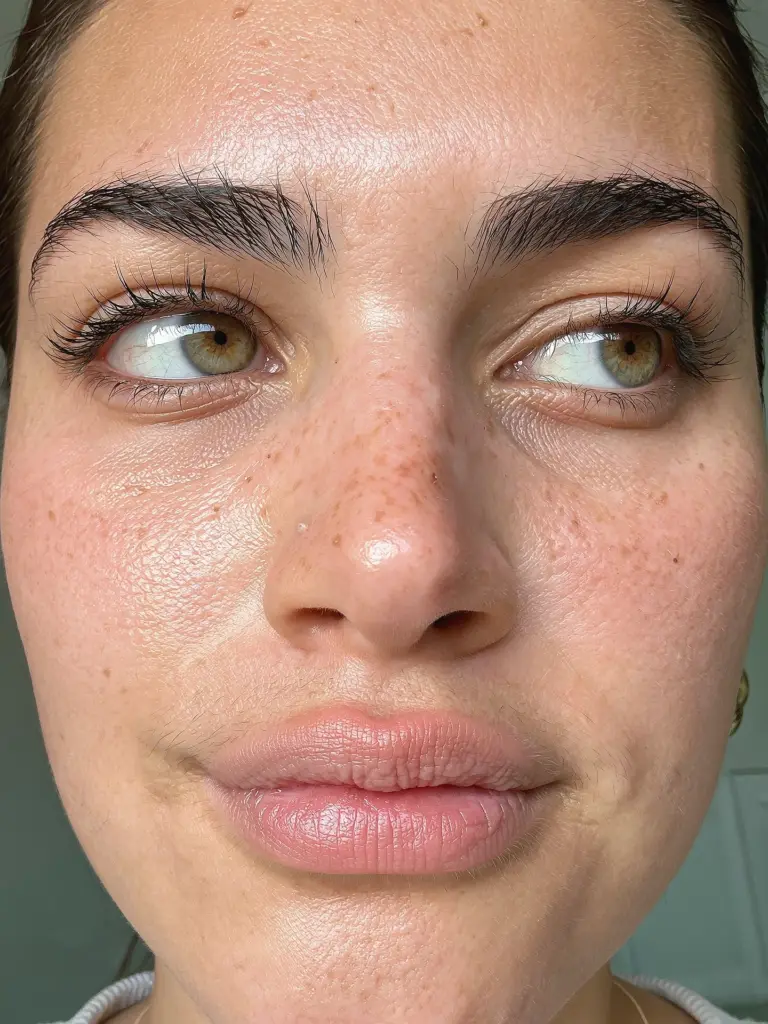
Models / Krea 2
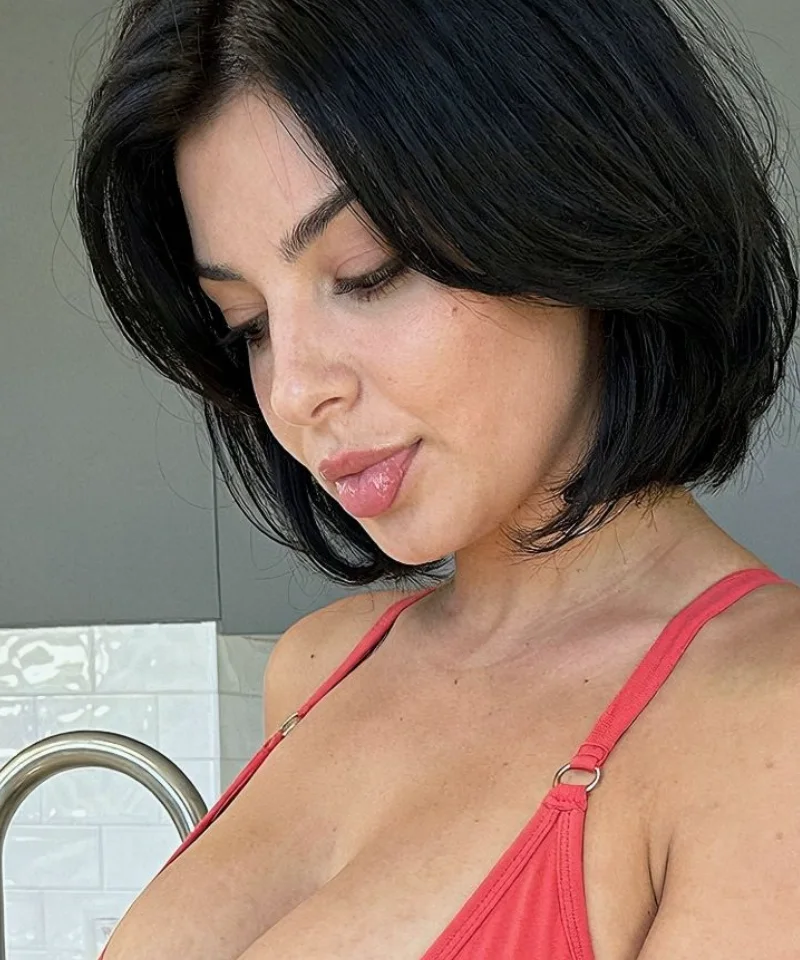
The little details make the difference. A face-focused LoRA for more lifelike Krea 2 portraits.